Roche Diagnostics
186 Operator’s Manual · Version 3.0
7 Maintenance Multiplate® analyzer
Checking the temperature
Checking the temperature
p To check the analyzer temperature
1
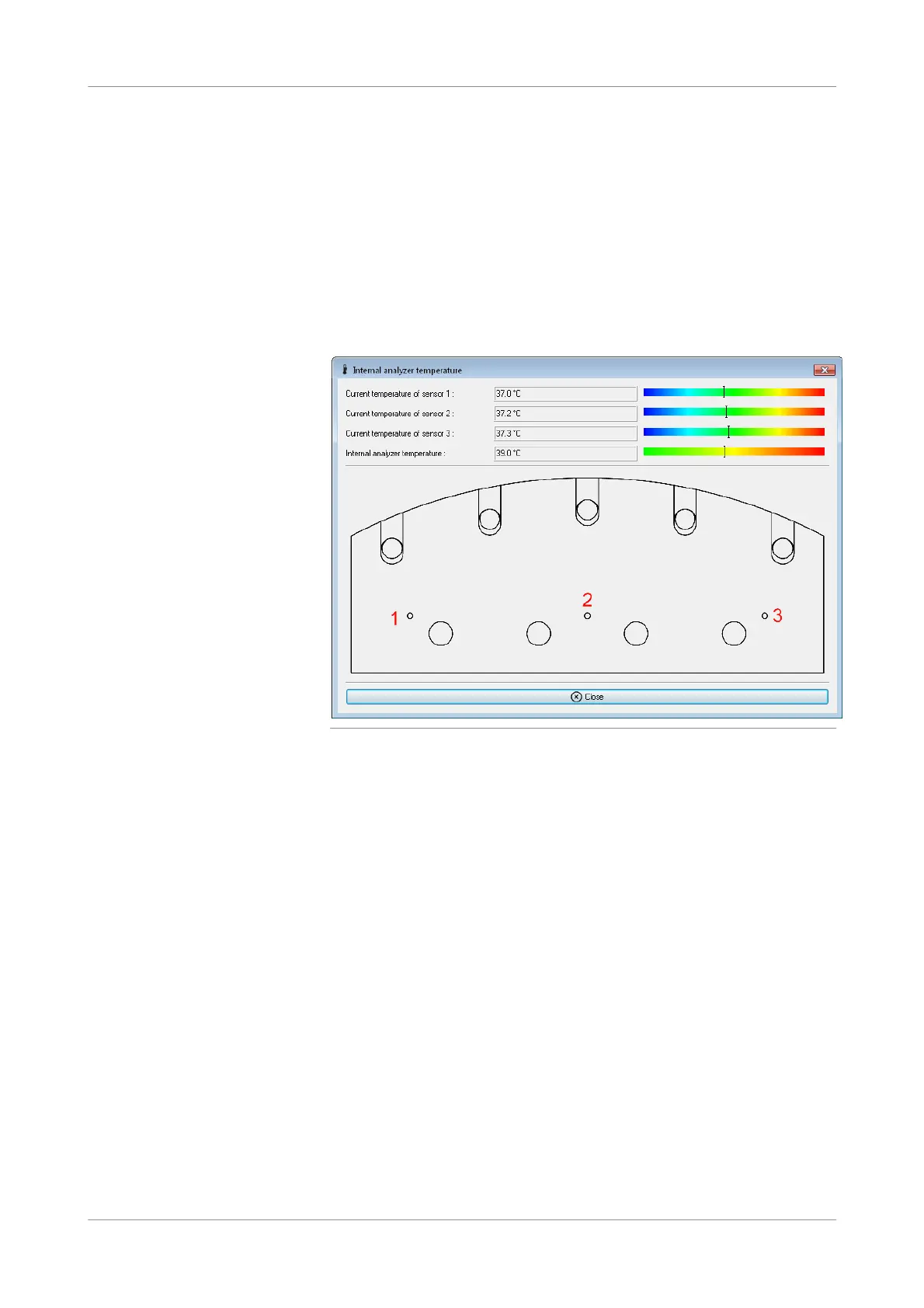
Choose Tools > Show analyzer temperatures.
The temperature menu displays the actual temperature of three sensors that are
located underneath the measurement block. The internal temperature of the
analyzer is also displayed.
Each sensor must be within the range of 37.0 ±1.0 °C.
Figure 7-35 Internal analyzer temperature window
s











 To Next Page