Roche Diagnostics
90 Operator’s Manual · Version 3.0
4 Software Multiplate® analyzer
Menu options
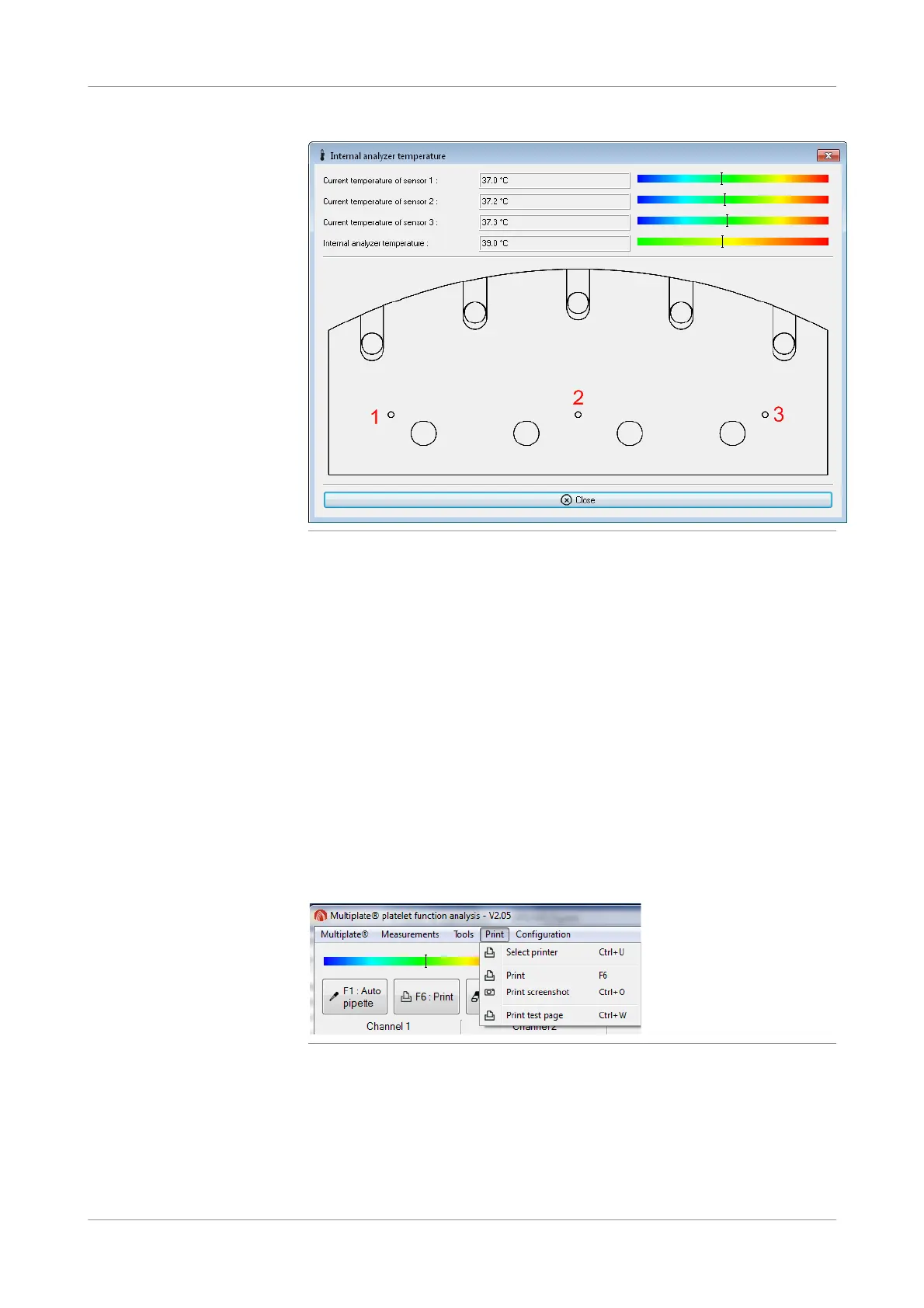
Figure 4-26 Internal analyzer temperature window
u See Checking the temperature (p. 186).
Print analyzer configuration
f Tools > Print analyzer configuration
Use this function to print the current analyzer configuration.
Save analyzer configuration
f Tools > Save analyzer configuration
Use this function to save the current analyzer configuration to a text file.
The file is saved to the following directory: C:\Multiplate\Config\History
Print menu
Figure 4-27 Print menu
Select printer
f Print > Select printer
Use this function to select a printer. The generic Windows Print window is
displayed.











 To Next Page