Roche Diagnostics
Operator’s Manual · Version 3.0 45
Multiplate® analyzer 2 Installation
Setting up the software
6
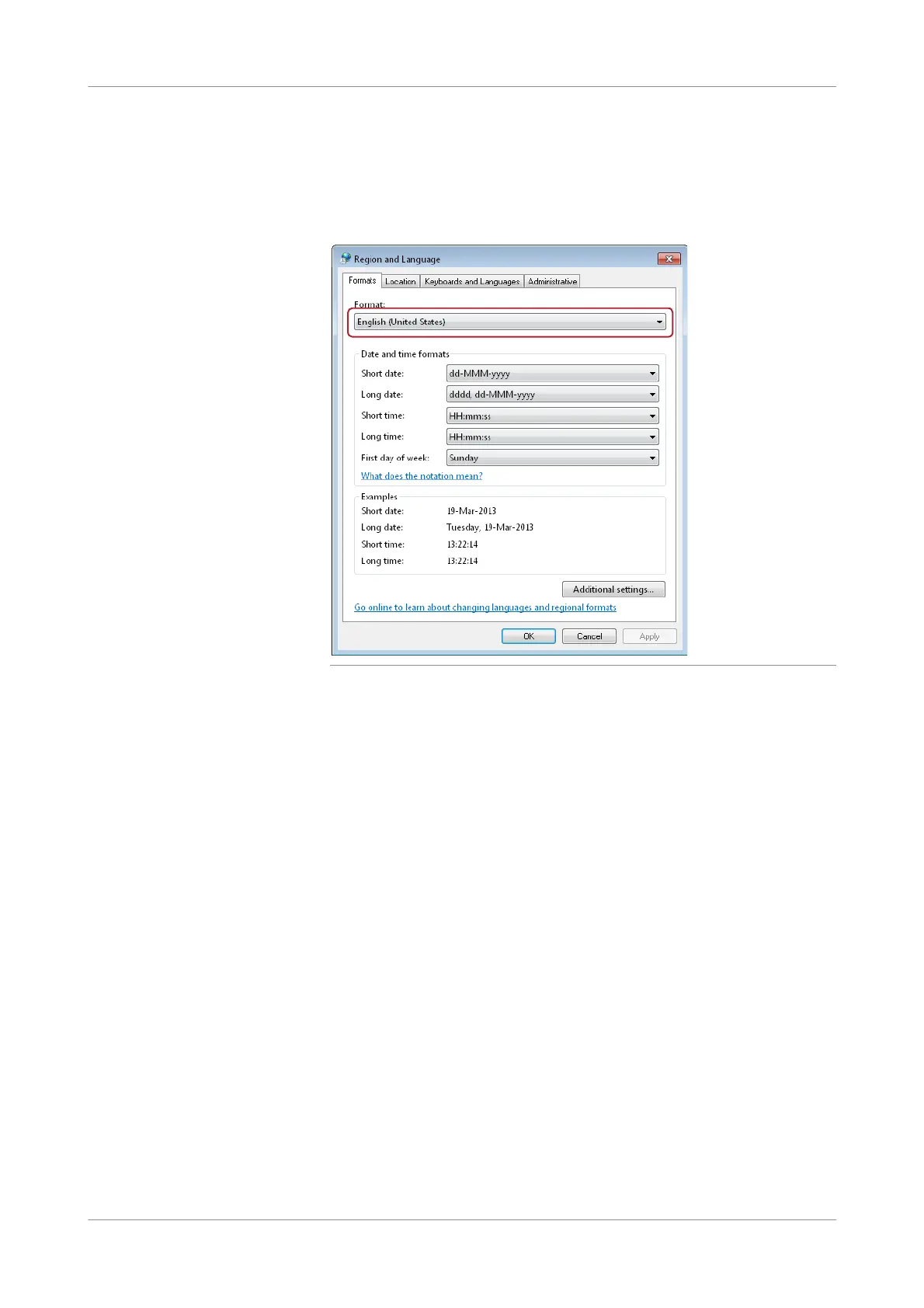
Choose Start > Control Panel > Region and Language.
The Regi on and Language window is displayed.
7
On the Formats tab, select the preferred time format, for example select English
(United States).
Figure 2-30 Defining the time format
8
Choose the OK button to apply the new format to the user profile.
s











 To Next Page