Roche Diagnostics
Operator’s Manual · Version 3.0 173
Multiplate® analyzer 7 Maintenance
Maintenance and cleaning of the electronic pipette
2
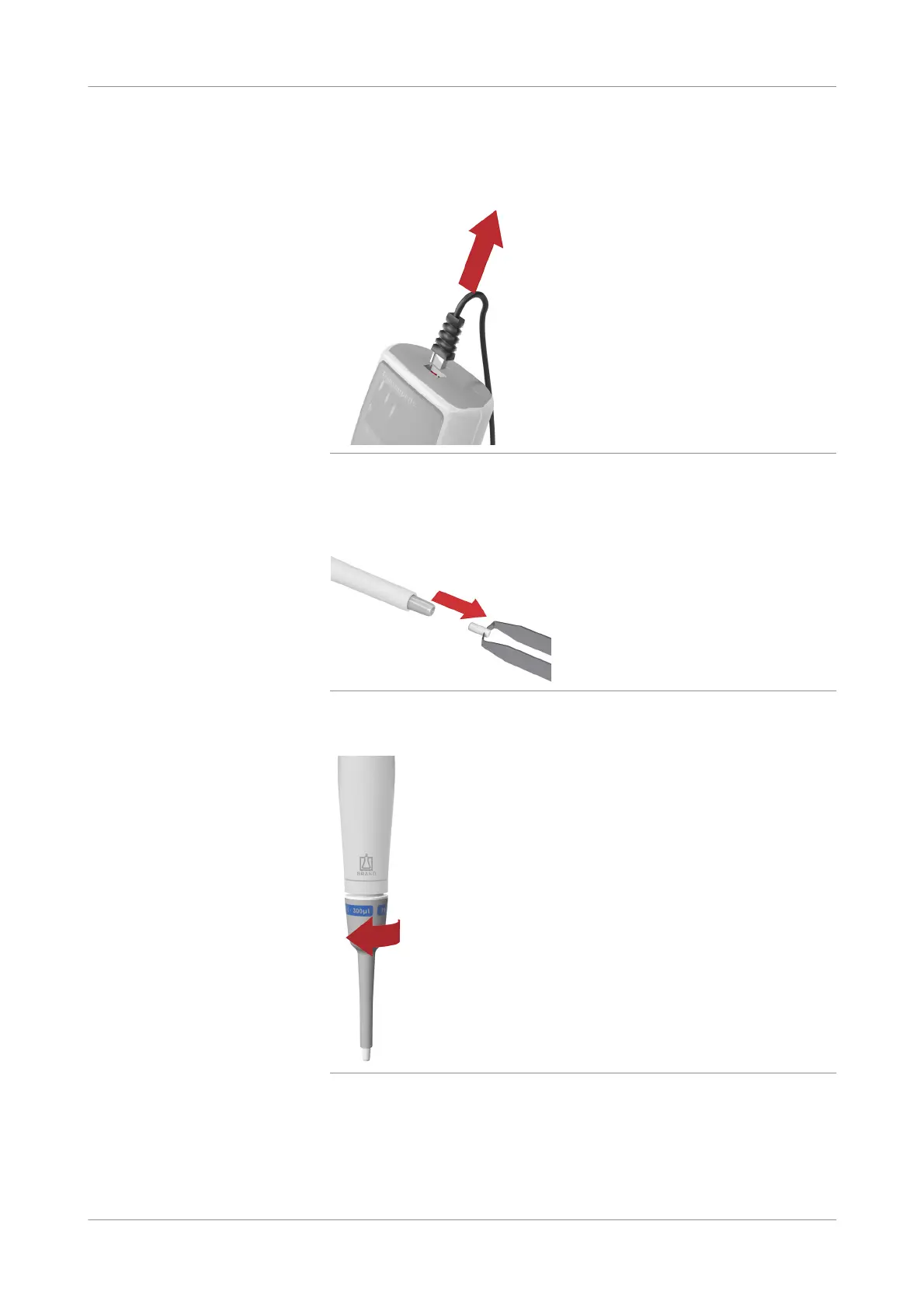
Unplug the pipette cable to the analyzer.
Figure 7-8 Unplugging the pipette
3
Remove the tip cone filter from the pipette.
Figure 7-9 Removing the filter
4
Unscrew the pipette shaft from the grip.
Figure 7-10 Unscrewing pipette shaft
5
Separate the magnetic connection between both components by gently but firmly
pulling in opposite directions.











 To Next Page