Roche Diagnostics
140 Operator’s Manual · Version 3.0
5 Operation Multiplate® analyzer
Multiplate system control
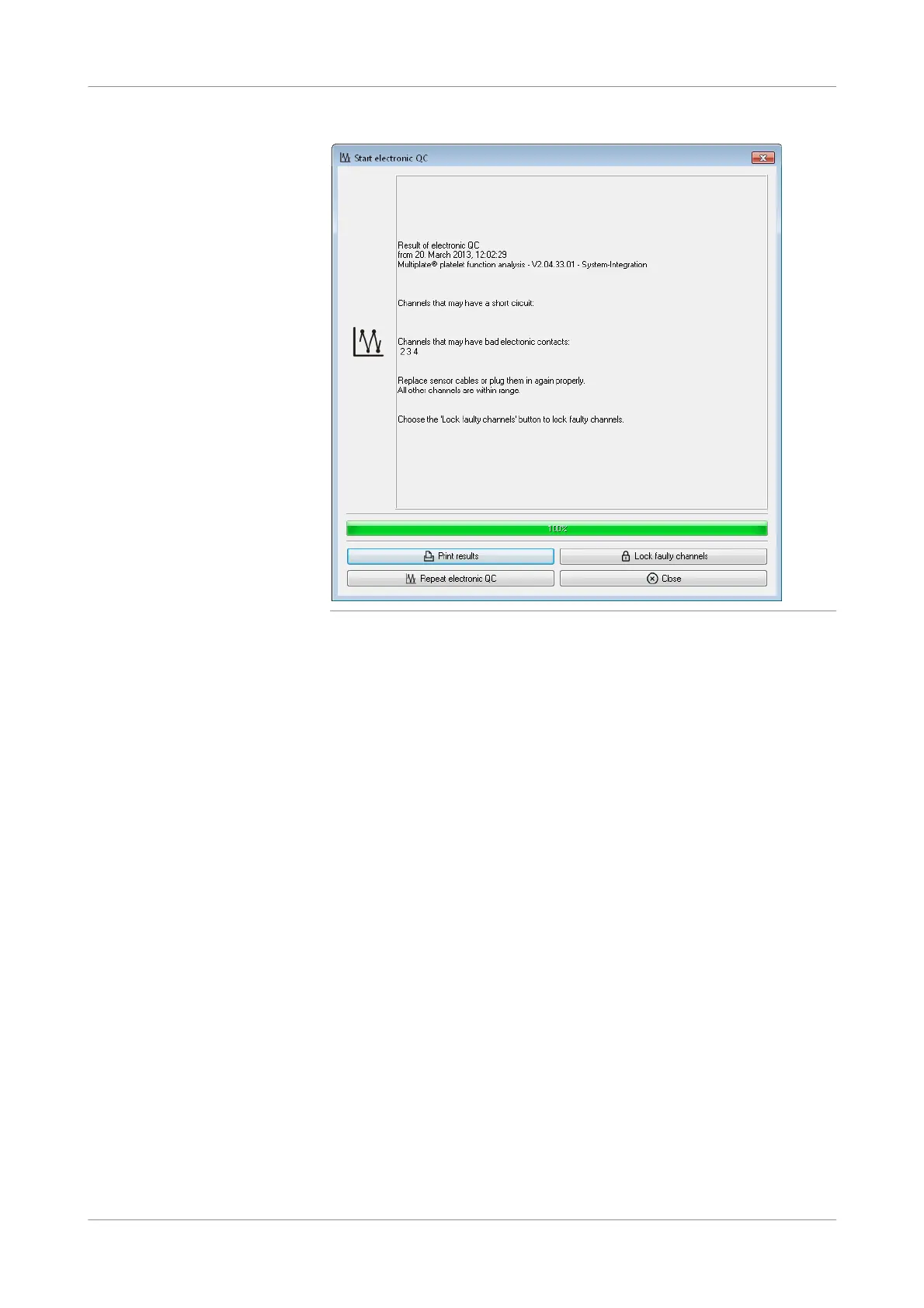
Figure 5-51 Failed results of electronic control
In this situation, install the affected sensor cable on a different channel and then
repeat the electronic control by choosing the Repeat electronic QC button. If the
problem persists for the same channel, exclude the defective channels from
further use by choosing the Lock faulty channels button. If the problem occurs
for the channel, where the affected sensor cable has been installed, replace the
sensor cable and repeat the electronic control by pressing the Repeat electronic
QC button.
In this situation, choose the Lock faulty channels button, so that no
measurement can be performed on these channels.
u See Troubleshooting (p. 189).
5
Choose the Print results button to print the electronic control results. Every
electronic control result is saved automatically.
u See also Data folder (p. 130)
s











 To Next Page