Roche Diagnostics
104 Operator’s Manual · Version 3.0
5 Operation Multiplate® analyzer
Using the electronic pipette
q
To avoid the intake of air, leave the tip immersed into the liquid for approximately one
second.
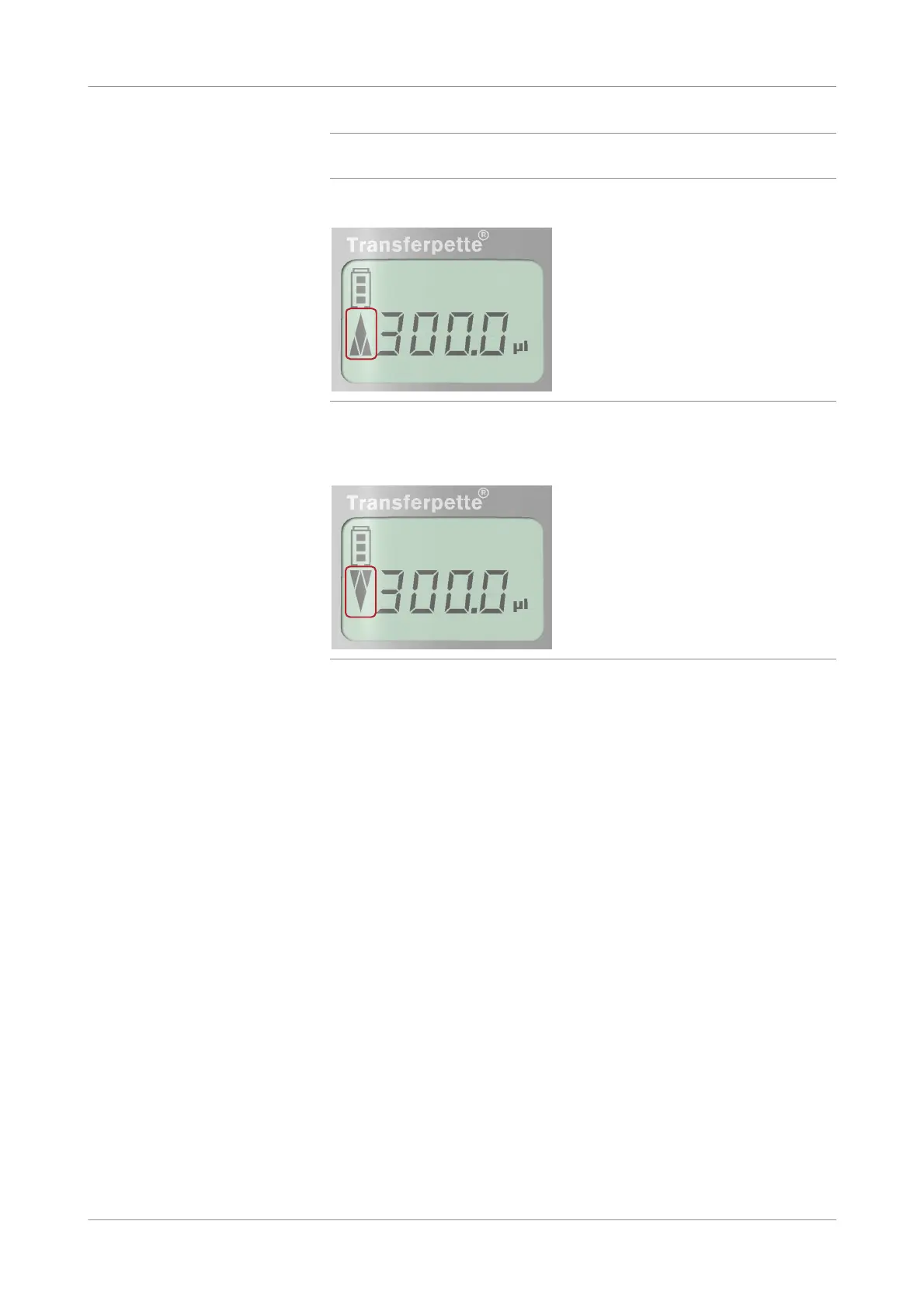
The arrow in the display points upwards to indicate aspiration of liquid.
Figure 5-4 Aspiring liquid, display
When aspiration is completed, the arrow in the display points downwards to
indicate that the pipette is ready for dispensing.
Figure 5-5 Dispensing liquid, display
4
Insert the pipette into the test cell or reagent vial.
o To dispense the liquid into a test cell:
O insert the pipette vertically into the test cell, when pipetting diluent, blood,
or Liquid Control Solution 1 (1
st
step). Liquid Control Solution 1 (2
nd
step) and Liquid Control Solution 2 have to be added onto the surface of
Solution 1 to avoid air bubbles.
O for adding reagent make sure to insert the pipette vertically deep into the
test cell.
o To dispense liquid into a reagent vial using the Liquidtrans function, hold the
pipette vertically over the reagent vial.











 To Next Page