Roche Diagnostics
Operator’s Manual · Version 3.0 123
Multiplate® analyzer 5 Operation
Performing a measurement
7
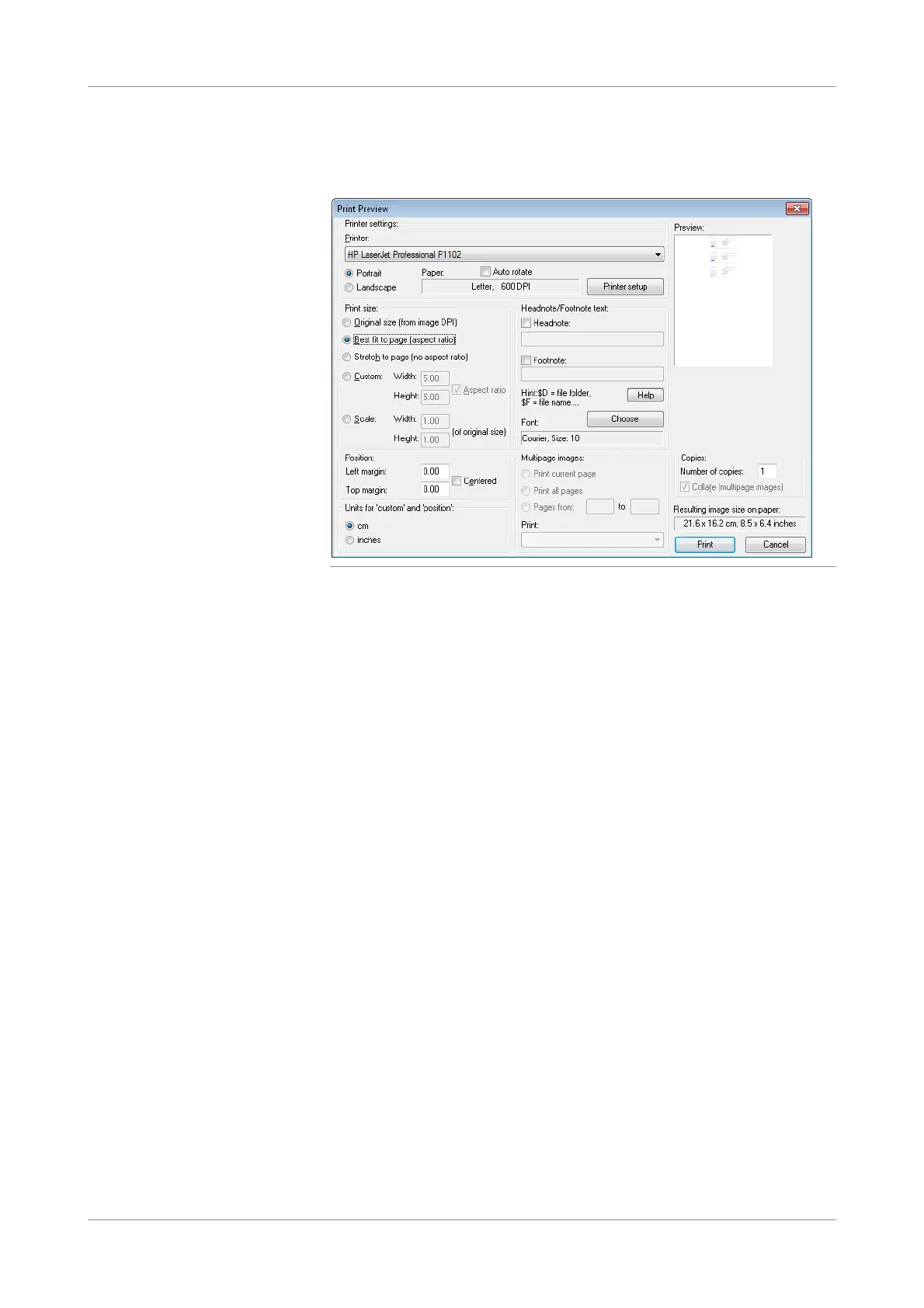
Choose Ctrl+P or File > Print to print.
The Print Preview window is displayed.
Figure 5-34 Print preview in IrfanView application
8
In the Print size panel, select Best fit to page.
9
Choose the Print button to confirm.
10
When printing is complete, close all open windows.
The new settings will be retained.
s











 To Next Page