Roche Diagnostics
154 Operator’s Manual · Version 3.0
6 Configuration Multiplate® analyzer
Configuring the analyzer
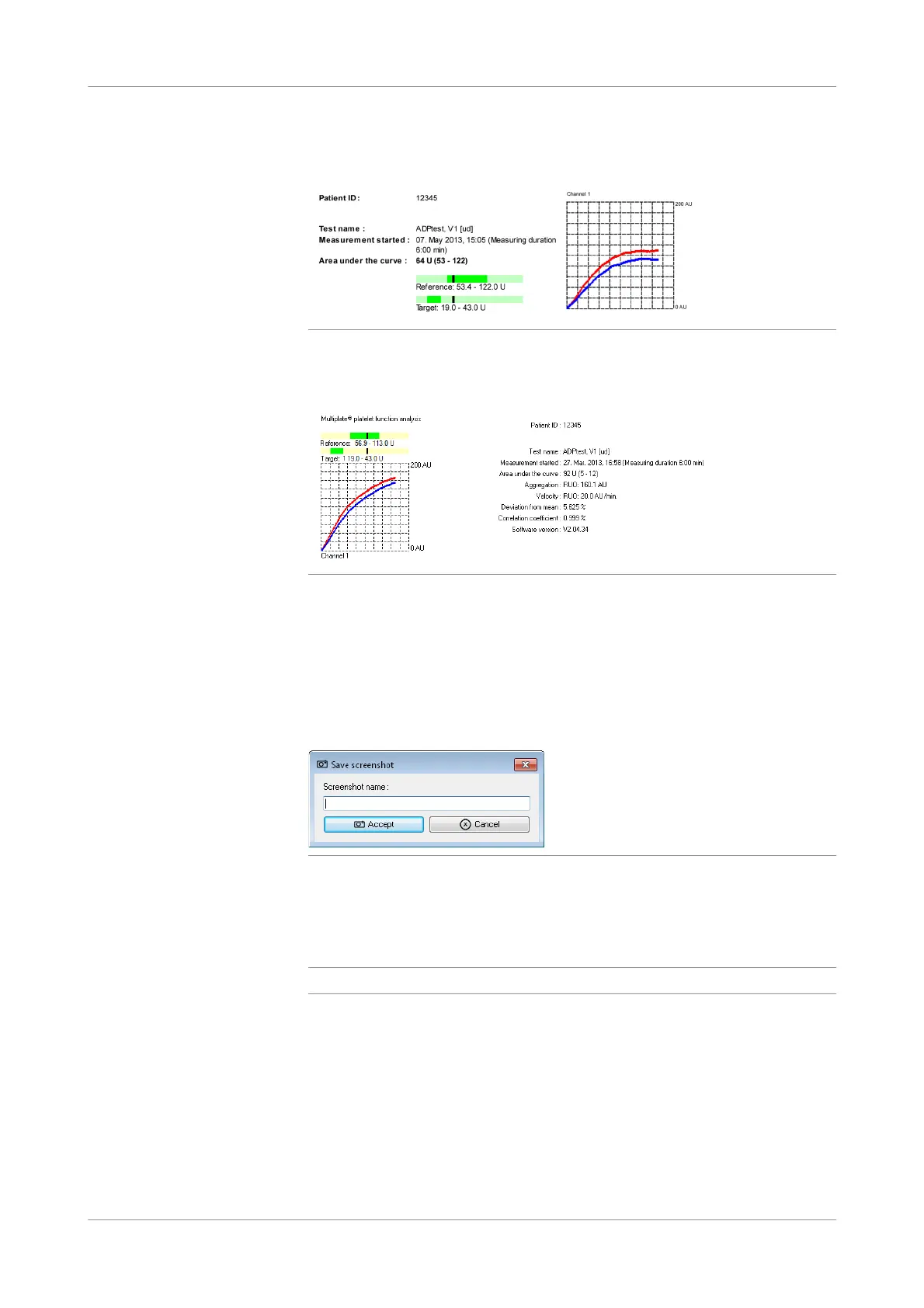
Print only the AUC This option allows to print out only the AUC parameter. The final results of the
aggregation and velocity parameters are not included.
Figure 6-6 Printout without the final results of aggregation and velocity
The results in the Graphics folder still contain all the parameters from the
measurement.
Figure 6-7 Automatically saved graphic of a measurement in the Graphics folder
Edit screenshot name Use this option to add a screenshot name to the file names of automatically saved
screenshots. (Screenshots that are automatically saved during the printing process are
not tagged with the patient ID, only the date and the time of the measurement, for
example: 2018-09-10_13.18.31 Automatic saved.png.)
When you choose the Print button on the main screen, a window is displayed for
entering the screenshot name.
Figure 6-8 Window for entering screenshot name
Choose the Accept button to save the screenshot into the Screenshots folder
(subfolder of the Data folder on the desktop).
u See Data folder (p. 130).
q
If you choose the Cancel button, no screenshot will be saved.
Synchronized graphic scaling Use this option to synchronize the graphic scaling for all channels on the main
screen. When you change the scaling for one graphic, all other channels will be
changed accordingly.
Display format of the AUC
parameter
Select the unit for the AUC value (AU*min or U). Roche recommends to use the unit
U for the AUC parameter.
Result transmission to the LIS is always done in the unit U.











 To Next Page