ODIN Intercom Matrix Basic Operation 29
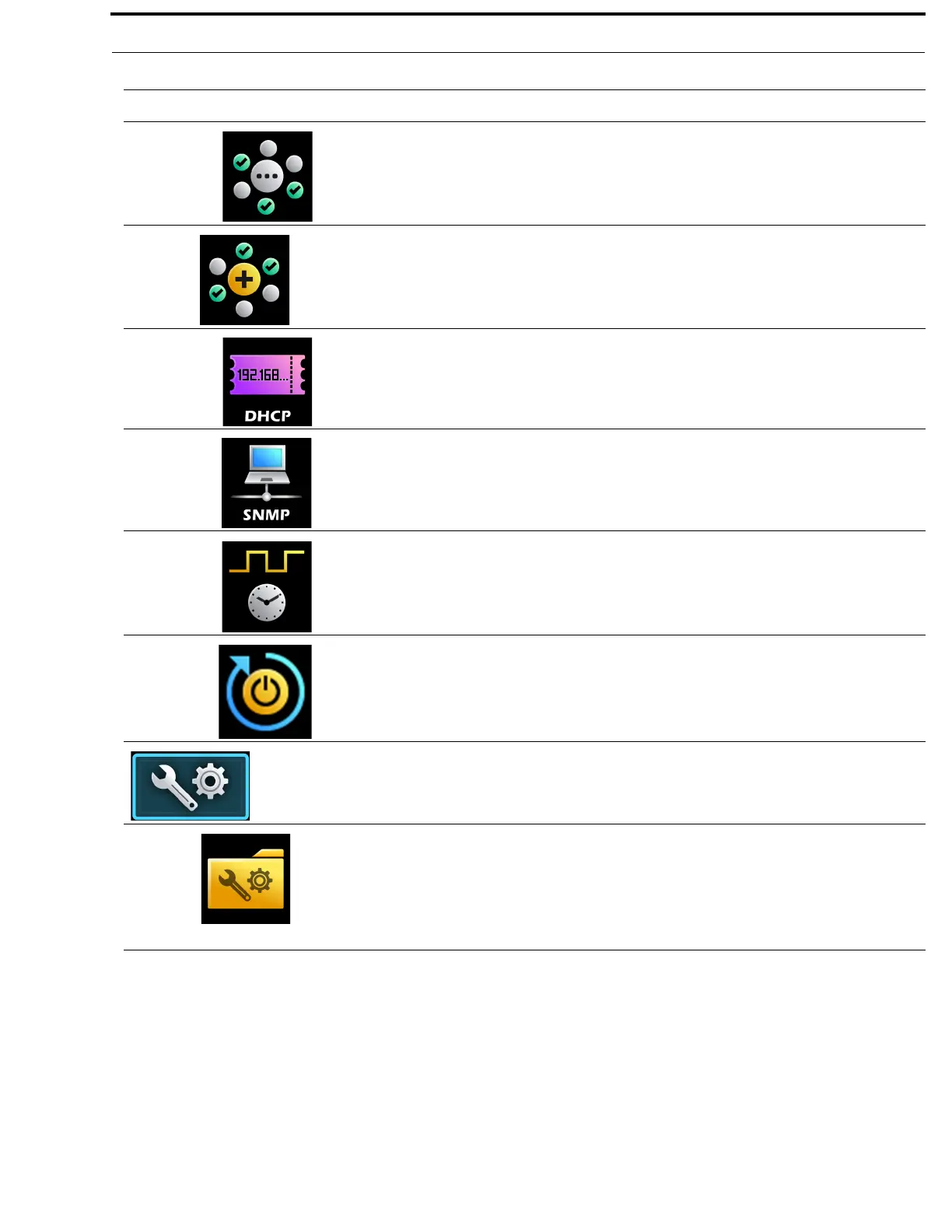
Options The Options menu item is used to access the Options configuration form.
This form is used to define how ODIN constructs work on the frame.
For more information, see “Options” on page 142.
Advanced
The Advanced menu is used to select advanced configuration options to
modify.
For more information, “Advanced Menu” on page 143.
DHCP Server The DHCP Server menu item is used to set up or modify the DHCP server
settings.
For more information, see “DHCP Server” on page 143.
SNMP The SNMP menu item is used to set up or modify SNMP settings.
For more information, see “SNMP” on page 144.
Clock Select The Clock Select menu item is used to synchronize audio across the
frames in an intercom system.
For more information, see “Clock Select” on page 146.
Soft Reset The Soft Reset menu item is used to perform a soft reset on the frame.
For more information, see “Soft Reset” on page 146.
Intercom Setup
The Intercom Setup menu is used to select the various intercom
setup options such as Resources, Gains, and Alphas.
For more information, see “Intercom Setup Menu” on page 147.
Stored Setups (Single
Frame Only)
The Stored Setups menu is used to select the slot folder to store, modify or
delete intercom setup files.
This menu item only appears when a single frame system is running.
For more information, see “Stored Setups Menu (Single Frame Only)” on
page 147.
TABLE 1. Display Icon Description and Menu Structure
Icon Icon Name Description



 To Next Page