28 Basic Operation ODIN Intercom Matrix
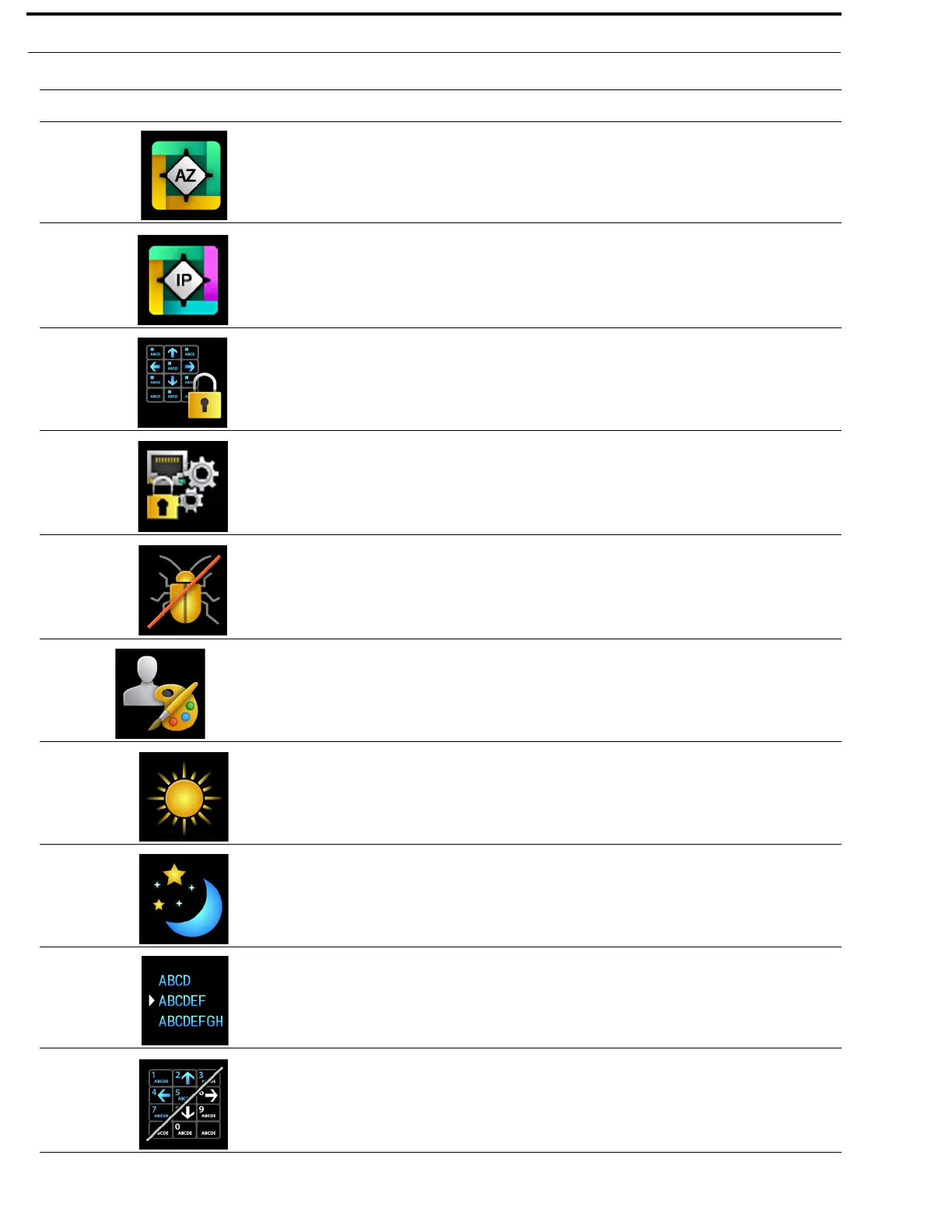
AZedit The AZedit menu item is used to restrict access to AZedit.
For more information, see “AZedit” on page 135.
IPedit The IPedit menu item is used to restrict access to IPedit.
For more information, “IPedit” on page 136.
Front Panel The Front Panel menu item is used to configure access restrictions for the
front panel (including setting PINs for menu access).
For more information, see “Front Panel” on page 137.
Management Port The Management Port menu item is used to enable or disable AZedit
support on the Management Port.
For more information, see “Management Port” on page 138.
Debug Shell The Debug Shell menu item is used to access the Debug Shell
Authentication form. This form is used to restrict access to the Debug
Shell.
For more information, see “Debug Shell” on page 138.
User Interface
The User Interface menu is used to view and modify user interface
preferences.
For more information, “User Interface Menu” on page 139
LCD Brightness The LCD Brightness menu item is used to configure the brightness of the
front panel LCD.
For more information, see “LCD Brightness” on page 139.
Screen Saver The Screen Saver menu item is used to modify the screen saver settings
and how the screen saver is displayed.
For more information, see “Screen Saver” on page 139.
Alpha Size The Alpha Size menu item is used to select the alpha size used to display
alphas via the front panel user interface.
For more information, see “Alpha Size” on page 140.
Keypad The Keypad menu item is used to configure the Keypad settings (including
LED colors, and brightness for Keypad mode).
For more information, see “Keypad” on page 141.
TABLE 1. Display Icon Description and Menu Structure
Icon Icon Name Description



 To Next Page