ODIN Intercom Matrix Basic Operation 27
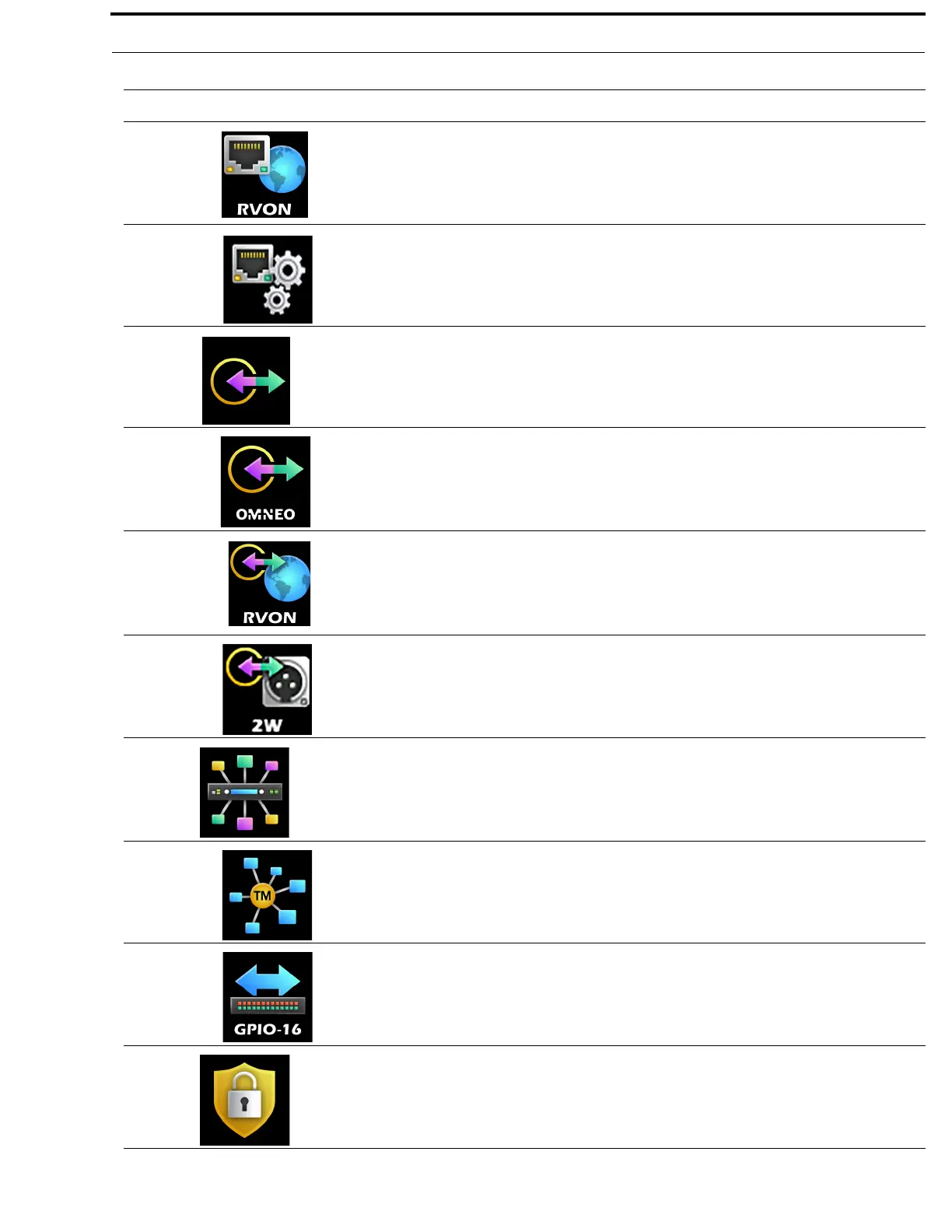
RVON The RVON menu item is used to configure the Ethernet network
configuration for the RVON Ports for the current frame.
For more information, see “RVON” on page 129.
Management Port The Management Port menu item is used to configure the Ethernet
network configuration for the Management Port located on the front panel.
For more information, see “Management Port” on page 129.
Ports
The Ports menu is used to select the type of ports to be configured.
For more information, see “Ports Menu” on page 130.
OMNEO Channels The OMNEO Channels menu item is used to configure the partner
devices for the OMNEO channels in each frame.
For more information, see “OMNEO Channels” on page 130.
RVON Channels The RVON Channels menu item is used to configure the partner devices
for the RVON channels in each frame.
For more information, see “RVON Channels” on page 131.
2-Wire Ports The 2-Wire Ports menu item is used to configure the operating mode for
the 2-wire ports in each frame.
For more information, see “2-Wire Ports” on page 132.
Peripherals
The Peripherals menu is used to select the peripheral to be configured.
For more information, see “Peripherals Menu” on page 133.
Trunk Master The Trunk Master menu item is used to configure the Trunk Master for
use in the intercom system.
For more information, see “Trunk Master” on page 133.
GPIO-16 The GPIO-16 menu item is used to configure the GPIO-16 for use in the
intercom system.
For more information, see “GPIO-16” on page 134.
Authentication
The Authentication menu is used to select different areas of the ODIN
system to configure security.
For more information, see “Authentication Menu” on page 135.
TABLE 1. Display Icon Description and Menu Structure
Icon Icon Name Description



 To Next Page