26 Basic Operation ODIN Intercom Matrix
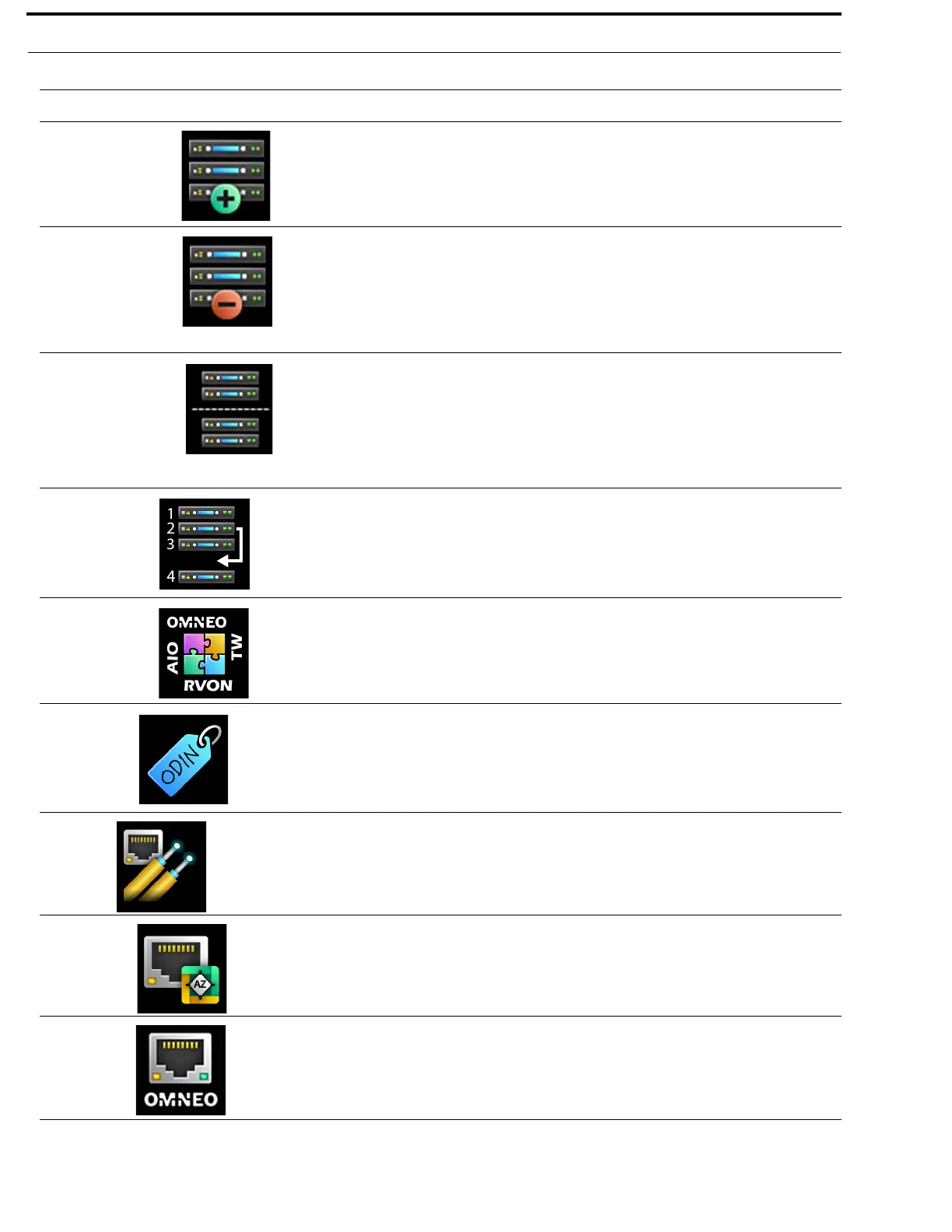
Add Frames The Add Frames menu is used to add a new frame to an existing intercom
by connecting a new frame via IFL. The Frame Mapping Table is updated
automatically and a new system size is automatically determined (but may
be modified by the user before being applied).
For more information, see “Add Frames” on page 120.
Remove Frames The Remove Frames menu item is used to remove all the frames
following the current frame from the intercom. The Frame Mapping Table
and Intercom Size are automatically updated.
This icon only appears when a multiframe system is running.
For more information, see “Remove Frames” on page 122.
Split Frames The Split Intercom menu item is used to break larger intercom systems
into smaller systems. Whereas the Remove Frame menu is used to remove
individual frames from an intercom system, the Split Frame menu is used
to remove a block of frames from one system to create two smaller
intercom systems with multiple frames in each.
NOTE: This item is only visible if there is more than one frame following
the current frame.
Frame Mapping Table The Frame Mapping Table menu item is used to identify which frames
make up the intercom, and to set the frame number order for each frame.
This icon only appears when a multiframe system is running.
For more information, see “Frame Mapping Table” on page 124.
Port Allocation Table The Port Allocation Table menu item is used set the port type (OMNEO,
AIO, 2W, and RVON) for each intercom port (in each frame), as well as to
map the physical analog connectors (AIO and 2W) in each frame to ports
of those types.
For more information, see “Port Allocation Table” on page 125.
Intercom Name The Intercom Name menu item is used to rename the intercom system.
NOTE: The intercom name may only be changed if the intercom is not
currently connected to a Trunk Master.
For more information, see “Intercom Name” on page 126.
Network
The Network menu is used to configure the network interfaces for the
current frame.
For more information, see “Network Menu” on page 127.
Control Port The Control Port menu item is used to configure the Ethernet network
configuration for the Control Port for the current frame.
For more information, see “Control Port” on page 127.
OMNEO The OMNEO menu item is used to configure the Ethernet network
configuration for the OMNEO Ports for the current frame.
For more information, see “OMNEO” on page 128.
TABLE 1. Display Icon Description and Menu Structure
Icon Icon Name Description



 To Next Page