ODIN Intercom Matrix Basic Operation 25
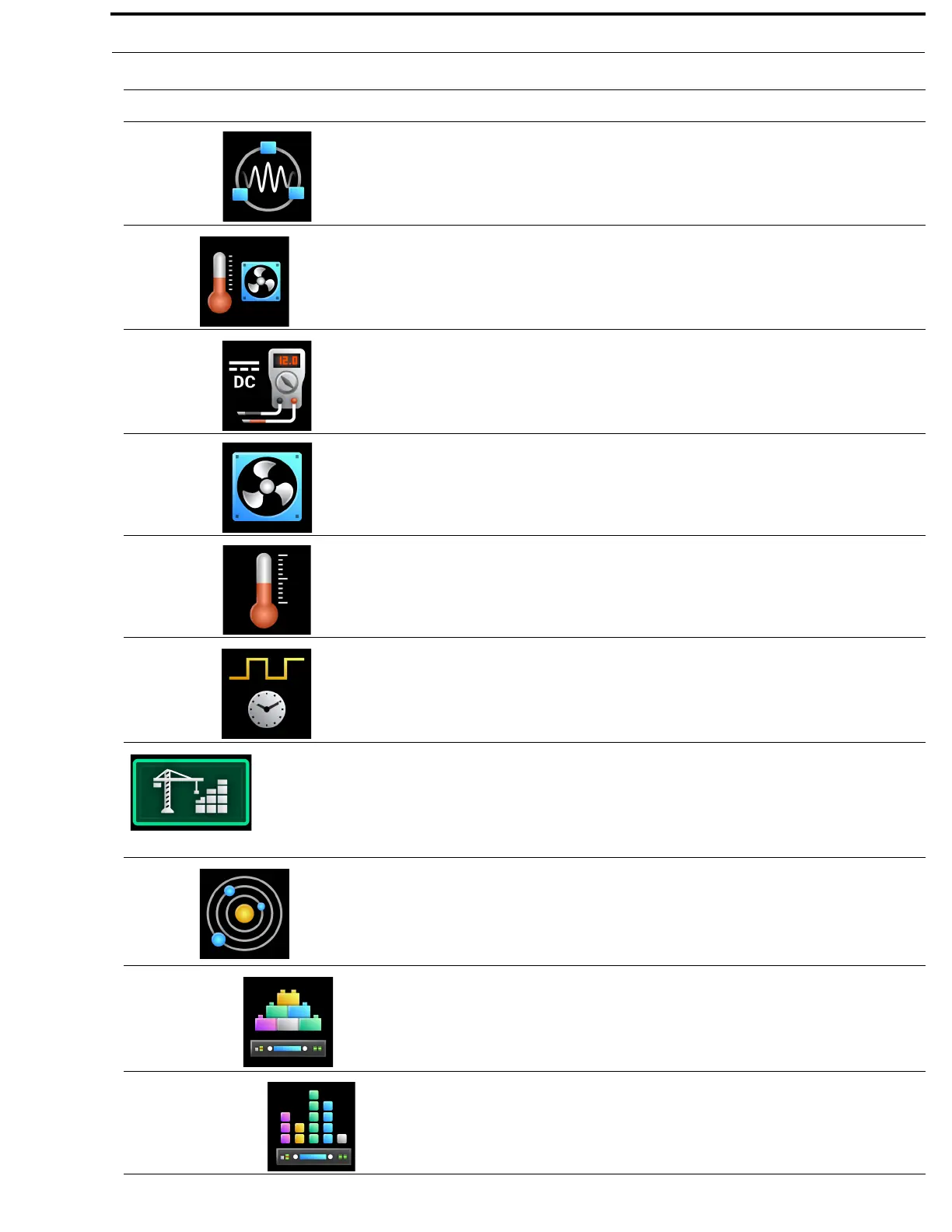
IFL The IFL menu item displays status details for IFL connections.
For more information, see “IFL” on page 107.
Hardware
The Hardware menu item is used to select the hardware status to be
viewed.
For more information, see “Hardware Menu” on page 110.
Power Supplies The Power Supplies menu item displays status information on the power
supplies in each frame.
For more information, see “Power Supplies” on page 110.
Cooling Fans The Cooling Fans menu item displays status information for the cooling
fans in each frame.
For more information, see “Cooling Fans” on page 111.
Temperatures The Temperatures menu item displays status information for the
temperature sensors in each frame.
For more information, see “Temperatures” on page 112.
Clock The Clock menu item displays the status of the system clock (PTP) for
each frame.
For more information, see “Clock” on page 113.
Configuration
The Configuration menu is used for the initial configuration or re-
configuration of fundamental intercom settings (such as intercom
size, network configuration, peripheral configuration,
authentication, and user preferences).
For more information, see “Configuration Menu” on page 114.
System
The System menu is used to set or change the intercom size, frame
mapping, or port allocation. The intercom name may also be set from this
menu if the intercom is not connected to a Trunk Master.
For more information, see “System Menu” on page 114.
Intercom Size The Intercom Size menu is used to select the action to be taken to modify
the intercom size.
For more information, see “Intercom Size” on page 115.
Reconfigure The Reconfigure menu item is used to resize the intercom in a manner
similar to that seen in AZedit.
For more information, see “Reconfigure” on page 116.
TABLE 1. Display Icon Description and Menu Structure
Icon Icon Name Description



 To Next Page