24 Basic Operation ODIN Intercom Matrix
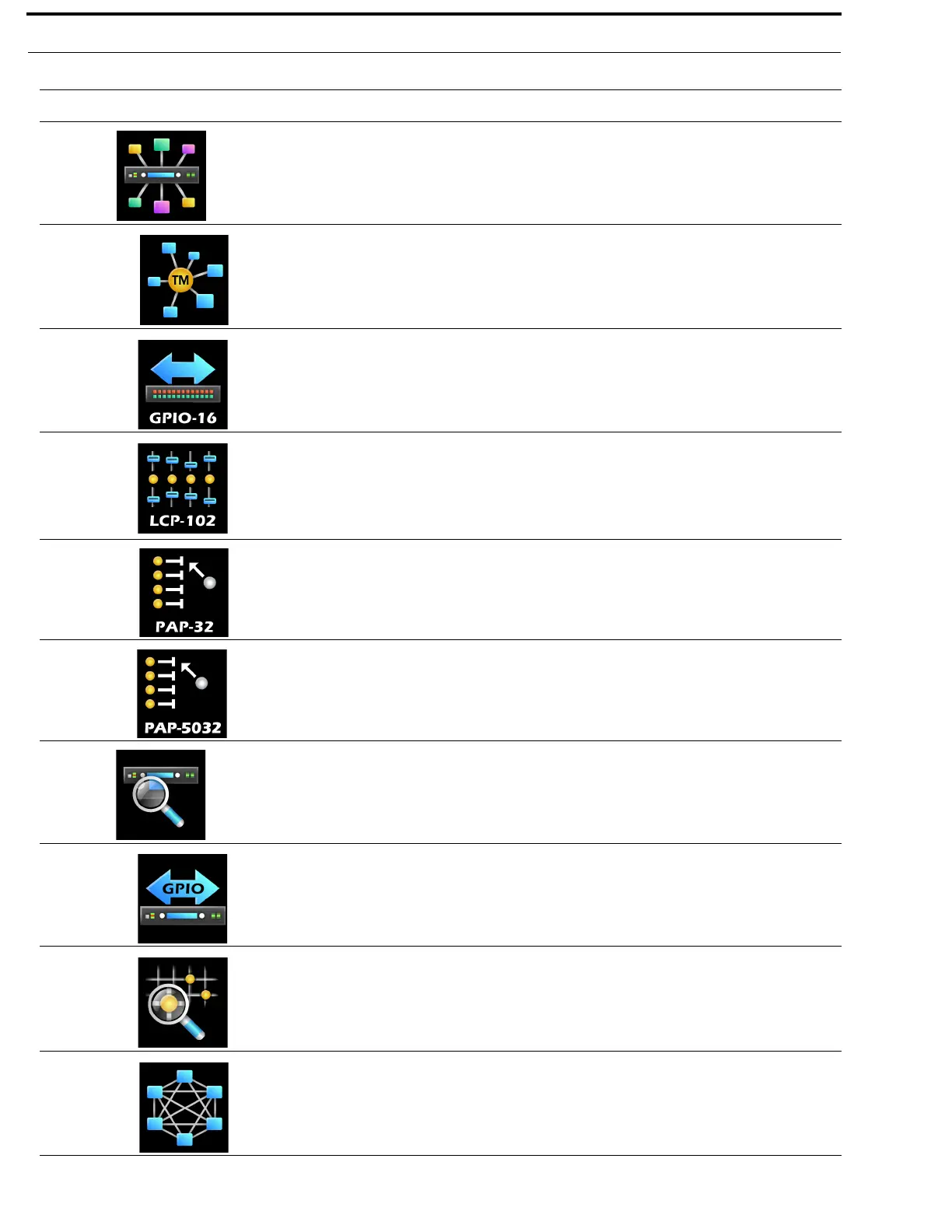
Peripherals
The Peripherals menu item is used to select the peripheral status to be
viewed.
For more information, see “Peripherals Menu” on page 97.
Trunk Masters The Trunk Masters menu item displays status details for the Trunk
Master(s) connected to the intercom system.
For more information, see “Trunk Master” on page 97.
GPIO-16 The GPIO menu item displays status details for any GPIO-16 connected to
the intercom system.
For more information, see “GPIO-16” on page 99.
LCP-102 The LCP menu item displays the status details for any
LCP-102 connected to the intercom system.
For more information, see “LCP-102” on page 100.
PAP-32 The PAP-32 menu item displays the status details for any
PAP-32 connected to the intercom system.
For more information, see “PAP-32” on page 101.
PAP-5032 The PAP-5032 menu item displays the status details for any
PAP-5032 connected to the intercom system.
For more information, see “PAP-5032” on page 102.
Intercom
The Intercom menu item is used to select the type of intercom status to be
viewed.
For more information, see “Intercom Menu” on page 103.
GPIO The GPIO menu item displays GPIO input and output states.
For more information, see “GPIO” on page 103.
Crosspoint Inspect The Crosspoint Inspect menu item displays status the crosspoint status for
the selected input and output ports.
For more information, see “Crosspoint Inspect” on page 104.
Frame to Frame The Frame to Frame menu item displays the status of the logical
connections (via Ethernet) between each frame.
For more information, see “Frame to Frame (Multi-frame Only)” on
page 105.
TABLE 1. Display Icon Description and Menu Structure
Icon Icon Name Description



 To Next Page