ODIN Intercom Matrix Basic Operation 39
16. Click the right encoder knob.
The Type field becomes active.
17. Rotating the right encoder knob, select the desired assignment type (for example, AIO, 2W, OMNEO, RVON or
<none>).
18. Click the right encoder knob to confirm the selection.
19. Rotating the right encoder knob, move the focus to the Channel field.
20. Click the right encoder knob.
The Channel field becomes active.
21. Rotating the right encoder knob, scroll to the desired channel.
NOTE: OMNEO ports can only be unity mapped (for example, If port 16 is an OMNEO port, it must also be channel 16).
22. Click the encoder knob to confirm the selection.
23. Click the left encoder knob to exit the screen.
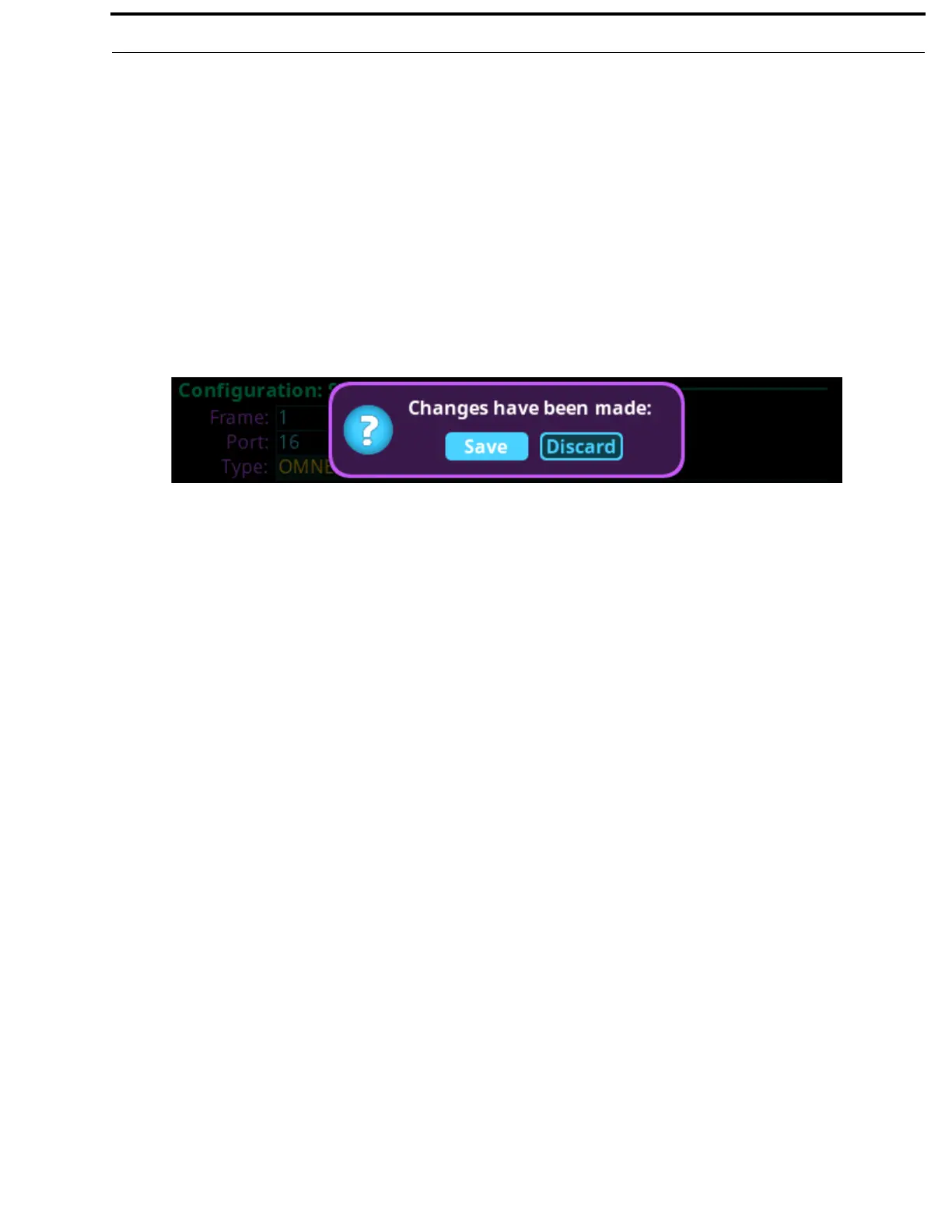
A Changes Made confirmation message appears.
24. Click the right encoder knob to Save.
OR
Rotating the right encoder knob, move the focus to Discard, and then click the encoder knob to confirm the discard.
NOTE: Alternately, the left shaft encoder button can be clicked or the CLR button can be pressed to cancel this prompt
and go back to editing on the underlying screen (for example, if the user is not ready to Save or Discard the
modifications).



 To Next Page