ODIN Intercom Matrix Installation and Maintenance 71
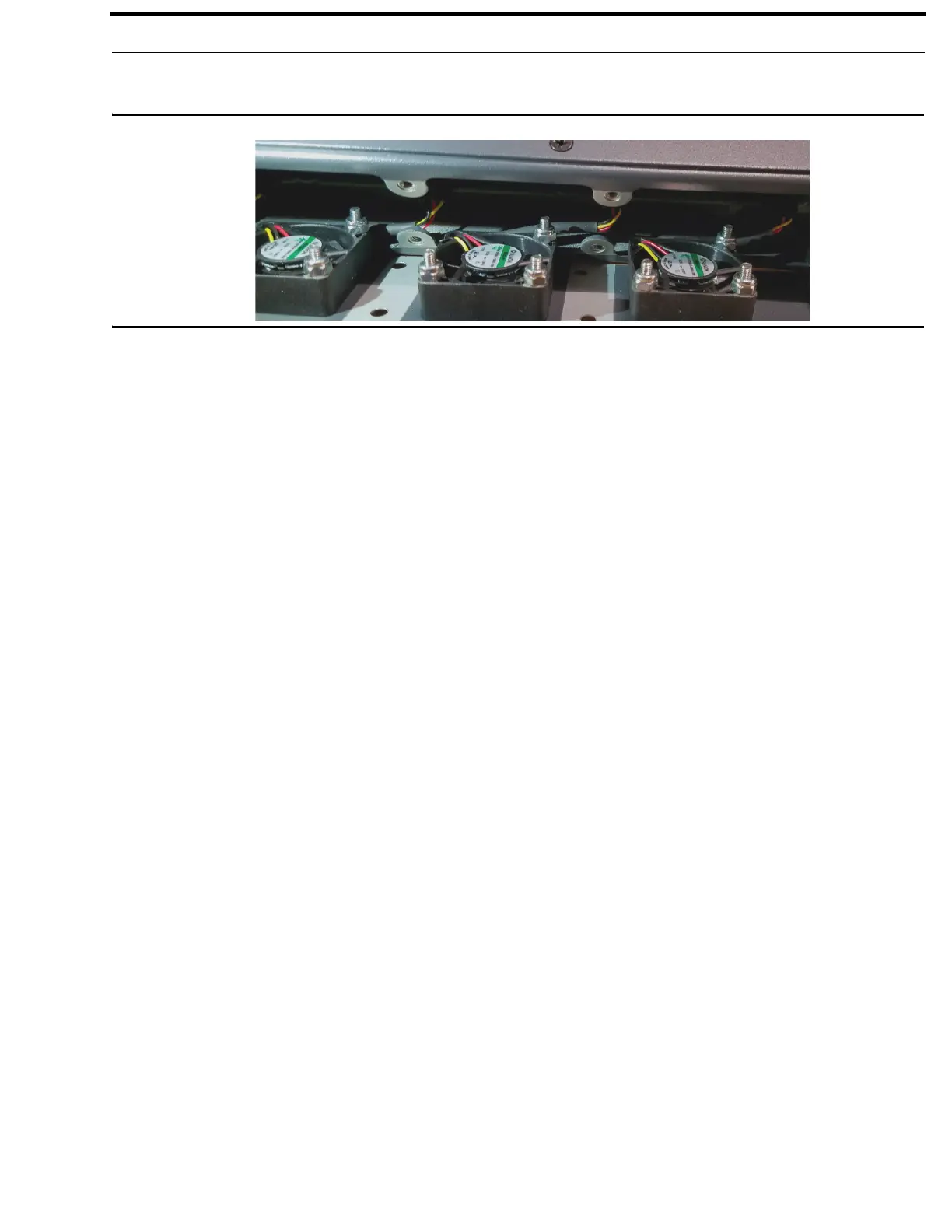
8. Slide the new fan tray assembly into the frame.
IMPORTANT: Take care that all wires are inside the frame.
9. Replace the eight screws, securing the fan tray to the frame.
NOTE: M3x6 flat-head screws are used
10. Before mounting the unit back into the rack, power on the unit to verify the fans are working properly.
11. From the Home screen, navigate to the Cooling Fans screen (Status | Hardware | Cooling Fans) to monitor the status of
the fan bank.



 To Next Page