76 Firmware ODIN Intercom Matrix
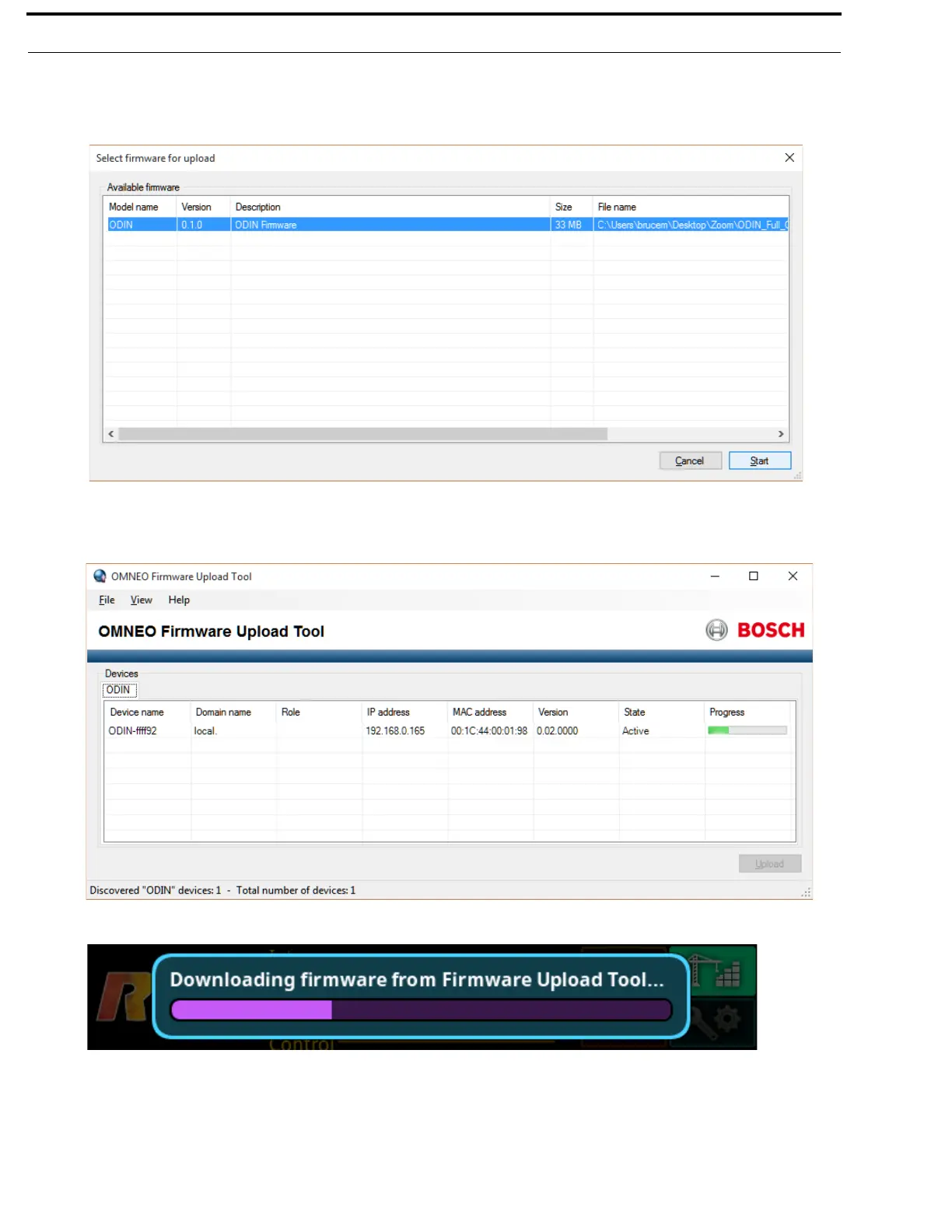
8. Click the Upload button.
The Select Firmware for Upload window appears.
9. From the list of firmware, select the firmware to download.
10. Click the Start button.
The Firmware Upload Tool main screen appears with a progression bar displayed.
11. Once the Audio FPGA is downloaded, ODIN reboots and switches into bootloader mode automatically.
12. In bootloader mode, the remaining firmware components are downloaded.
13. Once finished downloading the remaining firmware, ODIN reboots automatically.



 To Next Page