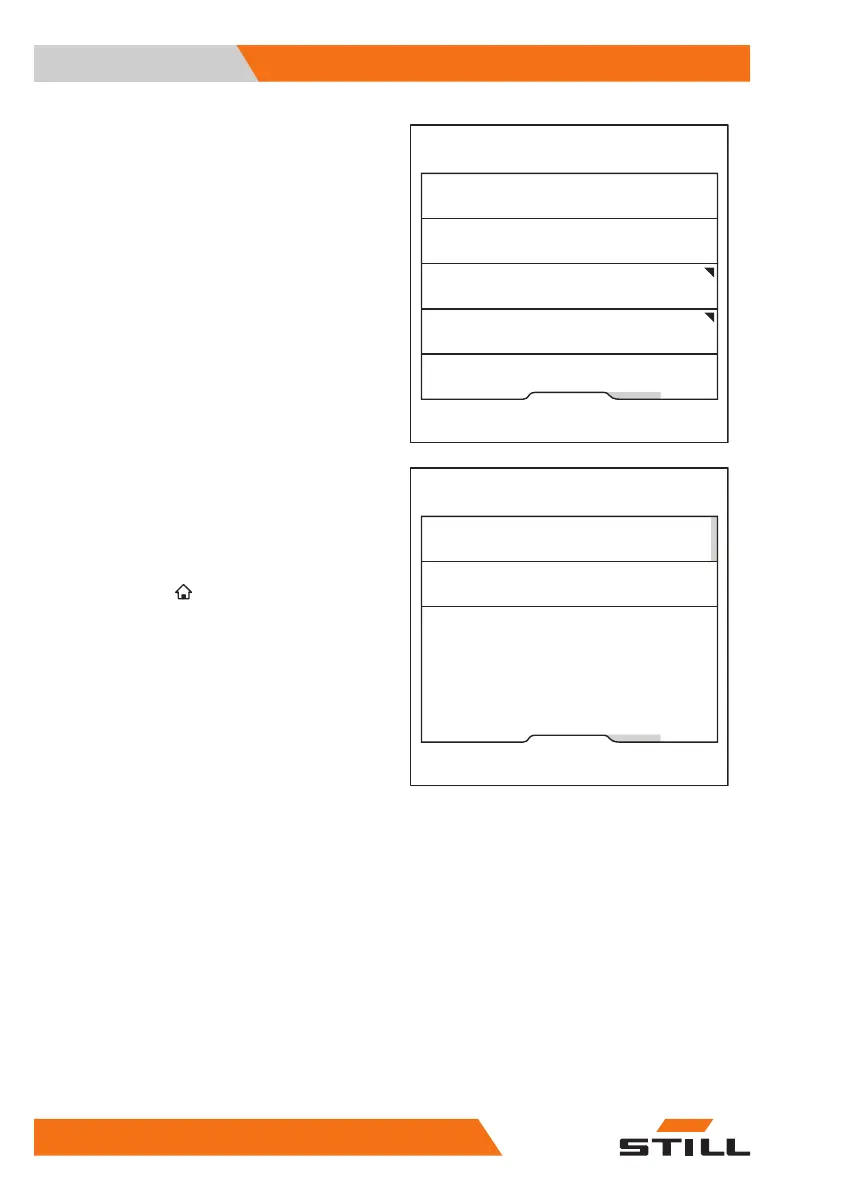
The Pre-Shift Check menu appears.
– Press the "Question sequence" softkey.
Pressing the softkey allows fixed or random
question sequences to be selected.
The orange activation bar displays the current
selection.
– To access the main display, press the main
display button
.
Displaying the history
The fleet manager can display a Pre-Shift
Check history.
– Activate the "Access authorisation for the
fleet manager".
Fleet manager
Reset restriction
Shift start
Question sequence
History
6219_003-269_en
Fleet manager
Random sequence
Fixed sequence
6219_003-273_en
Operation
4
Pre-shift check
134 56368011531 EN - 01/2021 - 05



 To Next Page