Maximum dynamics
(standard setting)
●
The hydraulic movement immediately fol-
lows the actuation of the operating device.
●
When the operating device is released, the
hydraulic movement decelerates very quick-
ly.
The fork carriage quickly comes to a stand-
still.
Minimum dynamics
●
The hydraulic movement accelerates very
slowly when actuating the operating device.
●
The hydraulic movement follows the actua-
tion of the operating device very slowly.
●
When the operating device is released, the
hydraulic movement only decelerates slow-
ly.
The fork carriage therefore continues to run
for some time before the movement comes
to a standstill.
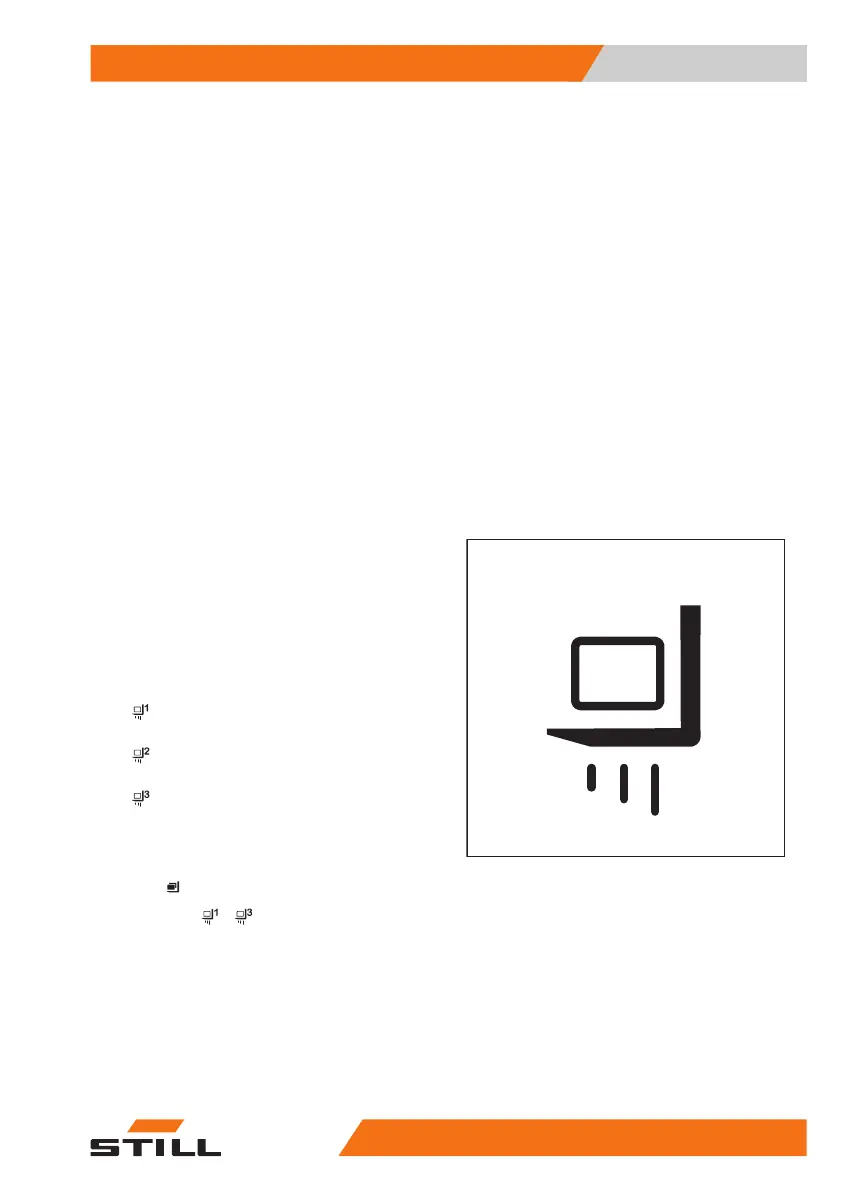
Selecting load programs 1 to 3
The truck has three load programs for the dif-
ferent lifting behaviours of the fork carriage
and the lift mast. The higher the number of the
load program selected, the greater the load
dynamics.
Differences between the load programs
●
Load program 1:
66% lifting speed
●
Load program 2:
85% lifting speed
●
Load program 3:
100% lifting speed
The lifting behaviour of the truck is selected
via the display-operating unit under the
"Load"
menu item.
– Press the
... softkey to select the de-
sired load program.
Operation
4
Lifting
24556368011531 EN - 01/2021 - 05



 To Next Page