Configuring Blue-Q
Fleet manager access authorisation allows the
fleet manager to activate Blue-Q efficiency
mode permanently or to enable it to be switch-
ed on and off via softkey.
– Enable
Access authorisation
.
– Press the
Truck settings
softkey .
The menu that opens provides the following
selection:
●
Permanent
The driver cannot switch Blue-Q on and off.
Blue-Q is permanently active. The Blue-Q
symbol
appears permanently on the dis-
play-operating unit.
●
By pressing a button
The driver can switch Blue-Q on and off via
the softkey.
– Push the required softkey.
The orange activation bar appears next to the
pushed softkey.
The main display button
takes you to the
main display.
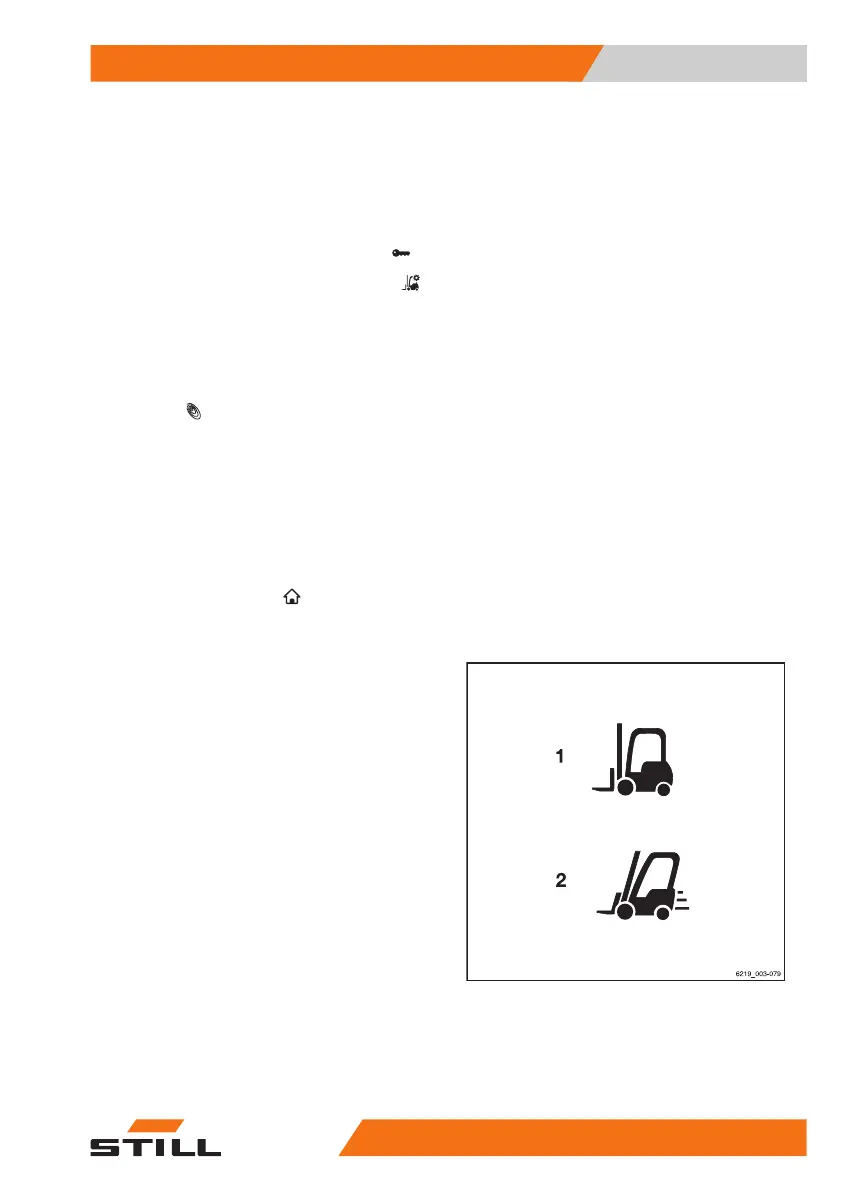
STILL Classic and sprint mode
The drive modes affect the handling of the
truck.
Two different drive modes are available:
1
STILL Classic
This mode is active after the truck has
been switched on. This mode is the de-
fault setting and provides a balance be-
tween hydraulic functions and driving
functions. The maximum speed is
18 km/h. No symbol is shown on the dis-
play.
2
Sprint mode
In sprint mode, the truck accelerates
more quickly to a maximum speed of
20 km/h. This mode also increases the
lifting speed. Sprint mode is for driving on
clear and spacious terrain.
Operation
4
Efficiency and drive modes
18556368011531 EN - 01/2021 - 05



 To Next Page