NOTE
This function is configured for the German
StVZO ex works.
●
Outside of Germany, observe the national
regulations for the country of use.
●
The authorised service centre can amend
the function so that fewer lighting devices or
more lighting devices are switched off.
The softkey is also located in the "Driving"
menu.
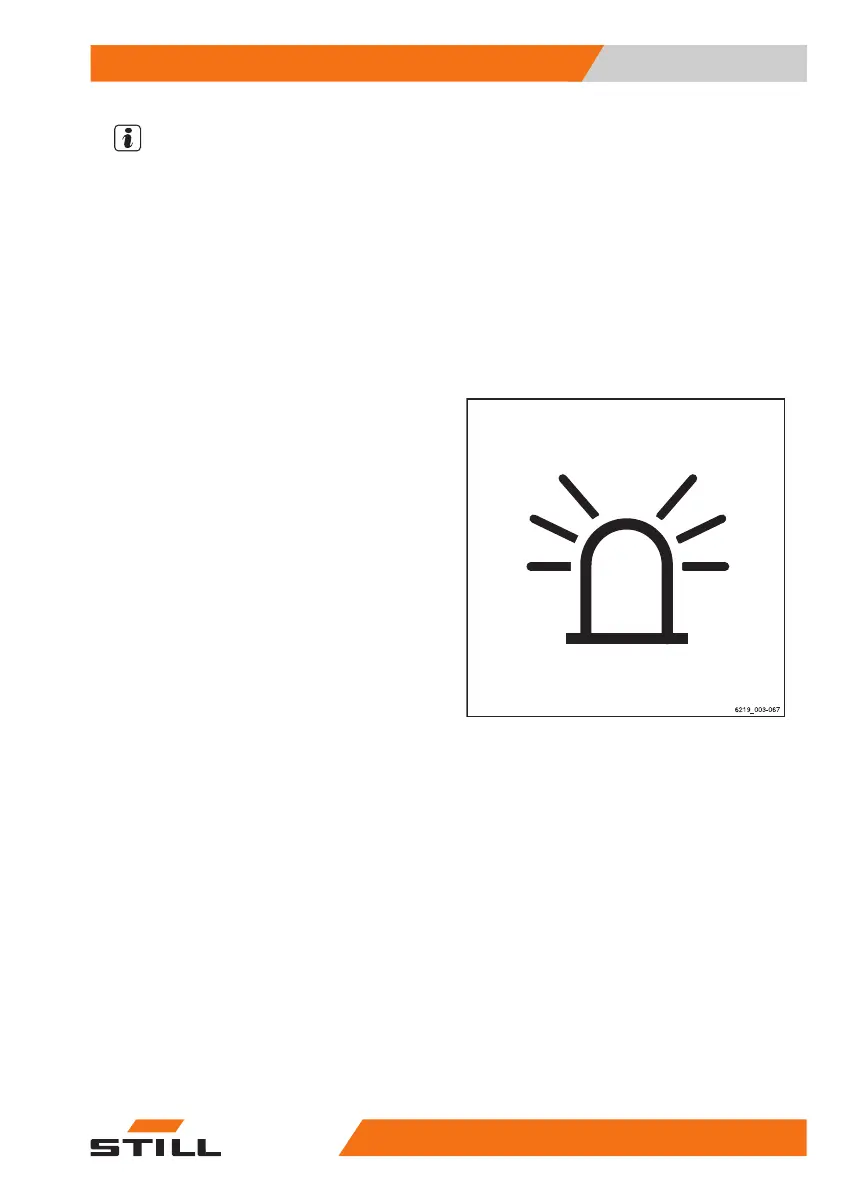
Rotating beacon
– To switch on the rotating beacon, push the
associated Softkey on the display-operating
unit.
The rotating beacon is switched on.
– To switch off the rotating beacon, push the
Softkey again.
The rotating beacon goes out.
Operation
4
Lighting
15956368011531 EN - 01/2021 - 05



 To Next Page