Rules for roadways and the working
area
It is only permitted to drive on routes author-
ised for traffic by the operating company or its
representatives. Traffic routes must be free
from obstacles. The load must only be set
down and stored in the designated locations.
The operating company and its representa-
tives must ensure that unauthorised third par-
ties do not enter the working area.
NOTE
Please observe the definition of the following
responsible person: "operating company".
Hazardous areas
Hazardous areas on roadways must be indica-
ted by standard traffic signs or, if necessary,
by additional warning signs.
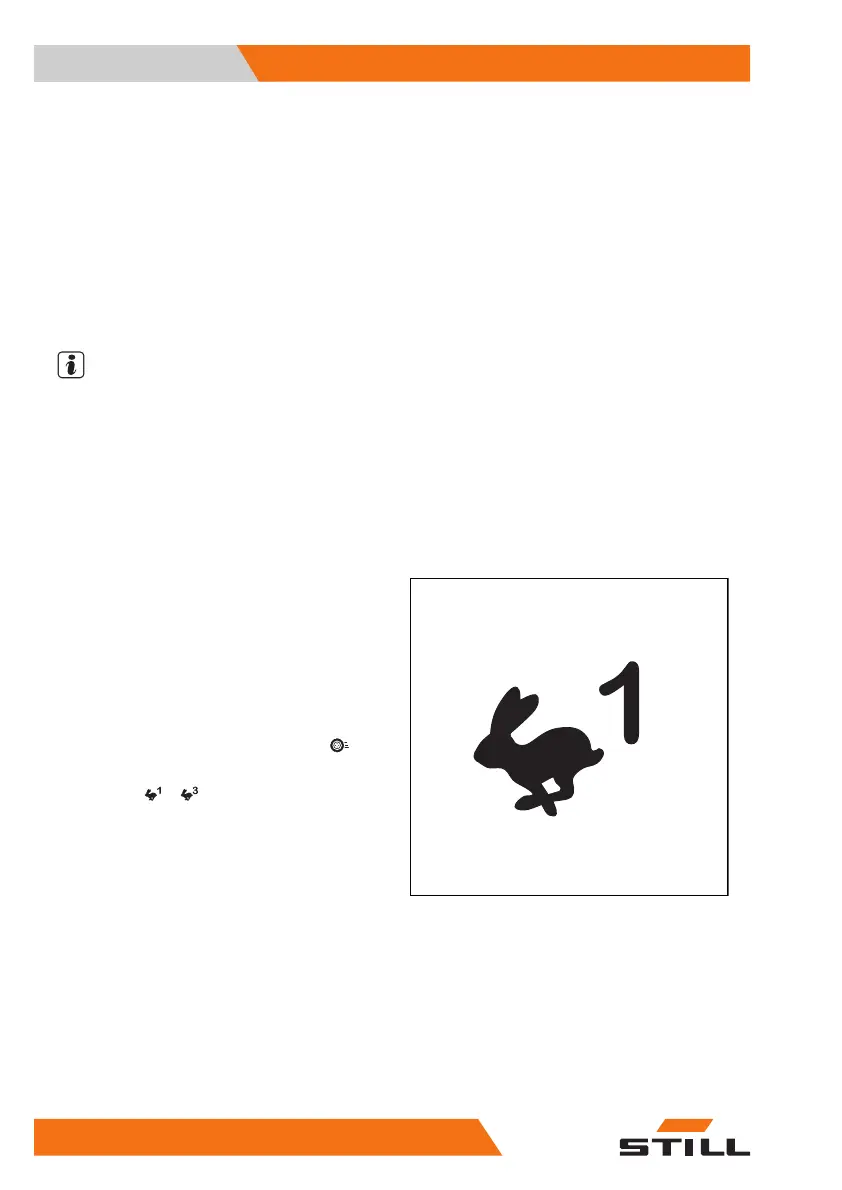
Selecting drive programmes 1 to 3
The truck has three drive programmes with
different preset driving and braking character-
istics. The basic principle is that the higher the
number of the drive programme selected, the
greater the driving dynamics.
The drive programme is selected using the
display-operating unit under the "Drive"
menu item.
– Press the
… softkey to select the de-
sired drive programme.
Operation
4
Driving
192 56368011531 EN - 01/2021 - 05


 To Next Page