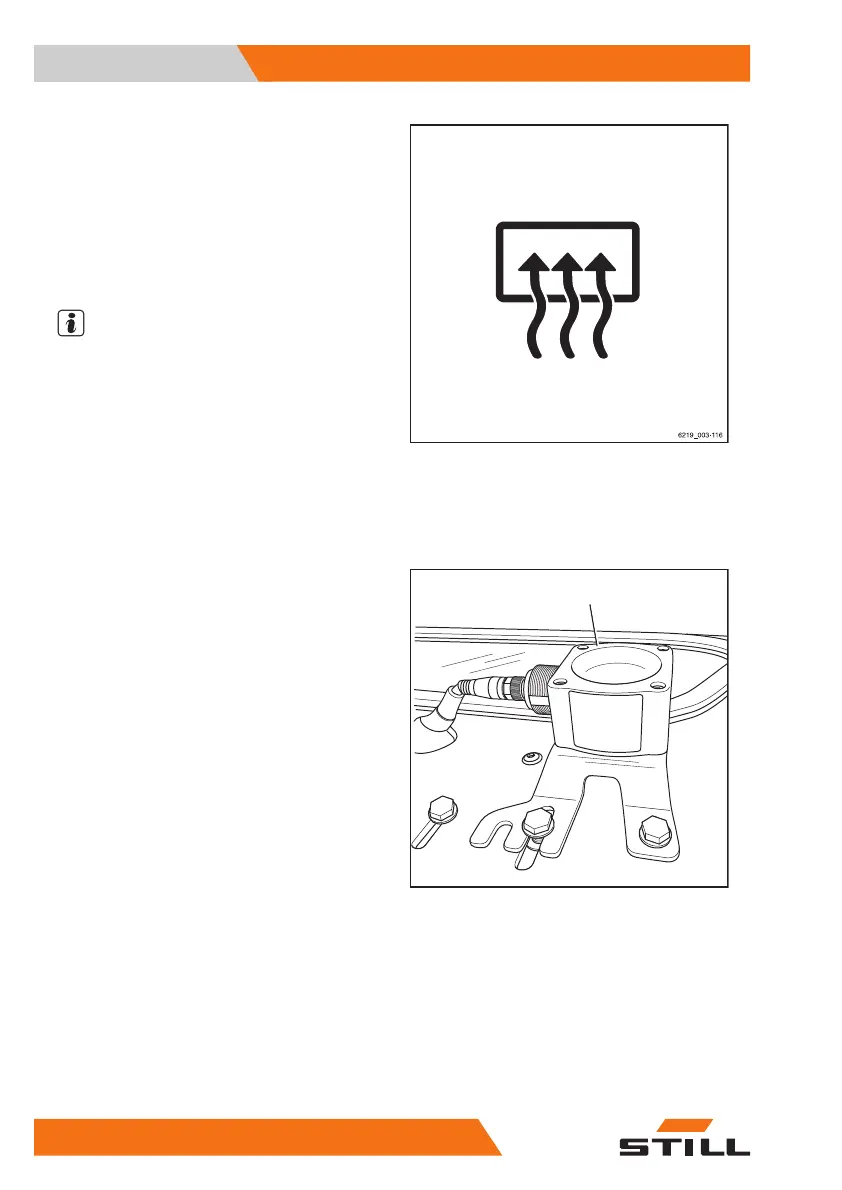
– To switch on the rear window heating, push
the associated softkey on the display-oper-
ating unit.
The rear window heating is switched on.
– To switch off the rear window heating, push
the softkey again.
The rear window heating is switched off.
NOTE
The rear window heating will switch off auto-
matically after approx. 10 minutes.
Ceiling sensor (variant)
Description
The ceiling sensor (1) on the overhead guard
is an assistance system that automatically re-
duces the driving speed of the truck within
halls. However, this assistance system does
not release the driver from the responsibility of
observing the speed limits on company prem-
ises.
Depending on the system setting, the ceiling
sensor can detect overhead structures above
the truck at a height of 2 m to 24 m above the
sensor.
If the truck is equipped with a ceiling sensor,
this assistance system is listed in the "Assis-
tance systems" menu in the display-operating
unit.
Operating the ceiling sensor system
The drivers must be instructed on the use of
the ceiling sensor system by the operating
company.
When the driver enters a hall for the first time
after starting work, they must be certain that
the ceiling sensor system is working correctly.
Despite the ceiling sensor system being instal-
led, the driver must also check the speed
Deckensensor_Anbau
1
Operation
4
Auxiliary equipment
336 56368011531 EN - 01/2021 - 05



 To Next Page