The settings are saved.
– To cancel the setting, press the "Can-
cel"
softkey.
The settings return to the most recently saved
value.
Press the
button once to return to the pre-
vious menu level without saving the changes.
Selecting the drive direction
The drive direction of the truck must be selec-
ted using the drive direction switch/drive direc-
tion selection lever before attempting to drive.
The method of actuating the drive direction
switch/drive direction selection lever depends
on the operating devices that are fitted in the
truck.
The drive direction switch is located on the op-
erating devices for the hydraulic functions.
The drive direction selection lever is located
on the travel direction selector and indicator
module (variant).
NOTE
The drive direction can also be changed dur-
ing travel. Your foot can remain on the accel-
erator pedal while you do so. The truck is then
decelerated and accelerated again in the op-
posite direction (reversing).
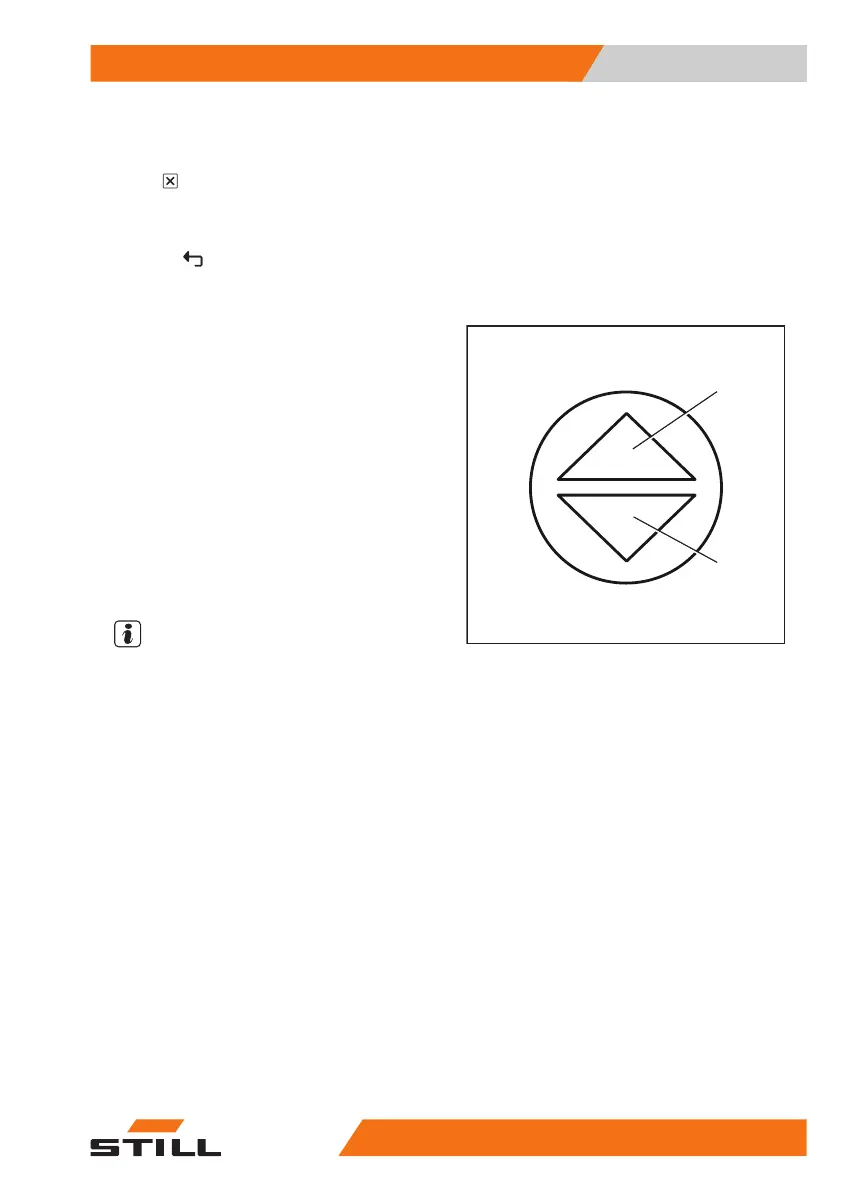
The indicator for the selected drive direction
("forwards" (1) or "backwards" (2)) lights up on
the display-operating unit.
Neutral position
If leaving the truck for a prolonged period, the
neutral position must be selected in order to
avoid the truck suddenly moving off due to an
inadvertent actuation of the accelerator pedal.
– Briefly select the drive direction switch/drive
direction selection lever for the direction op-
posite to the current drive direction.
The drive direction indicator on the display-op-
erating unit goes out.
1
2
Operation
4
Driving
19556368011531 EN - 01/2021 - 05



 To Next Page