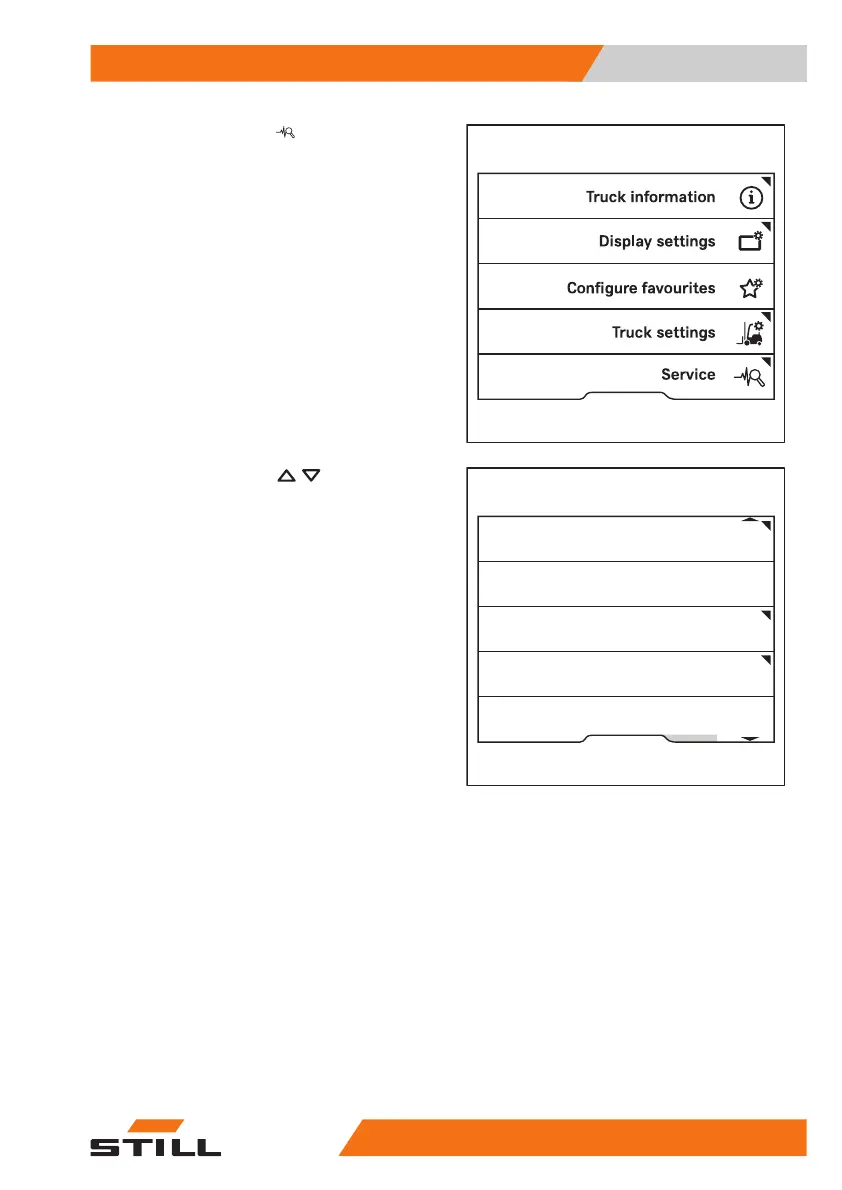
– Press the
Service
softkey.
– Press the scroll keys
until the
Change PIN codes
menu appears.
– Press the
Change PIN codes
softkey.
– Follow the instructions on the display.
Access authorisation for the fleet
manager (variant)
Trucks equipped with the "Access authorisa-
tion for the fleet manager" variant can be con-
figured by the users themselves. Access to
these settings is protected by a fleet manager
password.
The initial fleet manager password was sent
with the invoicing documents. For safety rea-
sons, change this password after the first use.
See also the section entitled "Changing the
fleet manager password".
Fleet manager
Calibration
Relieve hydraulics
Shock sensor
Change password (access auth.)
Change PIN codes
6219_003-276_en
Operation
4
Display-operating unit
12556368011531 EN - 01/2021 - 05



 To Next Page