Lighting
Meaning of the symbols
Individual lighting devices are switched on and
off using the "Lighting" sub-menu.
– To access this sub-menu, push the but-
ton
.
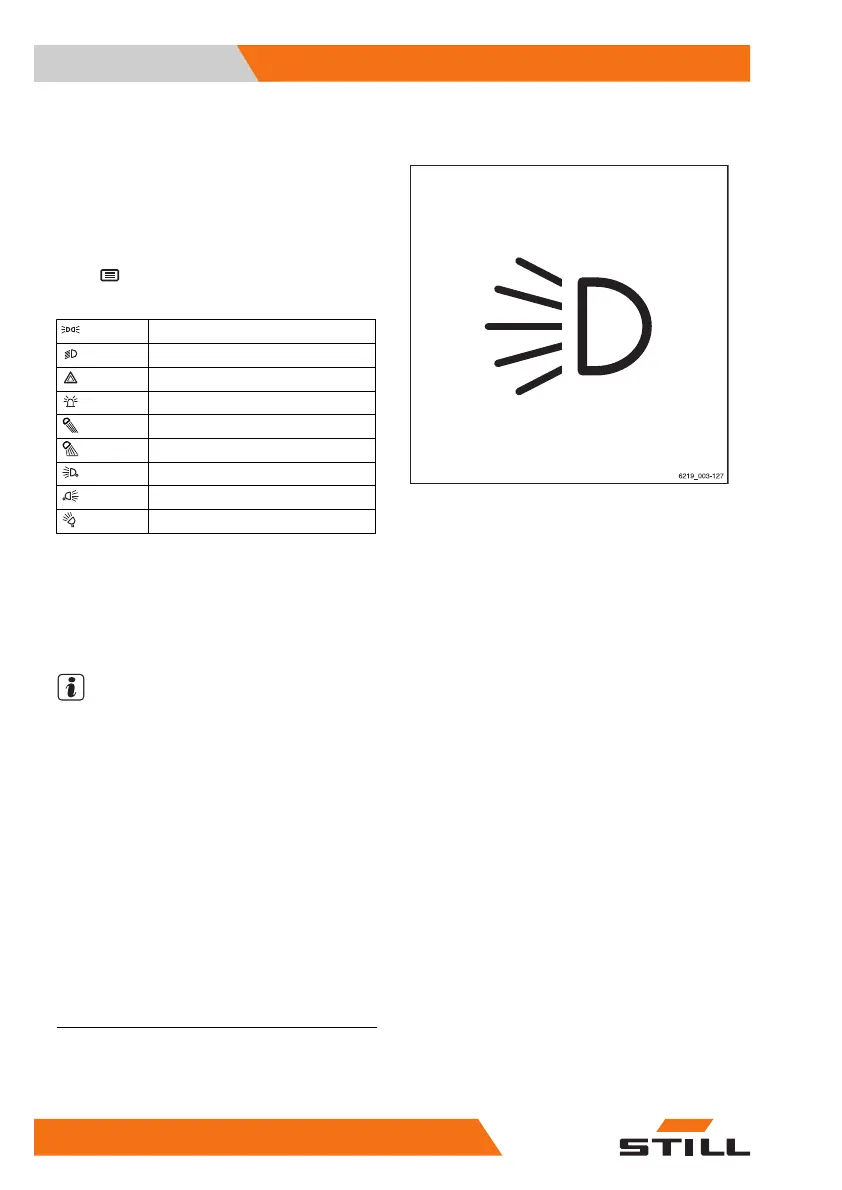
Symbols for the lighting and their meanings
Parking light
Headlights
Hazard warning system
1
Rotating beacon
STILL SafetyLight
Warning zone light
Front working spotlights
Rear working spotlights
Roof working spotlights
Only the symbols of the lighting devices that
are installed in the truck can be selected.
When one of the lighting devices is switched
on, the activation bar next to the relevant sym-
bol lights up orange.
NOTE
If the truck is equipped with the "StVZO" (Ger-
man Road Traffic Licensing Regulations) var-
iant, the hazard warning system works even
when the truck is switched off.
1
This function is not available if the truck is equipped with the "StVZO" (German Road Traffic
Licensing Regulations) variant. In this case, the hazard warning system is switched on and
off via the hazard warning button on the steering column. For more information, refer to the
section entitled "Hazard warning system".
Operation
4
Lighting
152 56368011531 EN - 01/2021 - 05


 To Next Page