– Press the Back button .
– Press the
Capacity
softkey.
– Press the corresponding softkey for the bat-
tery capacity according to the nameplate of
the battery.
The activation bar next to the selection lights
up.
The main display button
takes you to the
main display.
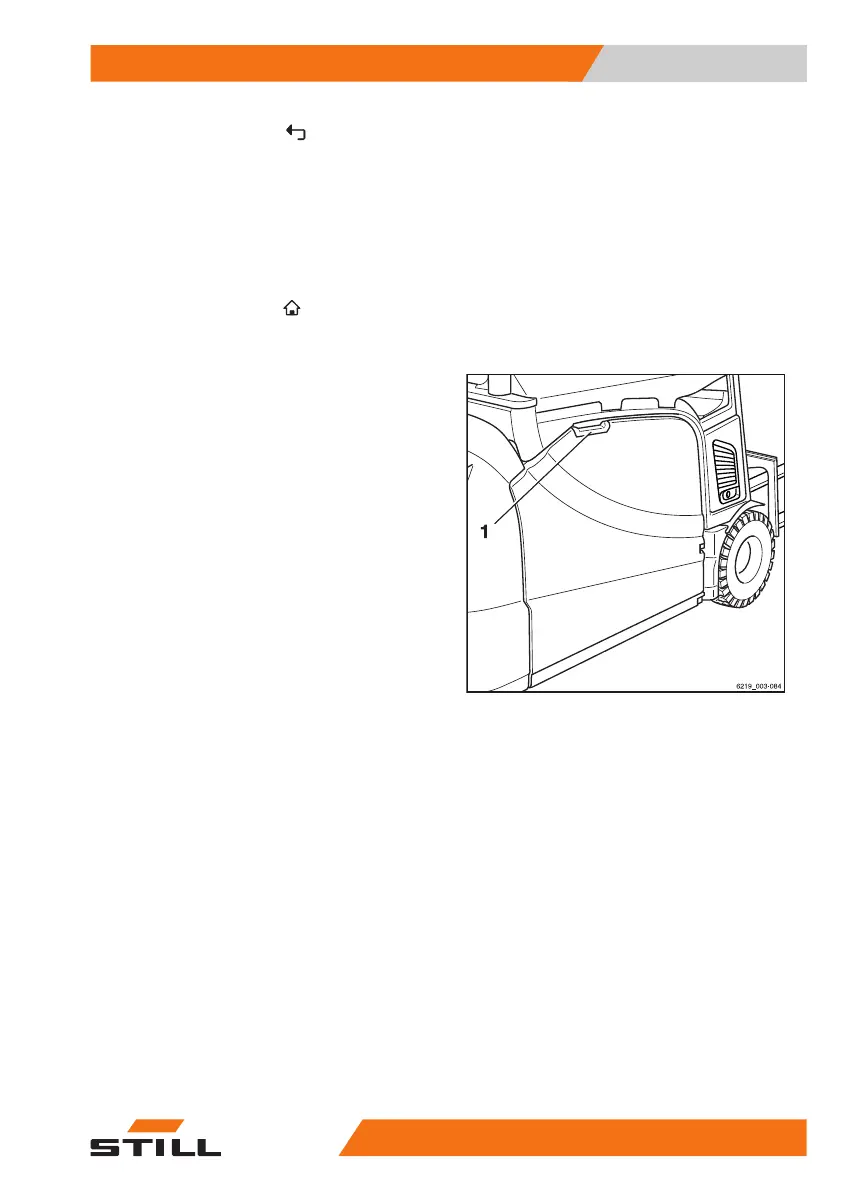
Opening/closing the battery door
Opening the battery door
– Take hold of the door handle (1) of the bat-
tery door and open the battery door by pull-
ing it forwards.
The battery door locks into place automatical-
ly.
Operation
4
Replacing and transporting the battery
40956368011531 EN - 01/2021 - 05



 To Next Page