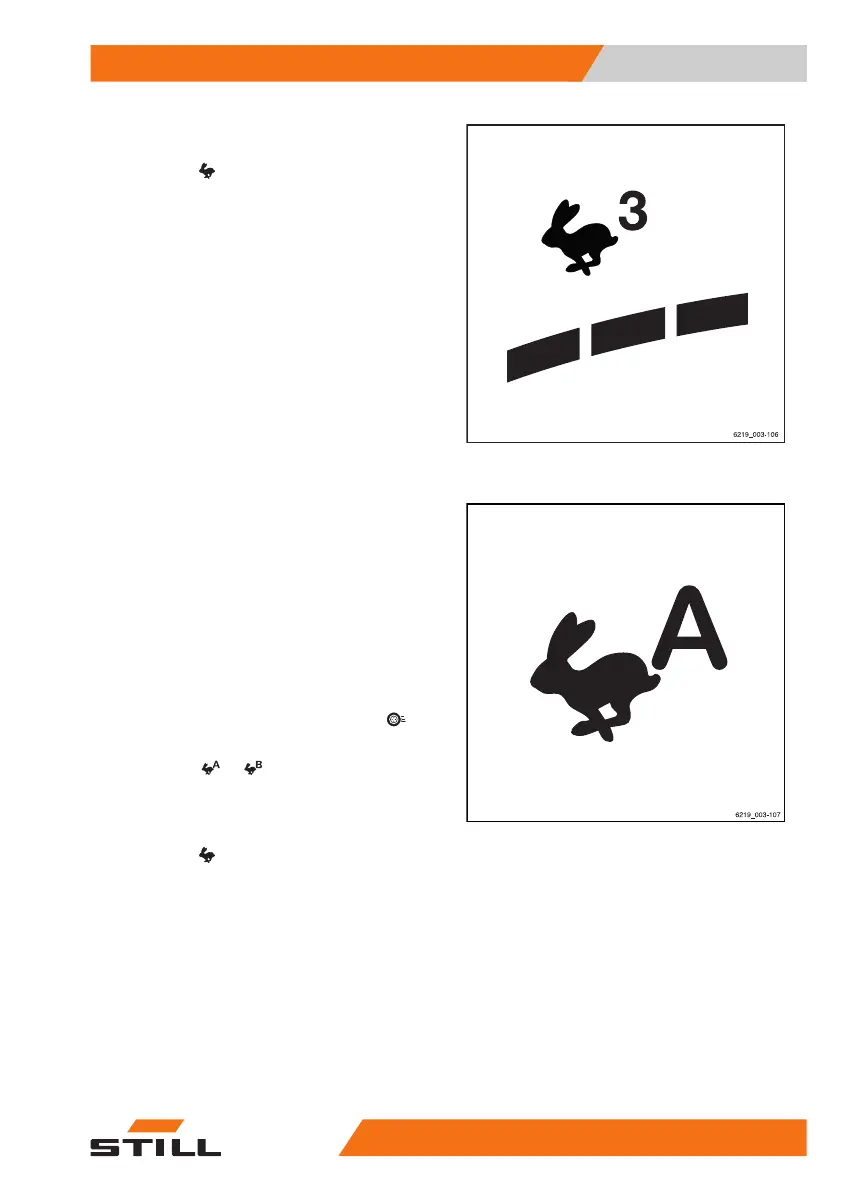
– If the drive programmes are saved as a fa-
vourite on a softkey, press the "Drive pro-
gramme"
softkey until the number of the
desired drive programme is shown on the
display.
The number of dynamic bar segments indi-
cates the driving dynamics of the selected
drive programme.
Selecting drive programme A or B
The truck has two driving programmes for per-
sonalised handling and braking characteris-
tics.
Unlike the fixed drive programmes "1 to 3", the
programs "A" and "B" can be configured. The
procedure for this is described in the following
section.
The drive programme is selected using the
display-operating unit under the "Drive"
menu item.
– Press the
or softkey to select the de-
sired drive programme.
– If the drive programmes are saved as a fa-
vourite on a softkey, press the "Drive pro-
gramme"
Softkey until the letter of the
desired drive programme is shown on the
display.
Configuring drive programmes A
and B
The drive programmes can be configured by
the driver.
Operation
4
Driving
19356368011531 EN - 01/2021 - 05



 To Next Page