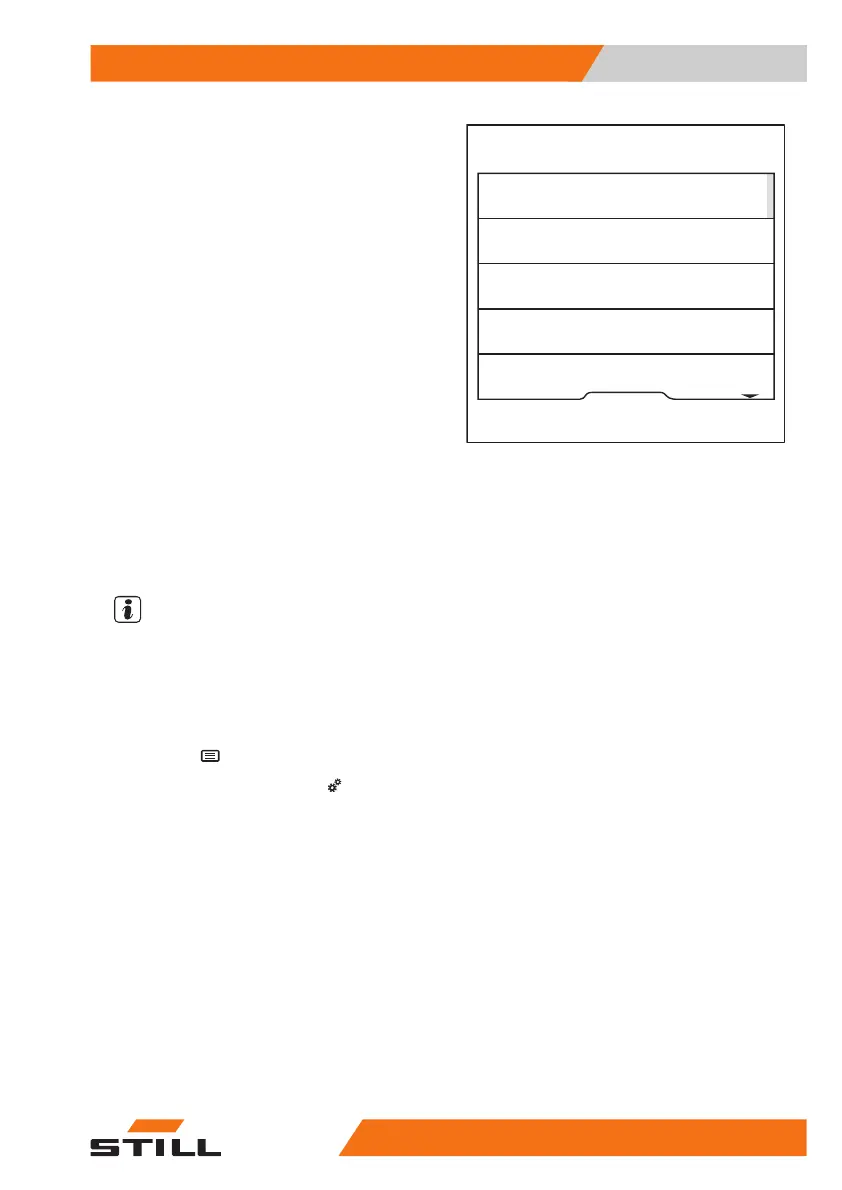
The orange activation bar displays the current
selection.
– Press the softkey for the required driver
profile.
The driver profile is active. The driver is gree-
ted with the selected name the next time that
the truck is switched on.
Creating driver profiles
Both the fleet manager and the driver can cre-
ate up to ten driver profiles.
NOTE
If the truck is equipped with the "Access au-
thorisation with PIN code" or "FleetManager"
variants, the driver profile is generated auto-
matically when logging in for the first time.
– Apply the parking brake.
– Press the
button.
– Press the "Settings" softkey
.
Horst
Lisa
Driver 4
Available storage position 5
Guido
6219_003-294_en
Operation
4
Driver profiles
14556368011531 EN - 01/2021 - 05



 To Next Page