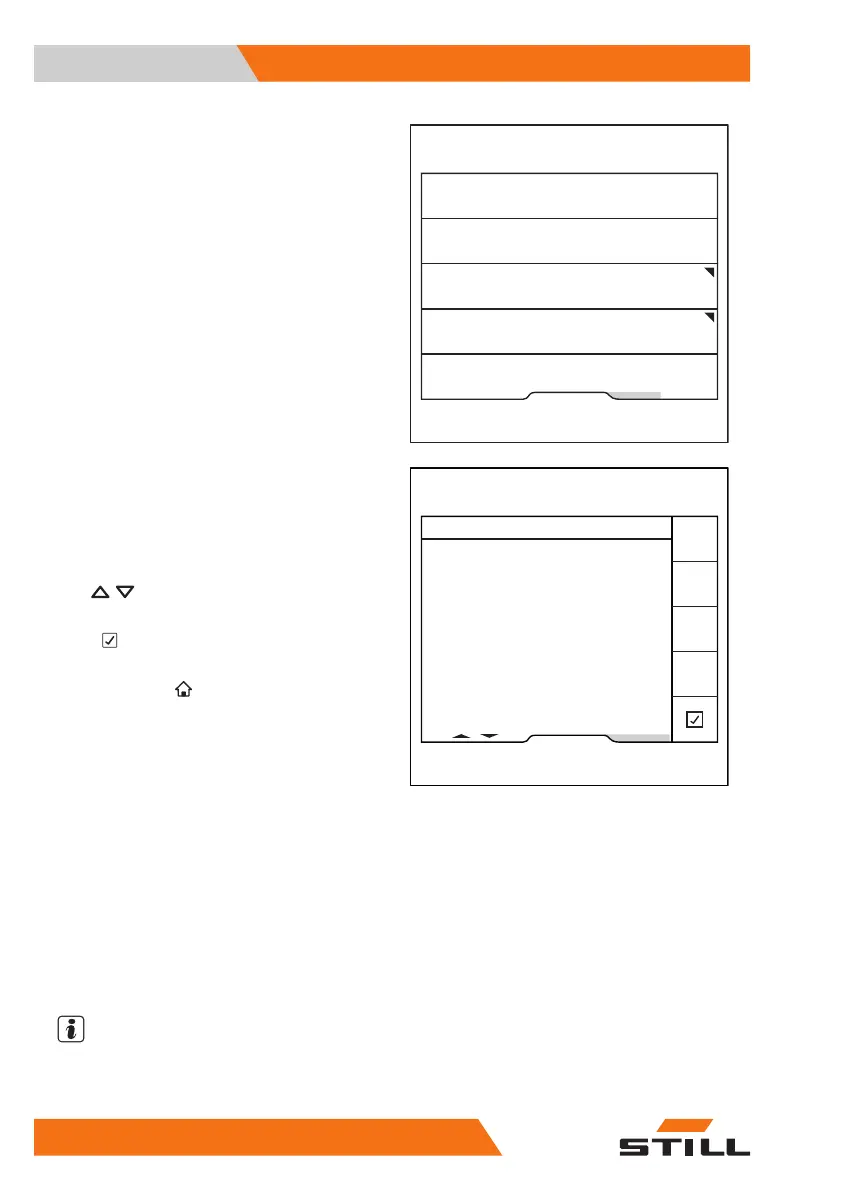
The Pre-Shift Check menu appears.
– Press the "History" softkey.
The Pre-Shift Check results display opens.
This display shows all checks and questions
that have been answered with the date and
time.
To see more results, press the scroll but-
tons
.
– To go back to the previous menu, press
the
softkey.
– To access the main display, press the main
display button
.
Defining the shift start
As a standard setting after commissioning, the
Pre-Shift Check is always requested 24 hours
after the last check was performed. The fleet
manager can define up to three shifts and
their start times. The Pre-Shift Check is then
always requested at this time.
NOTE
If the truck is equipped with FleetManager, the
shifts are defined on the FleetManager inter-
face. See the relevant operating instructions.
Fleet manager
Reset restriction
Shift start
Question sequence
History
6219_003-269_en
Pre-Shift Check results
27.09.19 15:11 nicht ok
Funktioniert die Feststellbremse einwandfrei?
27.09.19 15:06 nicht ok
Sind die Gabeln beschädigt (z. B. verbogen
oder gerissen)?
27.09.19 14:57 nicht ok
Geht es dir gut?
27.09.19 14:46 ok
27.09.19 14:45 abgebrochen
13.05.19 15:09 nicht ok
6219_003-270_en
Fleet manager
Operation
4
Pre-shift check
136 56368011531 EN - 01/2021 - 05



 To Next Page