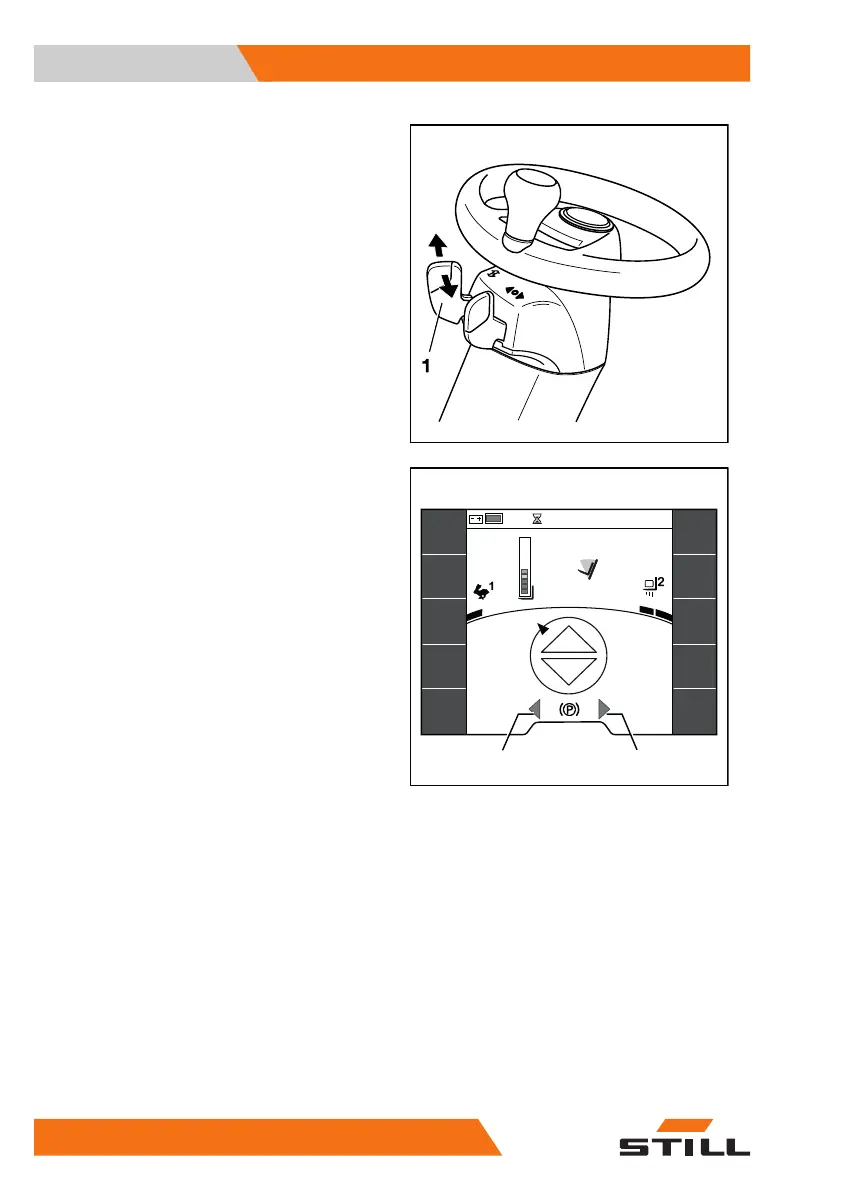
– To switch on the left or right turn indicator,
move the lever (1) to the desired direction.
The turn indicators and the turn indicator dis-
play (2) or (3) on the display-operating unit
flash.
– To switch off the turn indicators, push the
lever (1) back to the centre position.
All turn indicators and the turn indicator dis-
plays on the display/operating unit stop flash-
ing.
6219_003-098
2,71 m
7°
1,6
t
23
6219_003-301
432 h
08:20
Operation
4
Lighting
156 56368011531 EN - 01/2021 - 05



 To Next Page