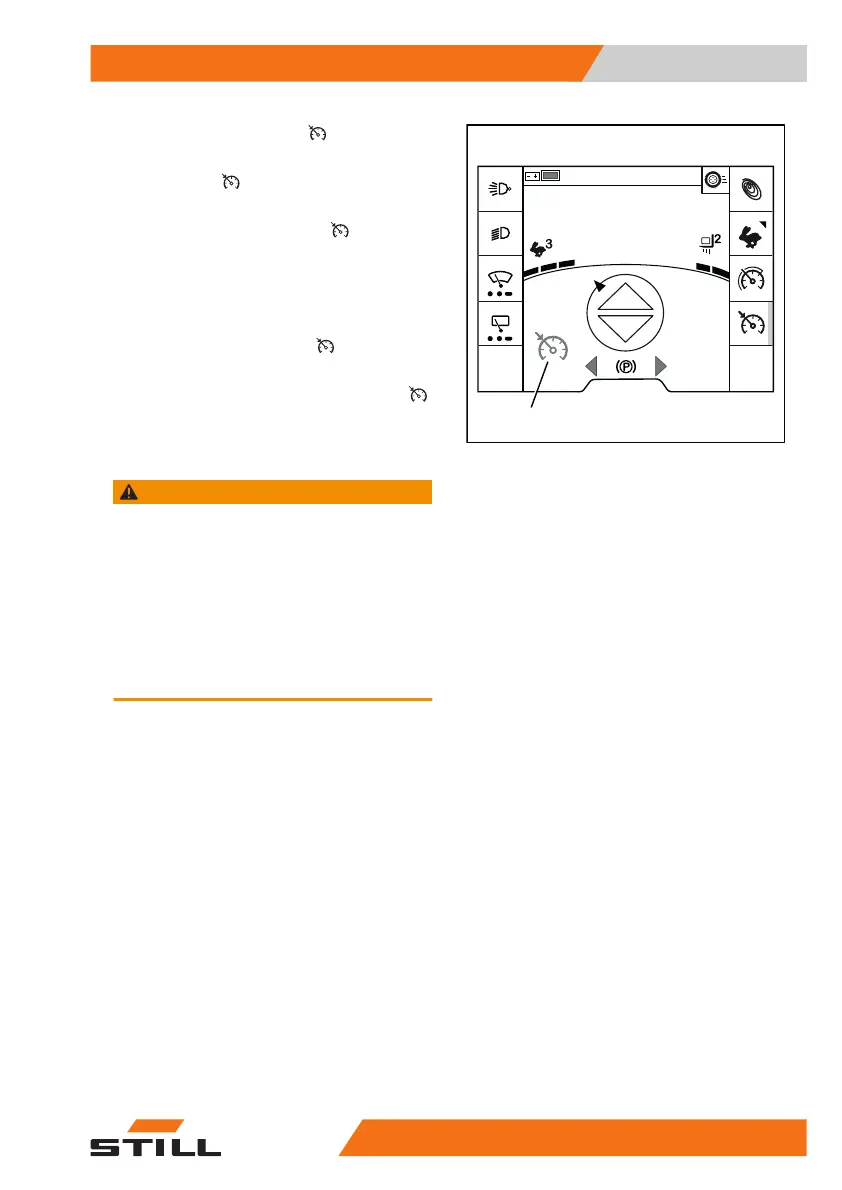
– Press the "cruise control" softkey.
The orange-coloured activation bar next to the
"cruise control"
softkey lights up. The
cruise control function is ready.
The greyed-out "cruise control"
symbol (1)
appears on the display.
Taking the cruise control function off
standby
Pressing the "cruise control " softkey again
takes the function off standby.
A single beep sounds. The "cruise control"
symbol (1) goes out.
Activating cruise control
WARNING
Risk of accident from failing to adjust speed!
Driving at excessive speeds can cause accidents,
e.g. the truck could tip over when cornering.
– Adjust speed along the entire distance being trav-
elled
– Pay particular attention to cornering speed
– Observe safety regulations when driving
– Observe the special behaviour of the cruise con-
trol function and the dangers associated with it
– Accelerate the truck to the required speed
(at least 6.0 km/h)
1
6219_003-307
08:20
Operation
4
Driving
22156368011531 EN - 01/2021 - 05



 To Next Page