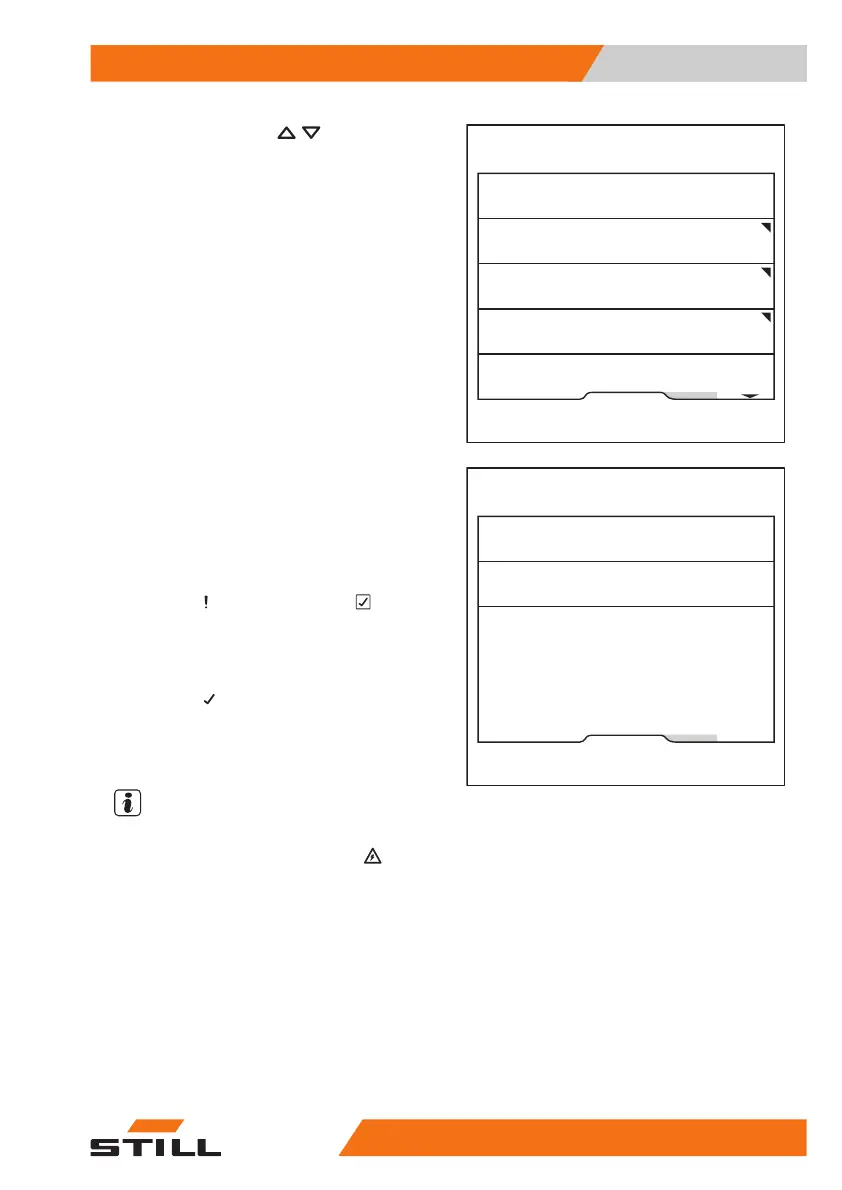
– Press the scroll keys until the
Cal-
ibration
menu appears.
– Press the
Lift mast tilting
softkey.
The wizard for calibrating the load measure-
ment is started.
– Follow the instructions on the display.
– If the message
Calibration
failed
appears, press the softkey.
– Repeat the process.
After the calibration has been completed suc-
cessfully, the message
Successful cal-
ibration
appears.
– Switch the truck off and on again.
The calibration is now complete.
NOTE
If the message
A6701
Fault: Monitor-
ing of assistance system
ap-
pears during the calibration, perform the cali-
bration again.
Fleet manager
Maintenance interval
Calibration
Shock sensor
Change password (access auth.)
Relieve hydraulics
6219_003-277_en
Fleet manager
Load measurement
Lift mast tilting
6219_003-278_en
Operation
4
Handling loads
26556368011531 EN - 01/2021 - 05



 To Next Page