Operating & Maintaining the Objet1000 Plus 3D Printer
6–42
DOC-06810 Rev. A
16. Afterconfirmingalloftheitemslistedinthewizardscreen,clickNext.
Printingmaterial(res in)isjettedfromeachheadanditsweightis
automaticallyrecorded.Thisprocessisrepeatedforeachprinting
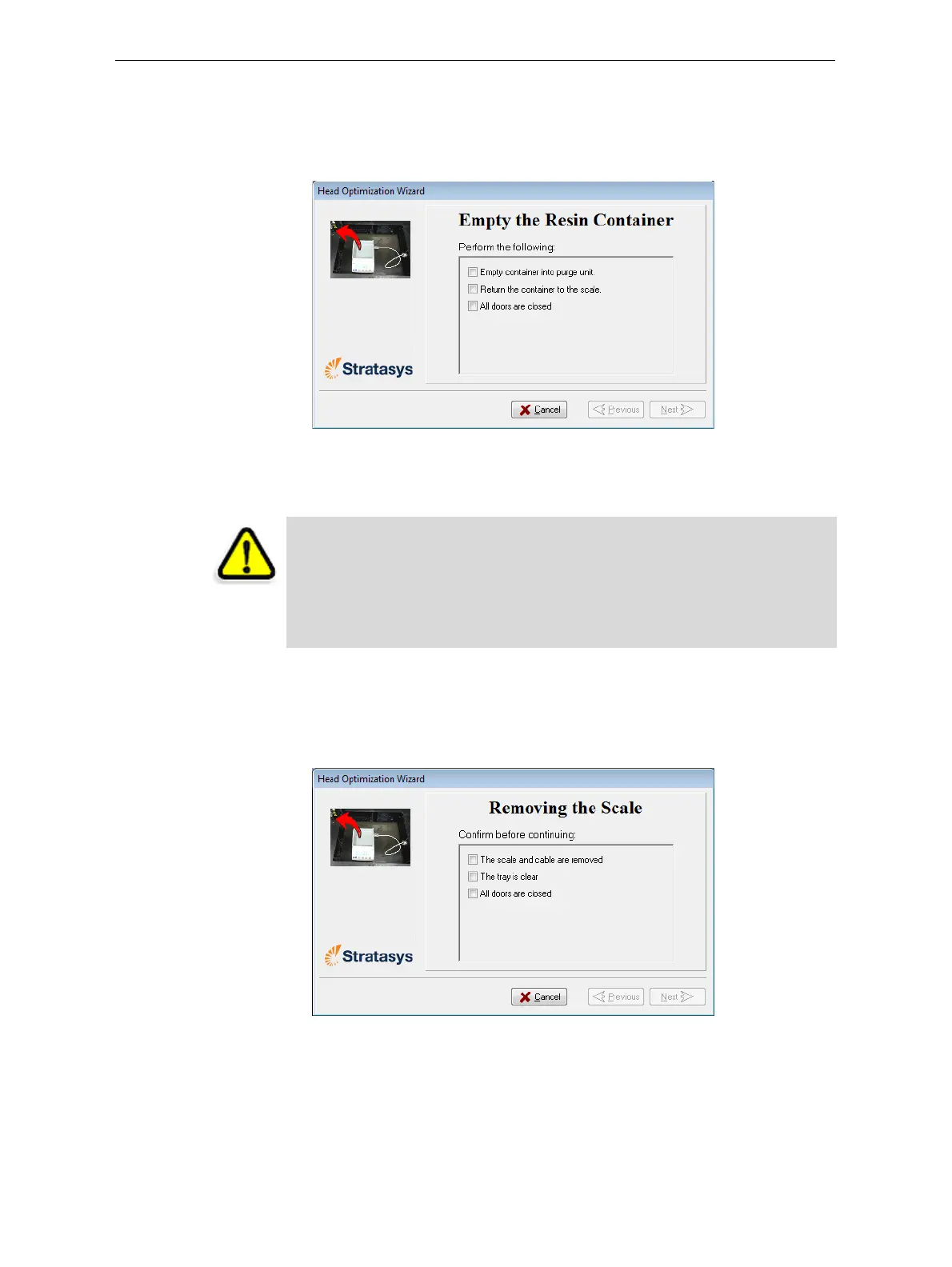
mode,afterwhichthefollowingscreenappears.
Figure 6-59: Emptying the Resin Container
17. Carefullyremovetheresincontainerfromthescaleandemptyitinto
thepurgeunitintheprinter.Thenreturnthecontainertothescale.
18. Closetheprinterandclick
Next.
Theprintercurestheremainingresininthecontainer.
19. Whenthefollowingscreenappears,removethescaleandcleanthe
buildtray.
Figure 6-60: Removing the Scale confirmation screen
CAUTION: The resin in the container is uncured.
¾
To prevent contact with skin, wear neoprene or nitrile gloves.
¾ Dispose of uncured resin in accordance with applicable regulations. By
emptying the container into the purge unit, the resin is stored in the
printer’s sealed waste container.













 To Next Page