DOC-06810 Rev. A 5–11
Objet1000 Plus User Guide
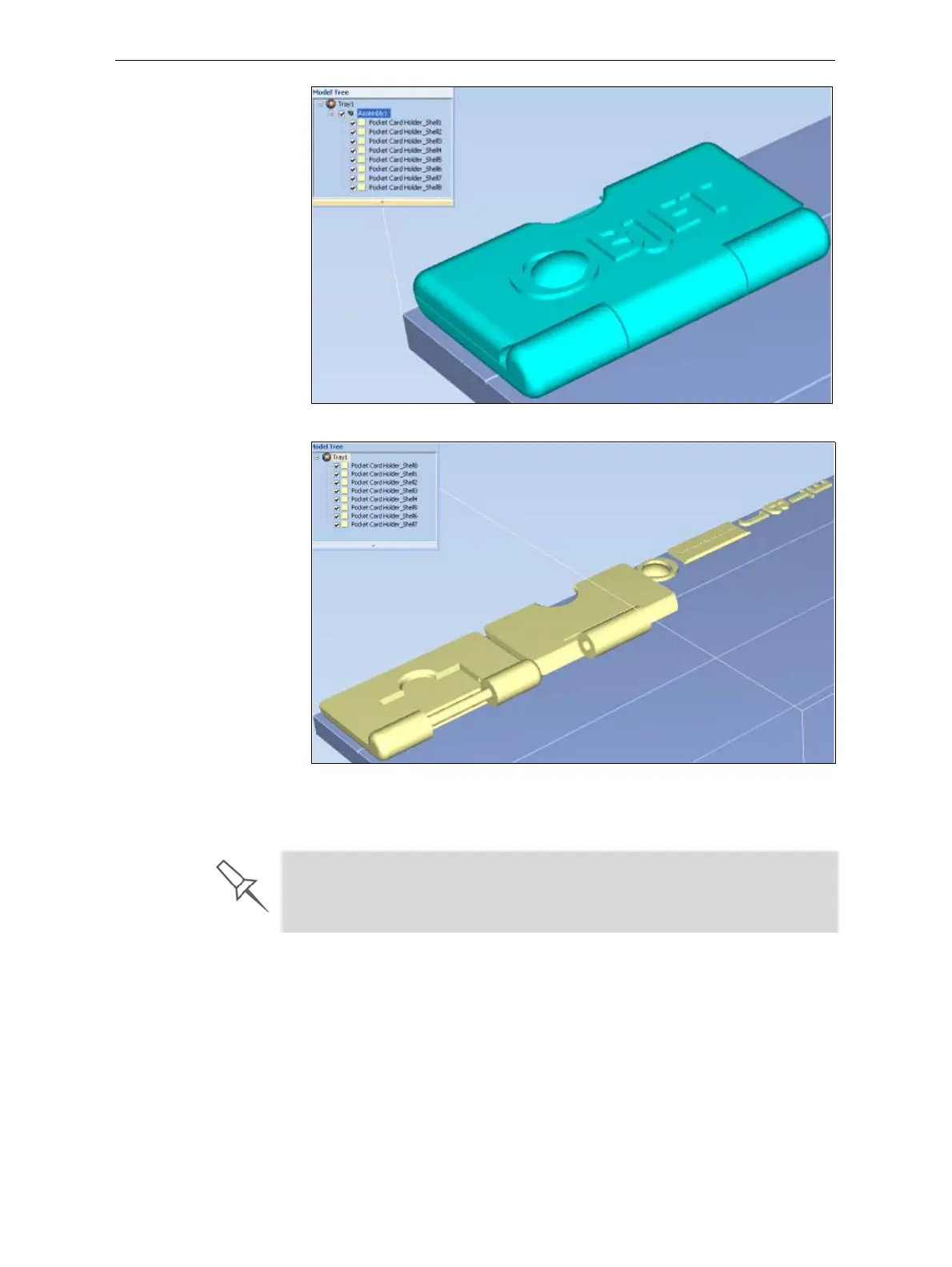
Figure 5-10: Assembly check box selected—stl files are placed as an assembly
Figure 5-11: Assembly check box not selected—stl files are placed as parts
TheModelSettingsribbonisdisplayedwhenobjectsareplacedonthe
buildtray.
5. Selectanyofthefollowingoptions,asrequired:
• Units—Millimetersorinchesfortheobject’sunitsofmeasure.
The3Dfilecontainstheobjectʹsproportions,butnotitsunitsof
measure.Therefore,makesuretocorrectlyselecteither
millimeters
or
incheswheninsertinganobject.Otherwise,thesizeoftheobject
onthebuildtraywillbeeithermuchtoolargeormuchtoosmall.To
changethemeasurementunitsofobjectsalreadyplacedonthetray,
see“MeasurementUnits”onpage 32.
The maximum combined weight of models allowed for printing is 135 kg.
You can verify that the models on the build tray do not exceed this limit by
clicking Validate or Estimate. A message appears if you need to reduce the
weight of the models. If so, you can remove or resize one or more models.













 To Next Page