Using Objet Studio
5–12
DOC-06810 Rev. A
• Number of copies—Howmanycopiesofthisobjecttoplaceonthe
buildtray.
• Orient Automatically—Automaticallyorientobjectsonthebuildtray
forefficientmodelbuilding.
• Assembly—Markthischeckboxifyouselectedmultiplestlfilesthat
arepartofanassembly.
Note: The Extents values displayed in the Coordinates section of the Insert
dialog box, represent the maximum dimensions of the object on each
axis. These dimensions correspond to the virtual “bounding box”
surrounding the object see figure 5-52 on page 39).
6. Click
Insert.
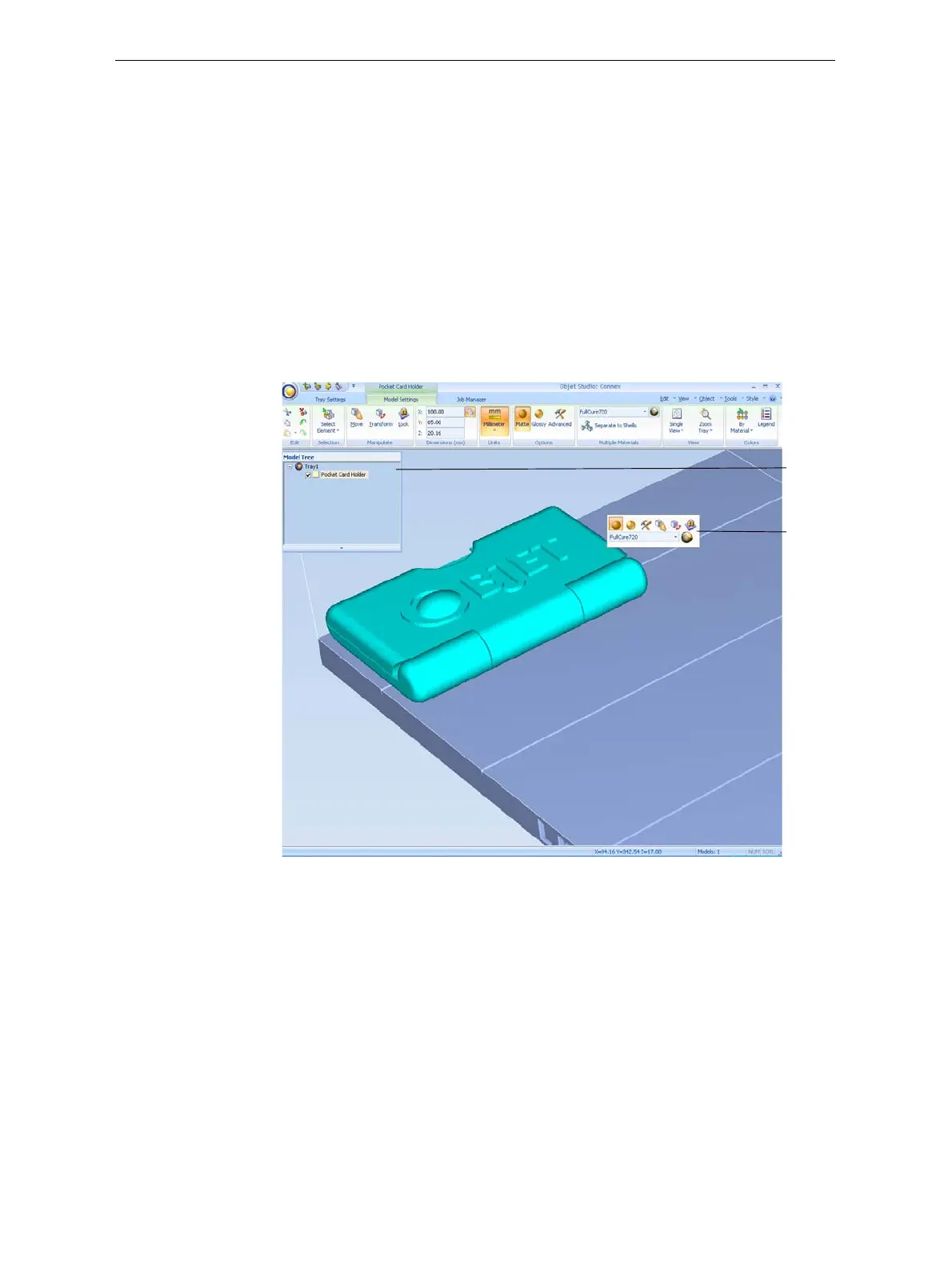
ObjetStudioplacestheobjectonthebuildtray,andinthemodeltree.
Figure 5-12: Default screen layout
TheModelSettingsribbonisdisplayedwhenobjectsareplacedonthe
buildtray.
Model
Toolbar
Model
Tree
pane













 To Next Page