GTS Technical Manual
9. April 2021 Edition: V1.00/2021 5-56
Copyright © 2020, Diversey
05.42.21 lower part - front cover - 3500µicro_V1.00.fm
5.8 Lower part
5.8.2 Mounting of front cover
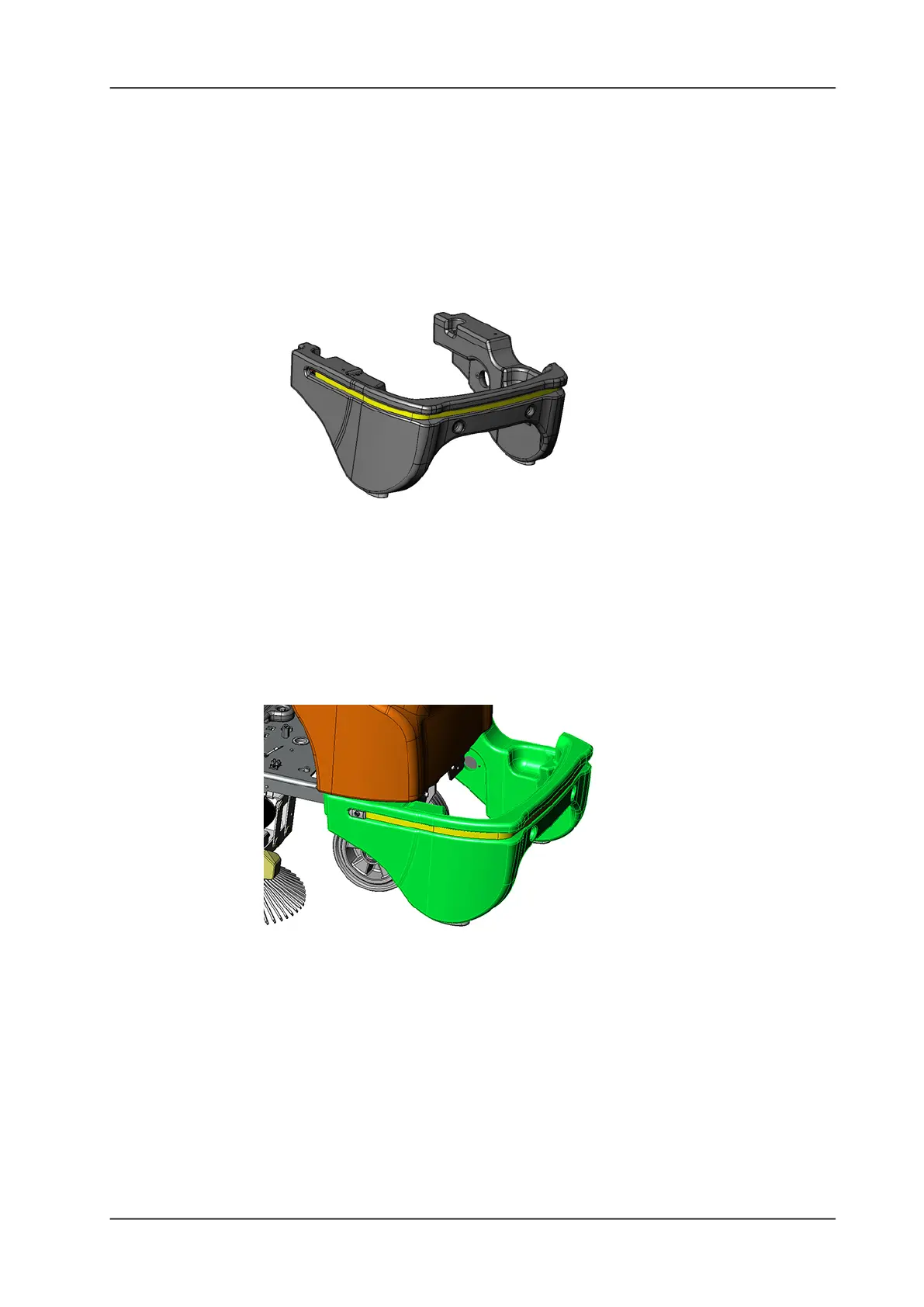
Picture 83: Front cover unit
• Position the front cover onto the chassis.
Remarks
It takes some force to get it on to the front. You can push it side by
side in.
Picture 84: Mounting front cover
• Mount the 2 hexagon screws and the 2 washers at the front.
• Mount the 2 covers at the front.
• Mount the hexagon screw, the washer and the self-locking nut
on the LH side.
• Mount the hexagon screw, the washer and the self-locking nut
on the RH side.
• Connect the wires for the LED strap at the connection block.














 To Next Page