GTS Technical Manual
9. April 2021 Edition: V1.00/2021 5-60
Copyright © 2020, Diversey
05.66.24 brush drive - brush drive compl - 3500µicro_V1.00.fm
5.9 Brush drive
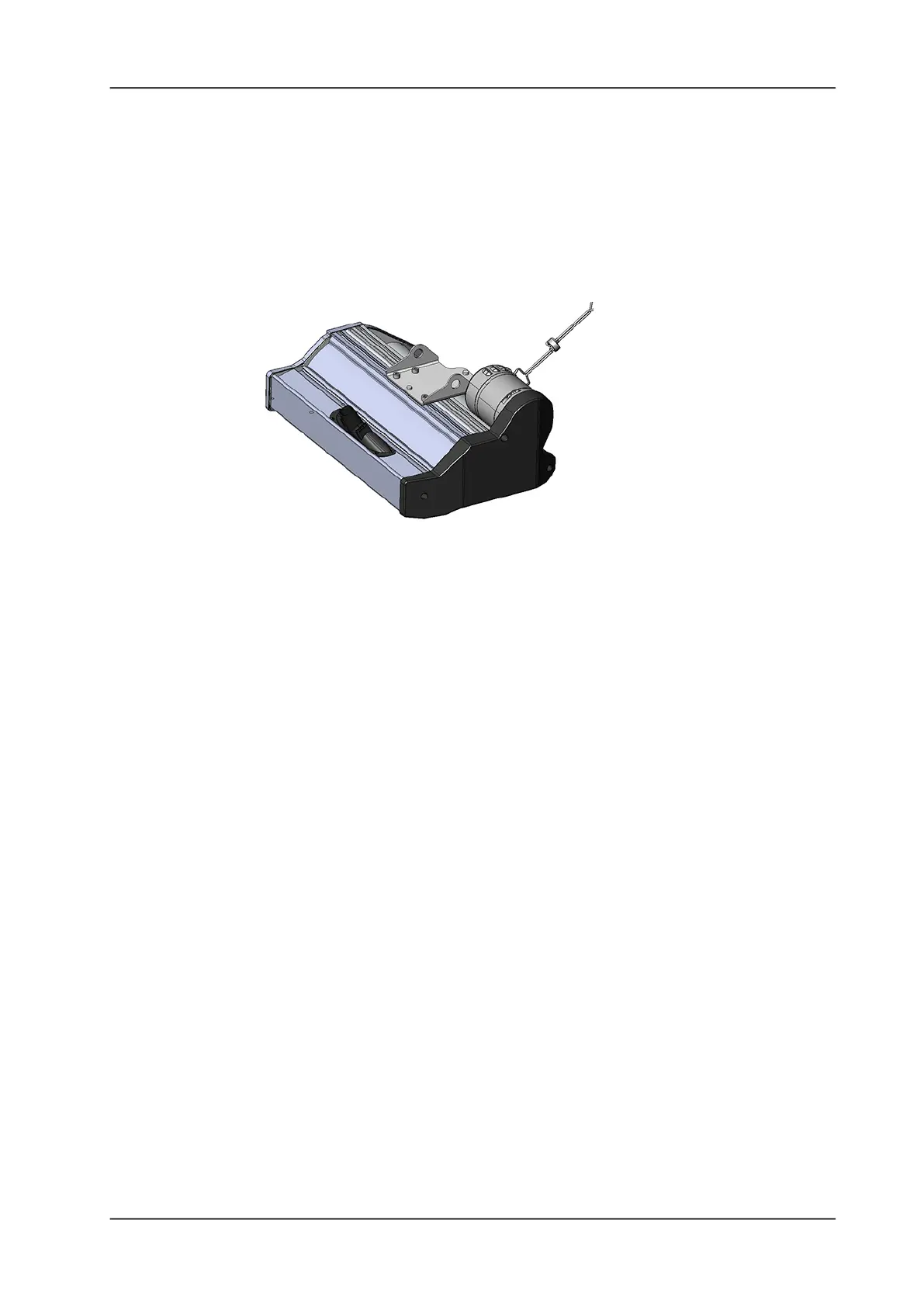
5.9.2 Mounting of brush drive
Picture 90: Brush drive unit
• Place the brush unit in the correct position so the brush holding
support is in line.
• Connect the brush motor wires to the connection block.
• Slide the brush unit on to the bolt bolts of the holding support.
• Mount the stop pin.
Remarks
Ensure that the brush unit is in the upper position. This will allow you
to pivot the brush deck for further assembly steps.
• Mount the two pressure springs at the front and back of the
lowering unit.




 To Next Page