Sening® is a registered trademark of FMC Technologies
MN F09 002 US DOK-383E Issue/Rev. 3.65 (02/24)
MultiFlow Configuration of the MultiFlow
9.14.3 Configuration of the outputs
The IO module has 8 outputs and 2 inputs. The outputs are configured
via the parameters compiled under menu item 3.1.6.0.4.
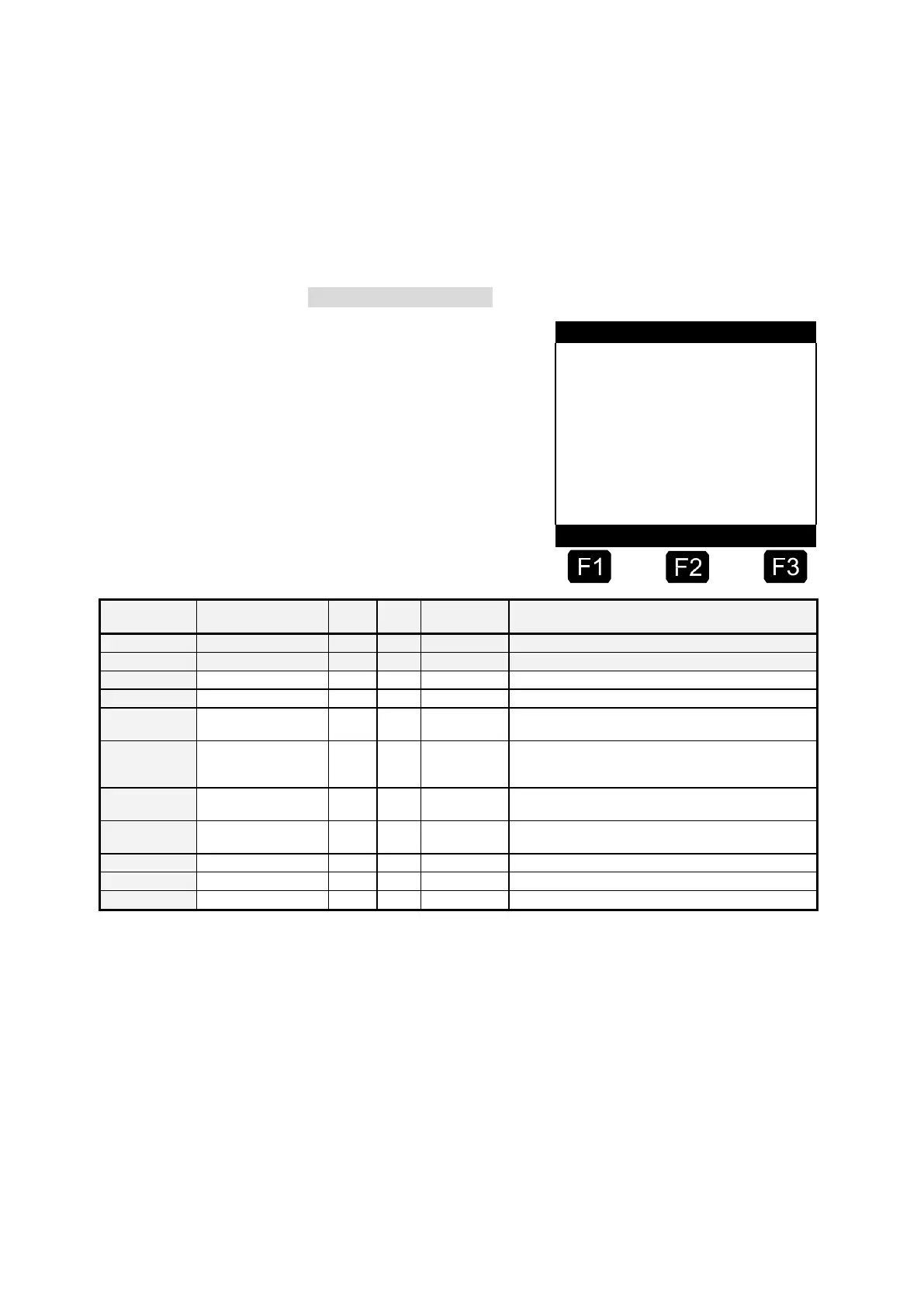
Selection of the output
The specified parameters are
identical for all outputs. An
output can be linked either with
an output/input or used to
control an additional hose path.
Local reference output to be linked 1 .. 7
Reference input to be linked 1 .. 4 (local), 5 .. 6
(external)
Minimum time between detected change of the
reference in/output and switching of the allocated ext.
output. (0 .. 100 * 0.1s)
Status of the allocated ext. output should assume
inverted status of the reference in/output.
Up to 5 project dependencies can be defined. (0, 10 ..
39)
Use output to control an additional hose path.
Designation of the additional hose path
9.14.3.1
Linking the outputs
The necessary parameters for the logical linking of the IO module outputs
are compiled under menu item 3.1.6.0.4.x.1. The corresponding
configuration is to be carried out separately for each output.
•
Output
Determines whether the related output should be linked with an
output, i.e. the status of the external output follows the status of the
linked output. Valid pre-settings in this case are "0, 1 .. 7", where "1"












 To Next Page