If you have made a faulty
entry, the respective input
field is marked
automatically, enabling
you to correct your entry.
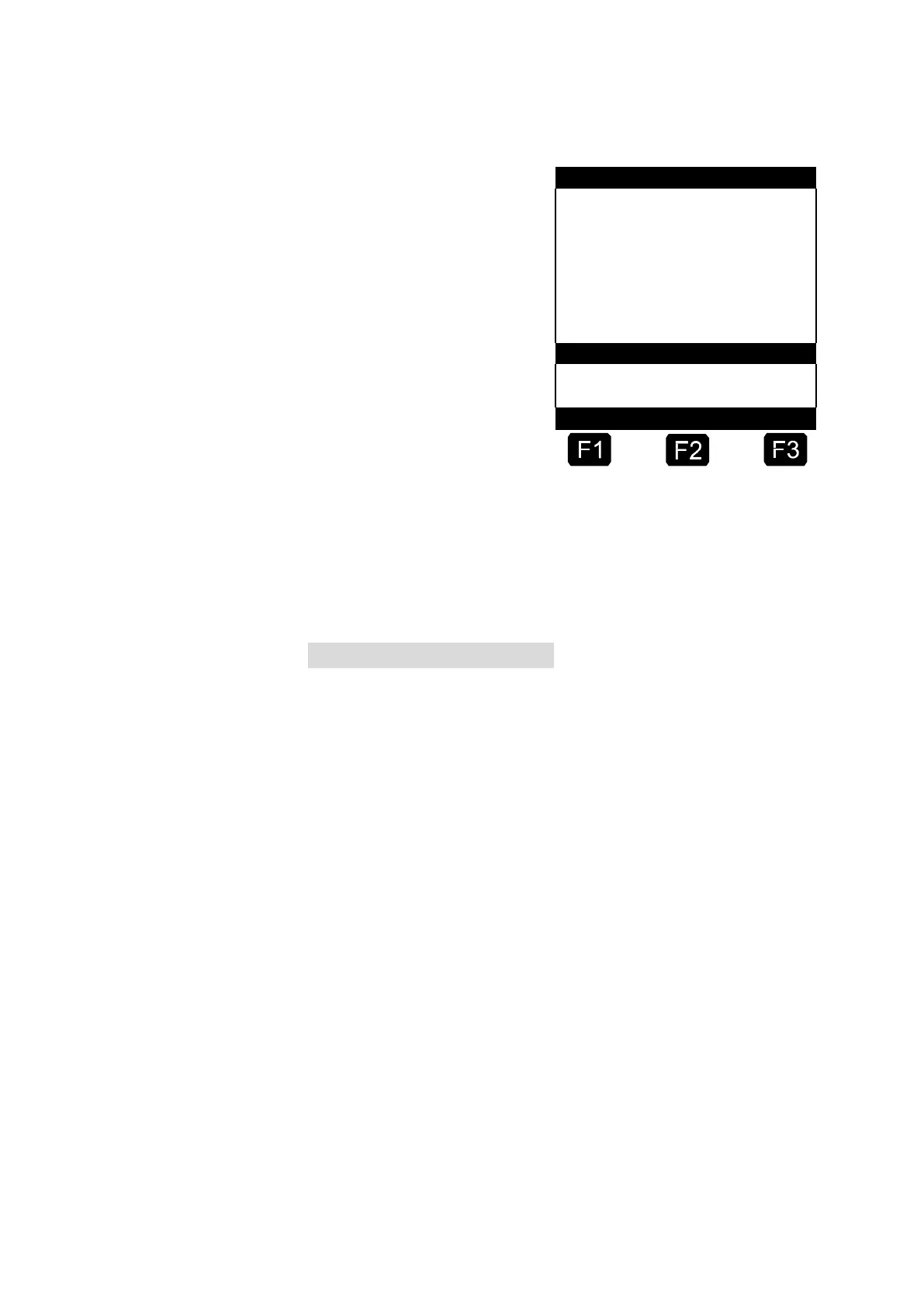
The delivery screen is
divided into two sections:
•
In the main display
the discharged
quantity and
compensation mode
(compensated/uncom
pensated) are
continuously
displayed.
He at
Del iv er y
•
In the auxiliary display additional discharge details, e.g.
product temperature and flow rate are displayed.
By pressing <F3> you can switch to several system messages
(e.g. the delivery start time).
8. Terminate the discharge
By pressing <Stop> the discharge can be interrupted at any time
before the preset quantity has been reached.
You can continue (with the same preset values) by pressing
<Start> again.
By pressing <Stop> you terminate the discharge.
When the preset amount has been reached, discharge is
interrupted and the query: “Resume discharge?” appears.
You now decide whether the discharge is to be continued with a new
preset:
If you press <F1> for 'Yes'
Enter the additional amount to be discharged. Confirm with
<Enter>. Press <Start> to resume discharge.
Now the discharge is continued until the total preset amount is
reached.
If you press <F2> for 'No' the query: “More products?”
appears.
If you answer by pressing <F1> for 'Yes'












 To Next Page