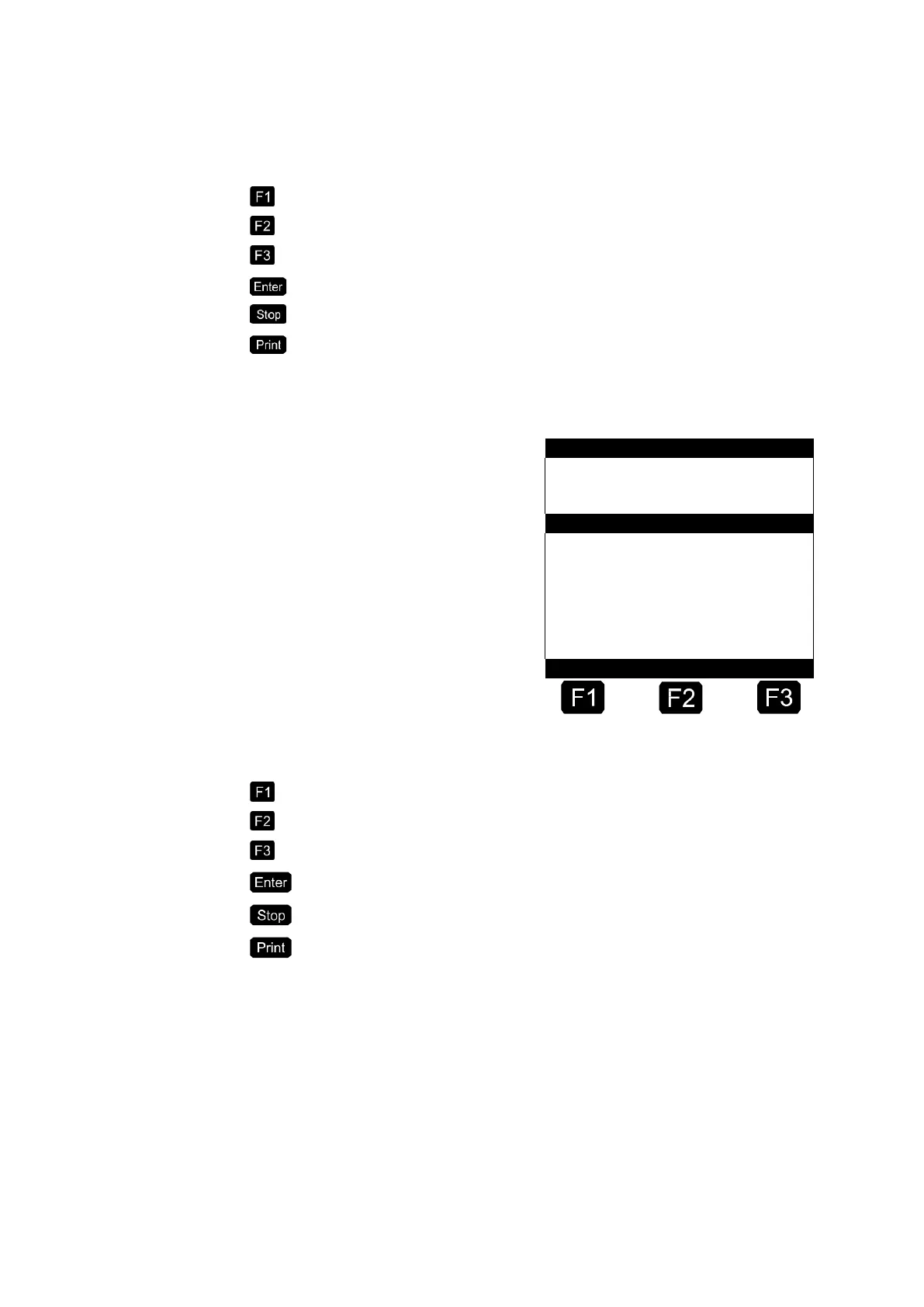
The following keys are used to control the list:
Create and insert a new element
Delete displayed element
Display next element
Edit element
Terminate editing of form, cancel all changes after confirmation by the user
Terminate editing of form
The field to be edited is identified in pointed brackets > <:
Active Entry Field →
The following key assignment applies when editing:
Shift between upper and lower case characters
Deletes the character to the left of the cursor.
When active: Selects the language with multilingual text.
Save entry, continue with the next entry field.
Cancel dialogue, restore old values, close mask.
Close dialogue, save all entries.
The defined receipt layout can be printed and checked in the reports
menu (PRINT).












 To Next Page