Press the
+
(NEXT) key to set “PARITY” to <None>.
To set “PARITY” to <Even>, press the
“EVEN” is printed out.
To save this value and exit, press the
(NEXT) key until
(SETUP/EXIT) key. In order to confirm, the new value
was successfully implemented, “Save and exit” will be printed out
afterwards.
Press the
+
(NEXT) key to exit the setup mode.
14.7.3
Switch from continuous-forms paper to single sheet
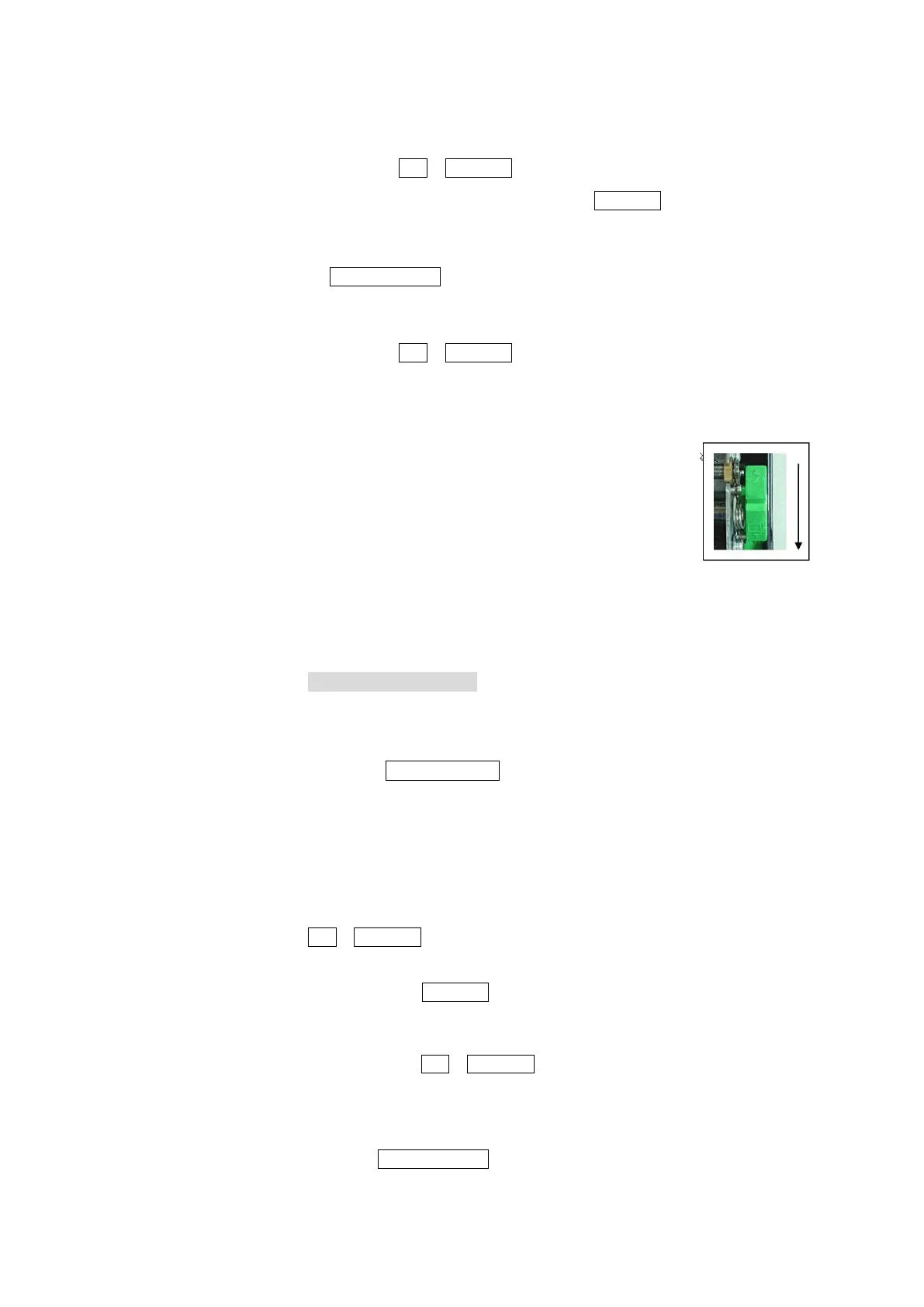
Open cover and switch green paper select lever on
the right side to “single sheet”.
14.7.4
Changing the form length in “MACRO” Setup mode
Only change this option when not printing in 12 inch format!
Activate Setup mode
Insert paper.
Press the POWER/SLEEP key and release after one second (Power
on), press the READY/CLEAR (SETUP/EXIT) key immediately
afterwards and also release after one second.
Select the “MACRO” function
Wait until printer has stopped printing and press the
ALT + LOAD/FF (NEXT) key to select the “MACRO” function.
Print menu form length
Press the
is printed out.
(NEXT) key eight times until “FORM LENGTH”
Change setting from 11 inch to 12 inch
Press the + (NEXT) key until “12 inch” is printed out.
End the “MACRO” function
Press the
(SETUP/EXIT) key












 To Next Page