Chapter 5 - Working With Scan Modes Using M-Mode Image Controls
Terason t3000 / Echo Ultrasound System User Guide 108
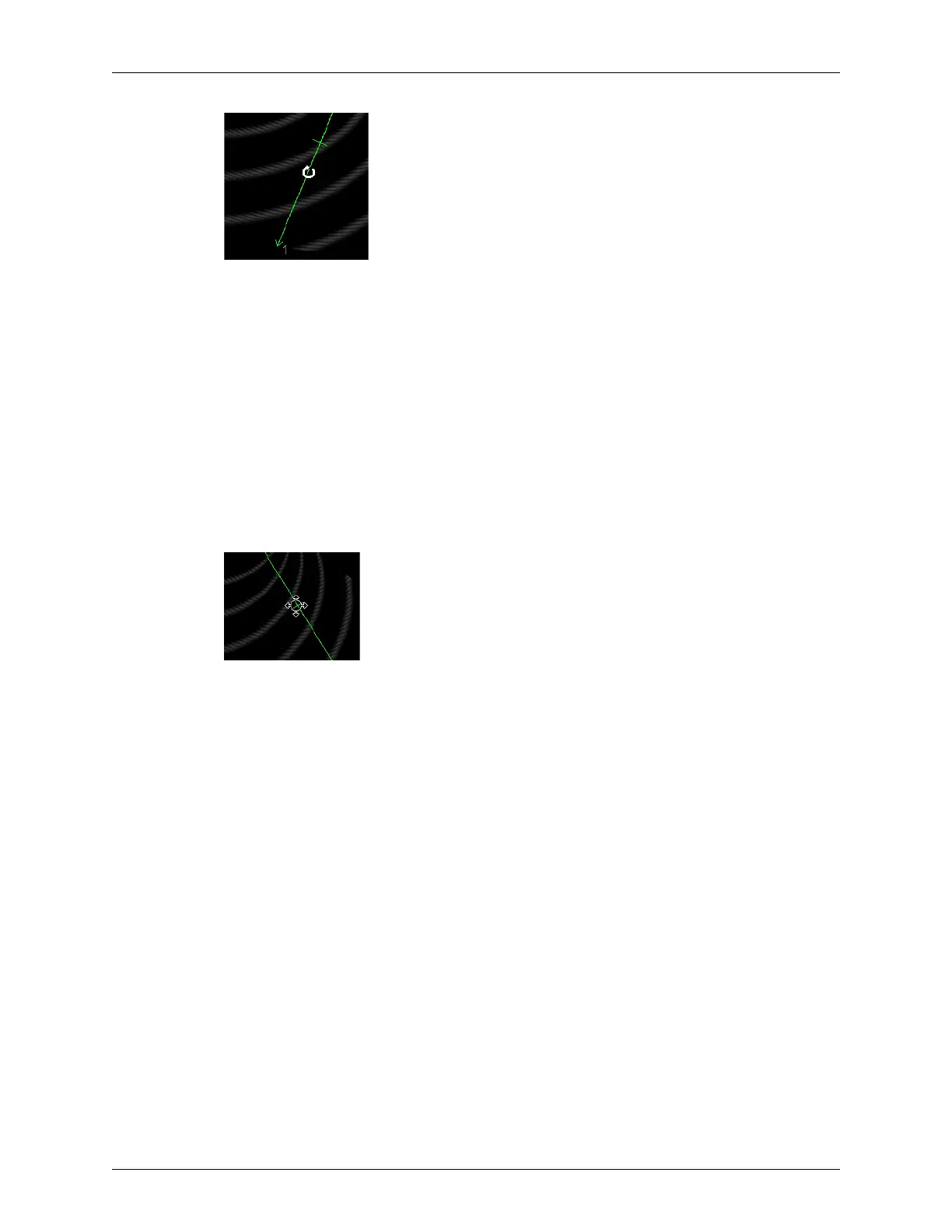
Rotating the Ultrasound Cursor With Anatomical M-Mode
3. Move the cursor to the left or right, and click again when the ultrasound cursor angle
is correct.
Adjusting the Ultrasound Cursor Offset
To offset the ultrasound cursor in the scan area:
1. Click
Anatomical M-Mode to enable it.
The software adds a crossbar and arrowhead to the ultrasound cursor.
2. Click on the crossbar.
The ultrasound cursor turns green, and a circle with four arrowheads replaces the
standard pointer.
Offsetting the Ultrasound Cursor With Anatomical M-Mode
3. Move the ultrasound cursor, and click again when the ultrasound cursor offset is
correct.
Using the Console
When the console is extended while live imaging in M-mode, the Scan Mode toolbar
changes to display the current settings of a group of controls. The specific control settings
displayed vary, depending on which transducer is connected and on other selections.
Pressing the left and right arrow buttons at the left-center of the console changes the
controls displayed in the four boxes.
To change a setting, use the up and down arrow buttons at the top left corner of the
console. Each pair of up and down arrow buttons controls the setting in one of the four
boxes in the Scan Mode toolbar. The position of the button set corresponds to the position
of the box – the leftmost up and down buttons control the setting in the leftmost box, and
so on.
See Console Controls on page 35 for more information on using the console.



 To Next Page