Chapter 2 - Installing Software Upgrading Terason Software
Terason t3000 / Echo Ultrasound System User Guide 39
9. On the Setup Type dialog box, click Next >.
10. On the Ready to Install dialog box, click
Install.
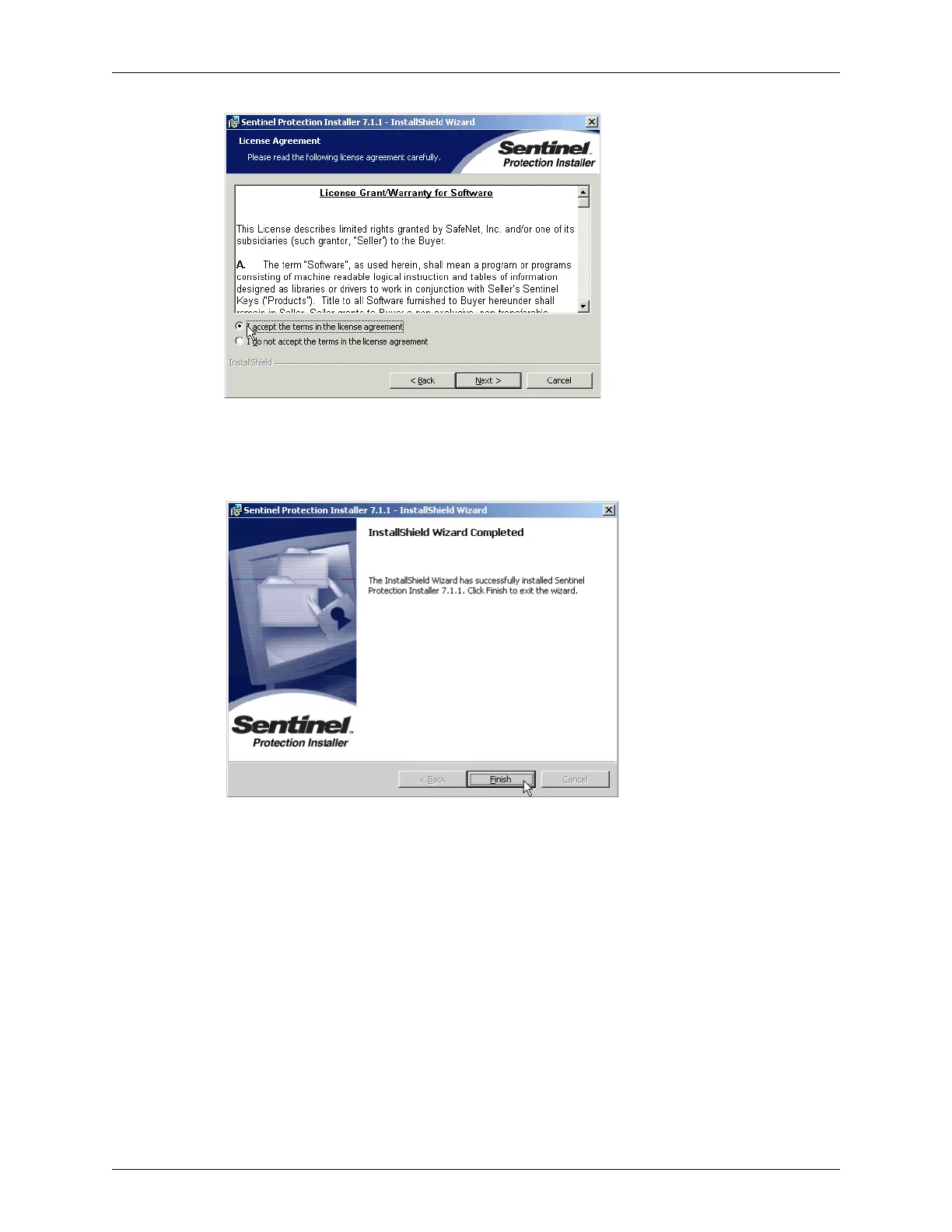
When finished, the installer displays a setup complete message.
Installation Complete Message
If you see “Rebooting is required,” you must restart your computer before you use the
Terason software.
11. Click
Finish.
Upgrading Terason Software
When upgrading software, the Terason installer first removes the existing version, and
then installs the new version.
To upgrade to a newer version of the Terason software, complete these steps:
1. Exit all applications and unplug the Terason transducer from the engine.
2. Insert the Terason CD into the CD-RW drive. The Uninstall dialog opens.



 To Next Page