Chapter 4 - Acquiring Images Working with Annotations
Terason t3000 / Echo Ultrasound System User Guide 86
Using Body Markers
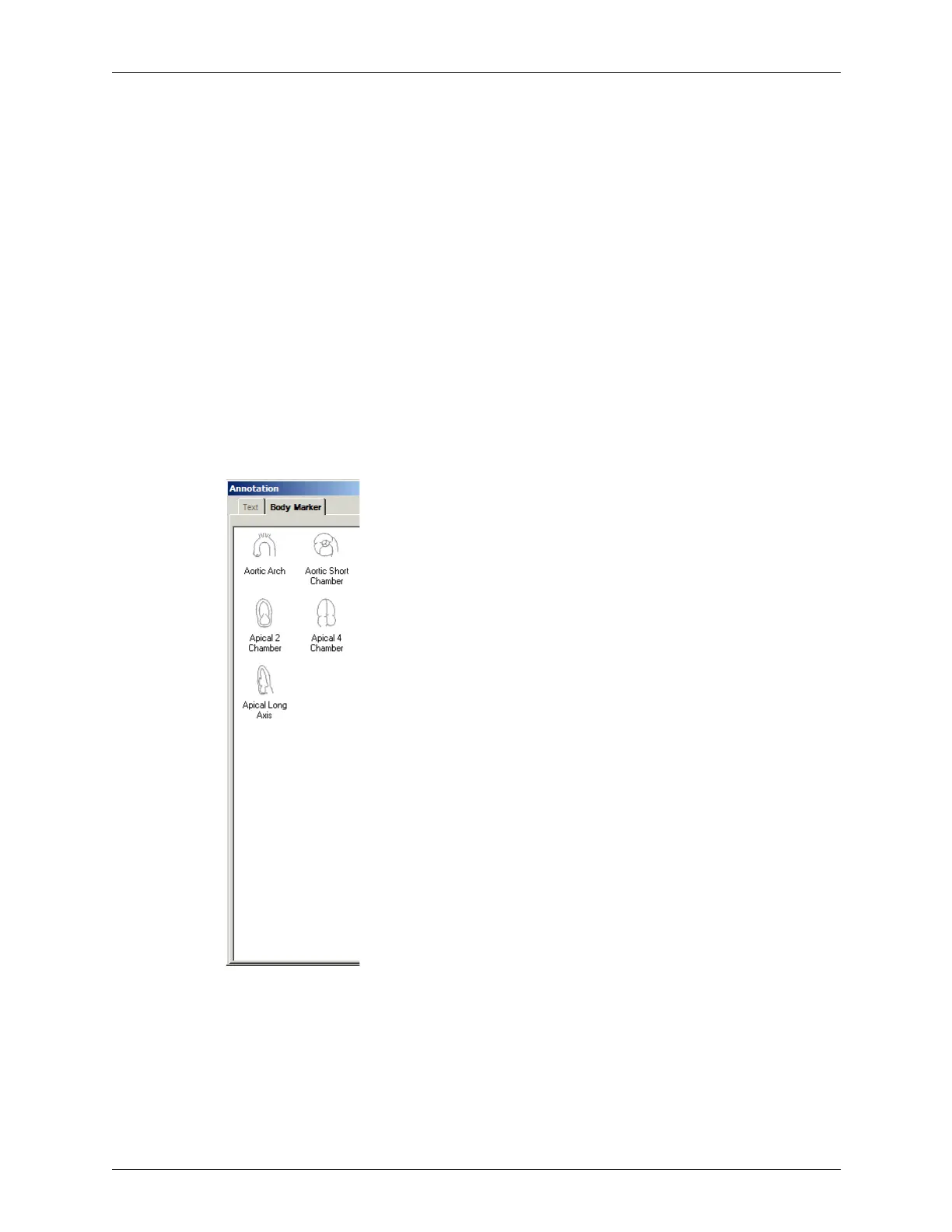
You can add an icon to the 2D image that identifies the anatomy of the scan. Body Marker
in the Annotation menu opens a window containing several anatomical views based on
the current exam.
To work with body markers, you must understand:
• Adding a Body Marker on page 86
• Changing the Icon in the Body Marker on page 87
• Moving the Indicator on page 87
• Changing the Indicator’s Direction on page 87
• Rotating the Indicator on page 88
• Removing the Body Marker on page 88
Adding a Body Marker
To add a body marker to an image, complete these steps:
1. Select
Annotation > Body Marker. The Terason software opens the Annotation window.
Adding a Body Marker to a Scan
2. Click the view for the body marker you want. The Terason software adds the icon to
the scan and closes the Annotation window. The pink rectangle within the marker icon
indicates the precise location.



 To Next Page