Chapter 4 - Acquiring Images Adjusting the Displayed Image
Terason t3000 / Echo Ultrasound System User Guide 76
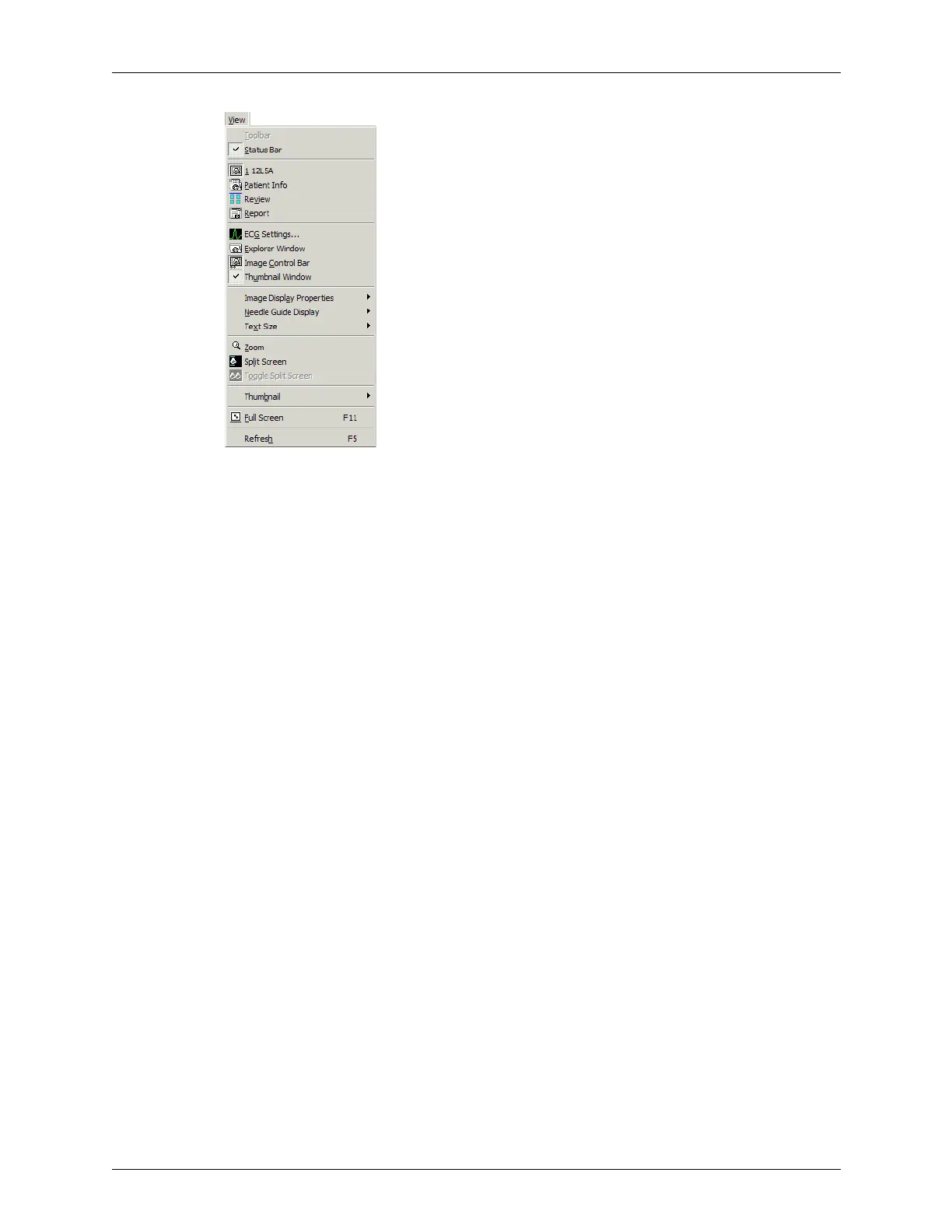
Showing or Hiding Windows
The menus work as toggles: each time you select or click it, the Terason software hides or
shows the window depending on its current state.
The Status Bar menu item hides or shows the status bar at the bottom of the imaging
window.
The Image Display (indicated by the transducer model number), Patient Info, Review
and Report menu items show the selected window in front of the other two windows; you
cannot close these windows.
Enhancing the Image Using TeraVision™
Optimization
TeraVision is an optional image-optimization package that sharpens images produced by
the Terason ultrasound system. TeraVision requires a license. See the TeraVision Image
Enhancement Installation Guide for instructions on installing the TeraVision software.
The default configuration starts TeraVision when the Terason ultrasound system starts. To
change this so the Terason system starts with TeraVision off, see Starting the System with
TeraVision Off on page 250.
The following figure shows the Image Control window with TeraVision installed.



 To Next Page