Chapter 7 - Working With Measurements Measuring in the 2D Window
Terason t3000 / Echo Ultrasound System User Guide 164
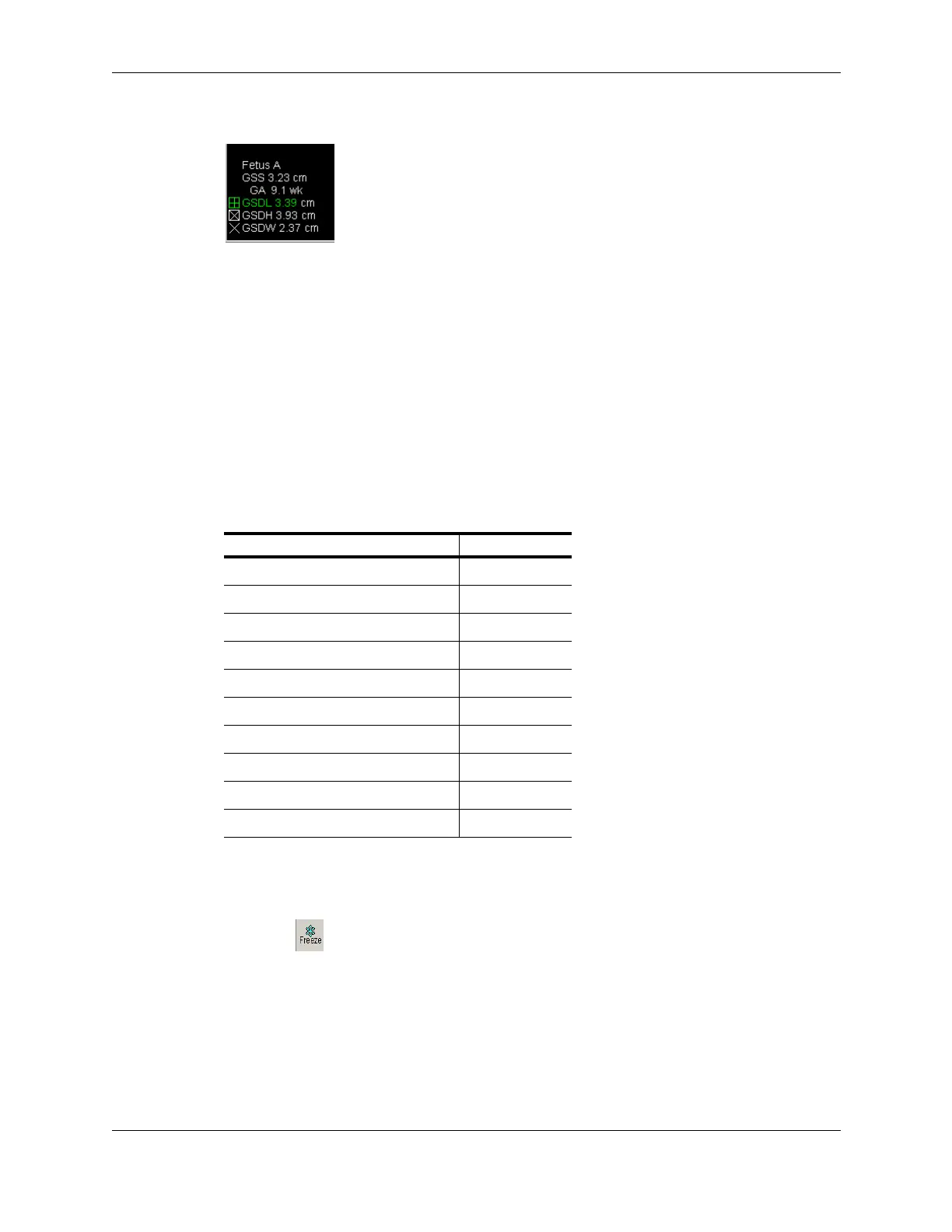
When all three labels are assigned, the application calculates the gestational sac age.
Gestational Sac Measurements
The GSS value is the mean of the three measurements. The GA value is the age retrieved
from lookup tables.
If the GA value does not display, follow the instructions in Setting Measurement Defaults
on page 250 to select the Terason default measurement setup.
Making Gynecological Measurements
All gynecological measurements use the distance tool (see Measuring Distances on
page 151). When you freeze a Gynecological exam, the Terason software lets you choose
any of the default 2D measurements, plus the measurements in the following table.
To make a gynecological measurement, complete the following steps:
1. Perform an gynecological exam.
2. Click .
3. Select the needed measurement from the Measurement list. The Terason software
selects the Caliper tool.
4. Click at the beginning and end points of what you want to measure. The Terason
software displays the measurement value.
Available Gynecological Measurements
Gynecological Measurement Label
Uterus Length UTL
Uterus Width UTW
Uterus Height UTH
Endometrial Thickness ENDO
Right Ovary Length ROVL
Right Ovary Width ROVW
Right Ovary Height ROVH
Left Ovary Length LOVL
Left Ovary Width LOVW
Left Ovary Height LOVH



 To Next Page