Terason t3000 / Echo Ultrasound System User Guide 22
1 About the Terason Ultrasound System
The Terason Ultrasound System is an easy-to-use, portable ultrasound system that
produces high resolution images.
The microminiaturized ultrasound system runs under the standard Windows interface for
easy navigation. The Terason software can run on a desktop or laptop computer. You can
also connect the computer to a VCR or a printer for image output.
This section of the Terason User’s Guide includes the following topics:
• About Ultrasound Modes on page 22
• Support for Medical Procedures on page 29
• Terason Transducers on page 30
• About the Terason Main Screen on page 32
• The Terason Console on page 34
About Ultrasound Modes
Ultrasound is primarily an operator-dependent imaging technology. The quality of images
and the ability to make a correct diagnosis based on scans depend on precise image
adjustments and adequate control settings applied during the exam. The Terason software
provides tools to optimize the image quality during a patient scan for all image modes.
The Terason Ultrasound System can be licensed with different levels of features. The
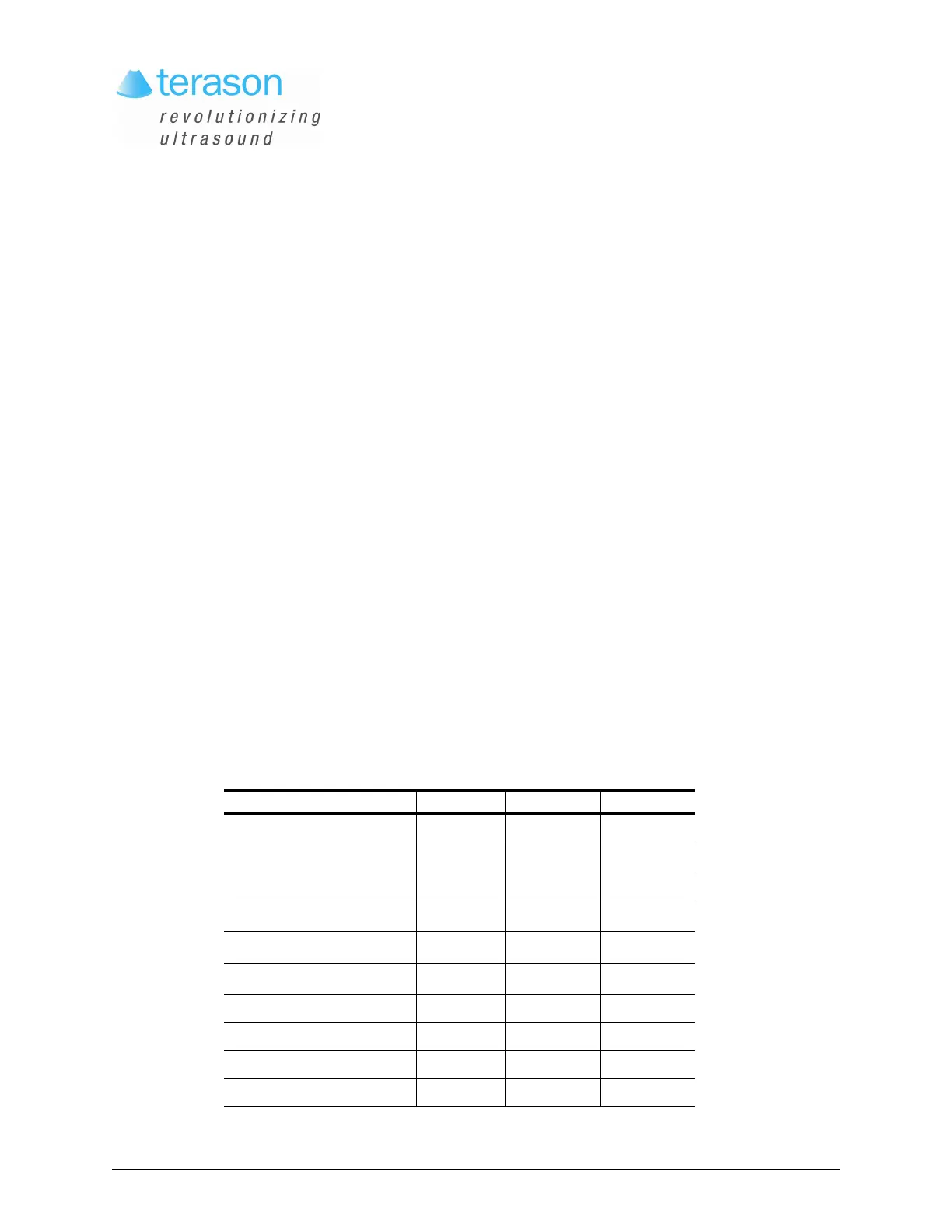
following table lists which scan modes come with each version.
Terason Scan Mode Availability
Mode Standard Advanced Optional
2D Mode XX
M-Mode (Motion Mode)
XX
Directional Power Doppler XX
Power Doppler
XX
Color Doppler
X
Pulsed-Wave Doppler
X
Continuous-Wave Doppler X
Triplex X
Tera Vi sion X
Omni Beam X



 To Next Page