Chapter 4 - Acquiring Images Conducting an Ultrasound Exam
Terason t3000 / Echo Ultrasound System User Guide 66
Choosing a Scan Mode
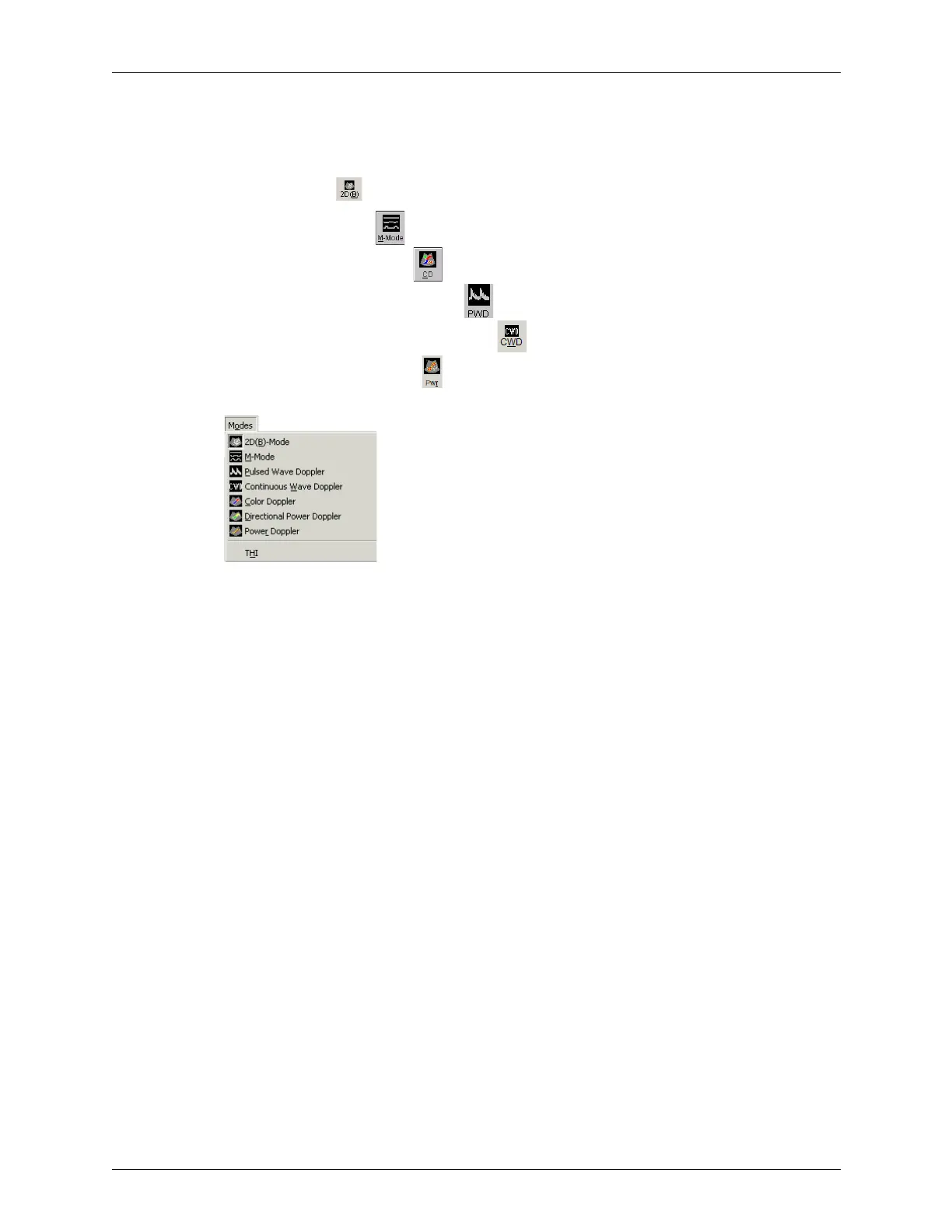
To choose a scan mode, click the appropriate button on the toolbar:
• For 2D, click
• For M-Mode, click
• For Color Doppler, click
• For Pulsed-Wave Doppler, click
• For Continuous-Wave Doppler, click
• For Power Doppler, Click
You can also select a scan mode from the Modes menu.
Scan Modes in the Modes Menu
You can also use shortcut keys to start scanning:
• B for 2D
• M for M-Mode
• C for Color Doppler
• P for Pulsed-Wave Doppler
• W for Continuous-Wave Doppler
• D for Directional Power Doppler
• R for Power Doppler
Conducting a 2D, M-Mode, or Color Doppler Exam
If you are using the 4V2A transducer in 2D mode, see Special Controls Used With the
4V2A Transducer.
To conduct an ultrasound exam in 2D, Color Doppler, Power Doppler, Directional Power
Doppler, or M-mode, complete these steps:
1. If you use more than one Terason transducer, click the Image Display tab for the
needed transducer.
2. Load or create the patient information. See Chapter 3, Setting Up Patient Information,
on page 56 for instructions.
3. Click the icon for the needed scan mode:



 To Next Page