Chapter 7 - Working With Measurements Measuring in the 2D Window
Terason t3000 / Echo Ultrasound System User Guide 154
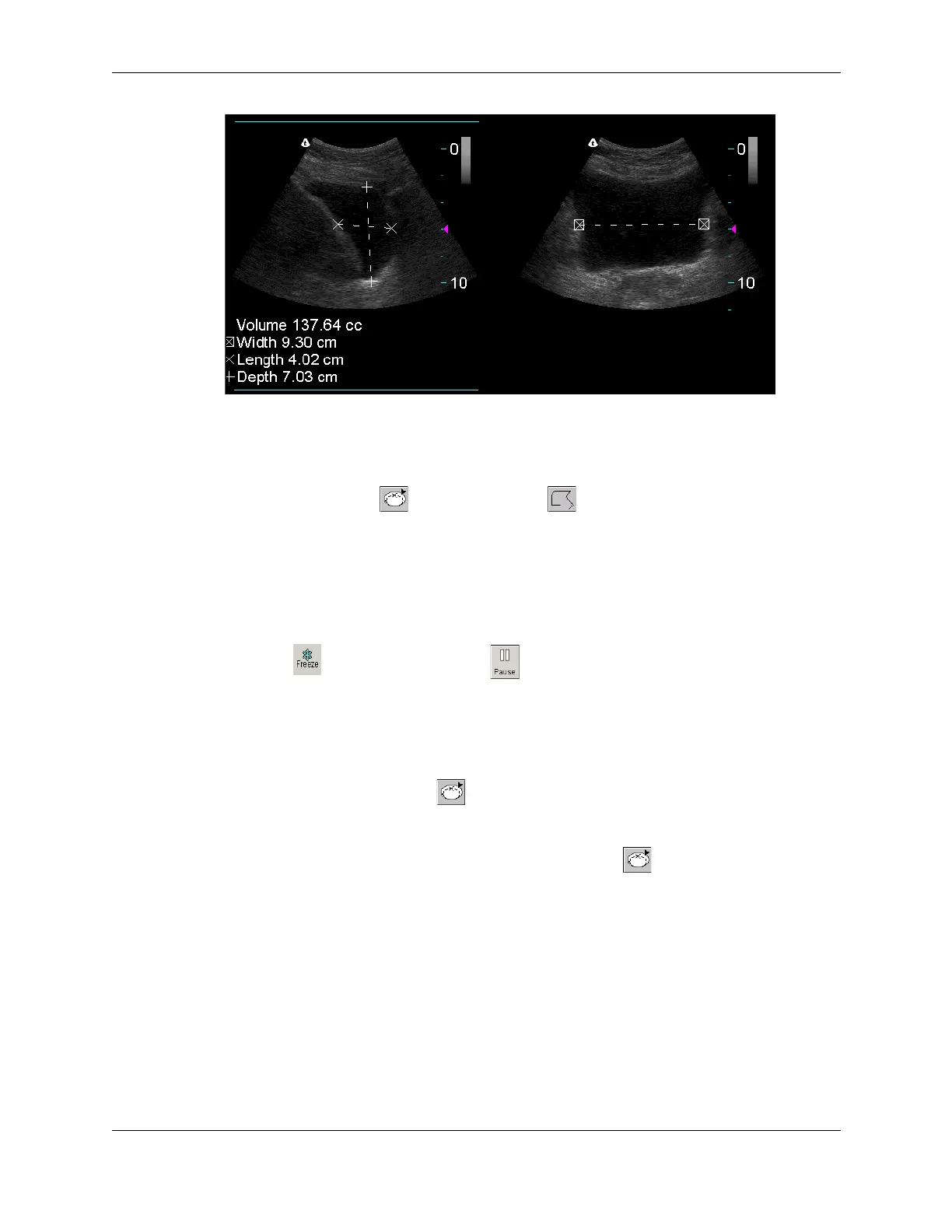
Split Screen Volume Measurements
Measuring Elliptical Circumference and Area
You can use either the (ellipse) tool or the (trace) tool to measure a
circumference on the image. To measure an oval area, use the Ellipse tool. To measure the
area of an irregular shape, use the Trace tool. See Tracing Areas on the Image on page 155
for instructions on using the trace tool.
To measure a small area, use the
Zoom function before you measure.
To use the ellipse tool to measure an elliptical area, complete the following steps:
1. Click . If playing a loop, click .
The measure tabs for the selected scan mode are added to the Image Control window.
2. If necessary, click the 2D Measure tab or click in the 2D window.
3. Use one of the following methods to activate the ellipse tool:
• Click the Ellipse button
• Select
Circumference from the Measurement menu
• Select
Area from the Measurement menu, then click
4. Position the target cursor at one end of the area that you want to measure and click.
5. Move the target cursor to the other end of the desired area, and click.
The Terason software displays a green line and shows the circumference and area
values at the bottom of the image.



 To Next Page